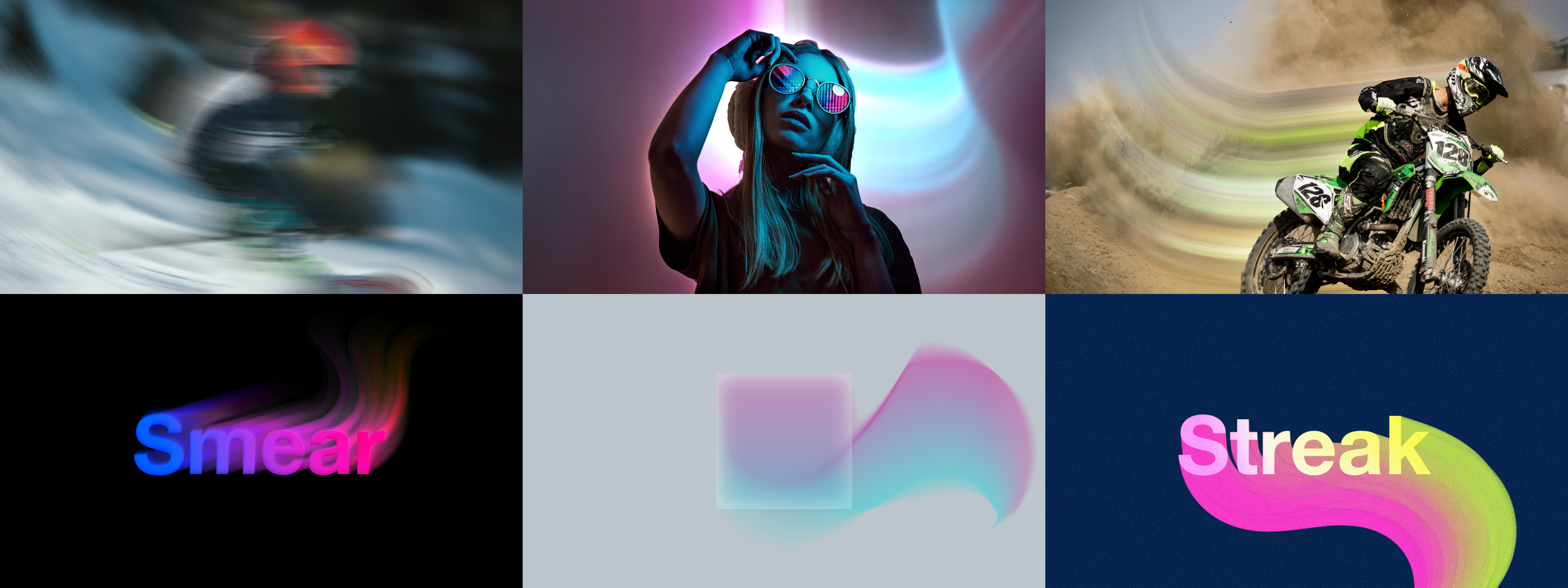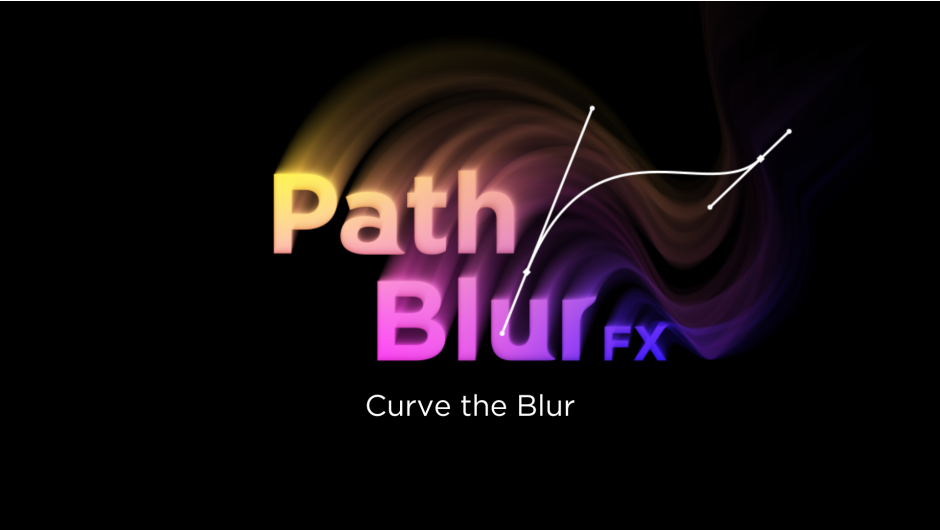
PathBlurFX is an After Effects plugin for blurring along a mask path. It calculates a vector field from the path and applies blur in the field’s direction, producing effects similar to motion blur or a smear. The path guides blur direction, while controls at its start and end shape how the effect changes along the way.
Shape blur along the path
You can set the blur amount at the start and end of the path, then offset those positions to change where each amount applies. A smoothing control softens sharp changes in blur direction. Dynamic Sampling keeps sample density consistent, and the developer describes the interface as simple and minimal.
Motion-like and stylized results
The developer describes a motion-blur-like treatment for a layer containing only the subject. On text or shape layers, PathBlurFX can create a melting-like appearance. It can also produce a stretched effect that ignores opacity. These are possible results of the effect; the look depends on how the mask path and blur controls are used.
When PathBlurFX fits
PathBlurFX suits After Effects work where blur should follow a mask path and vary along it. The start and end controls help shape the effect across the path, while smoothing can soften abrupt directional changes. That combination is useful when a shot calls for a directional smear or stylized movement on a subject, text, or shape.
Before installing, confirm compatibility with your After Effects version on the PathBlurFX product listing. The listing includes a tutorial and a free trial, so you can review the effect in context.