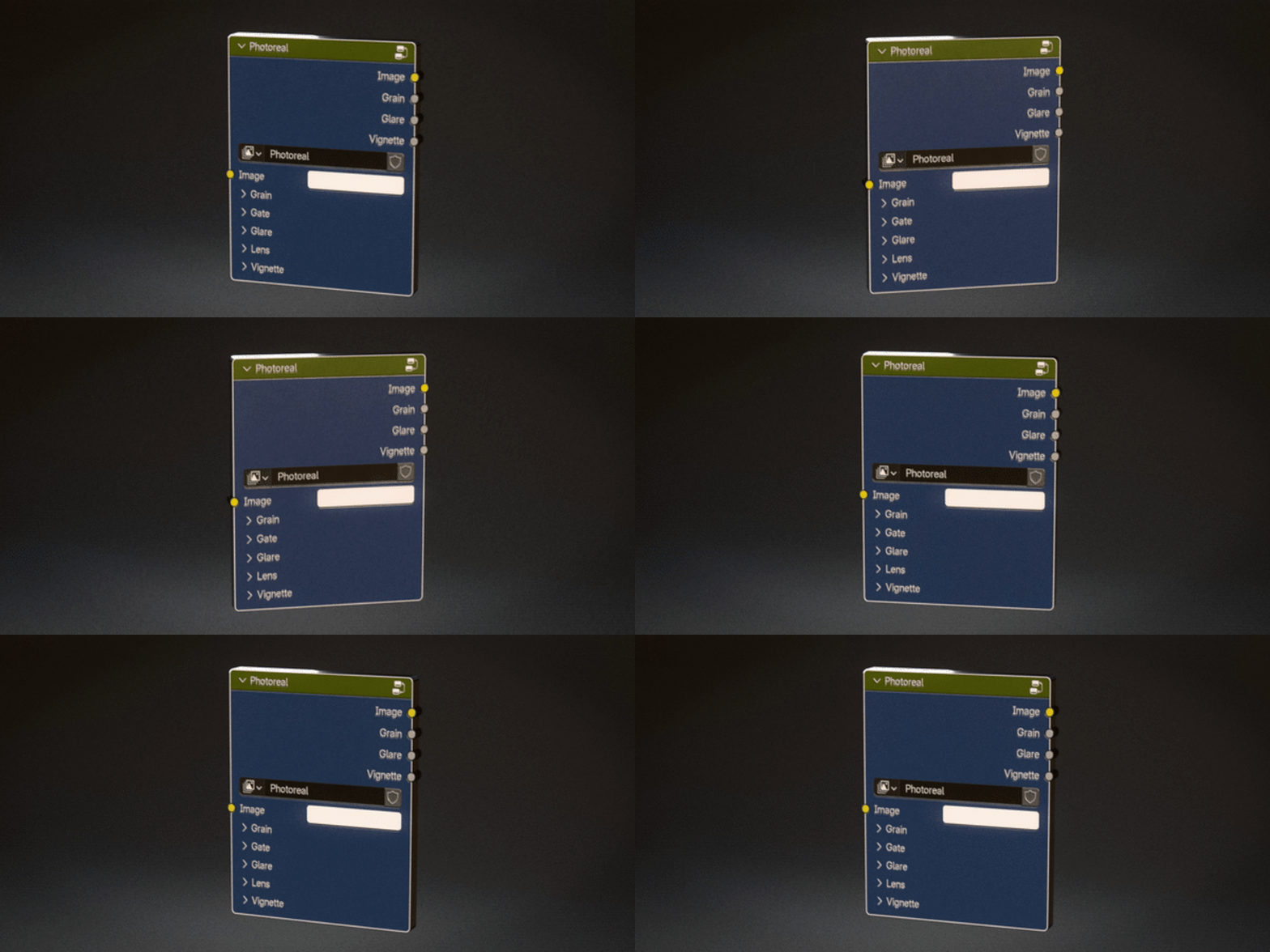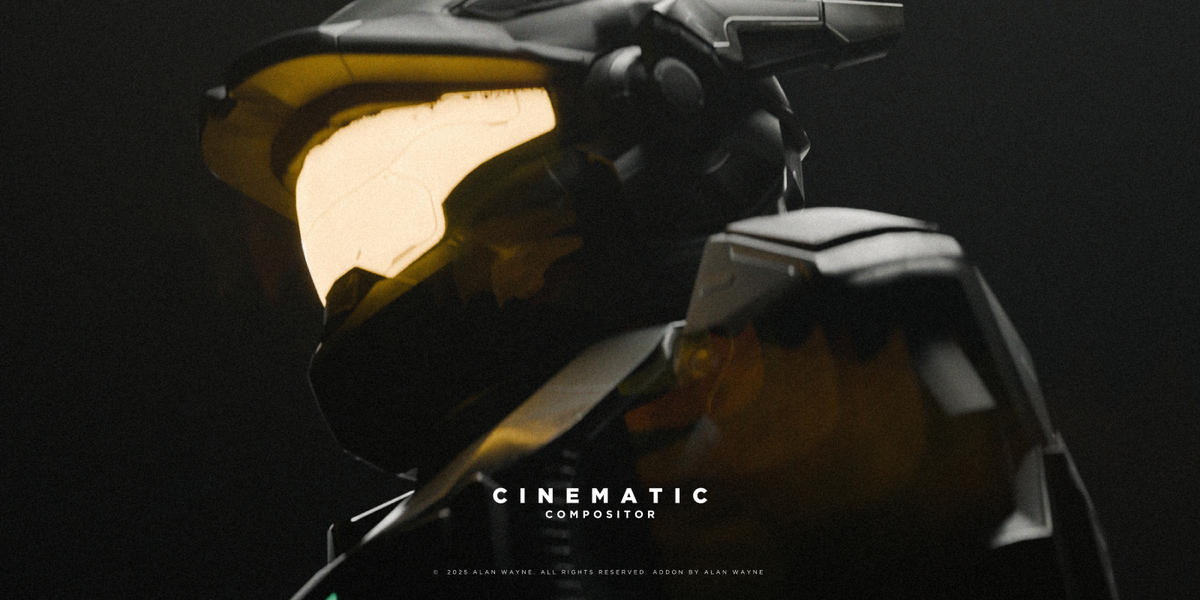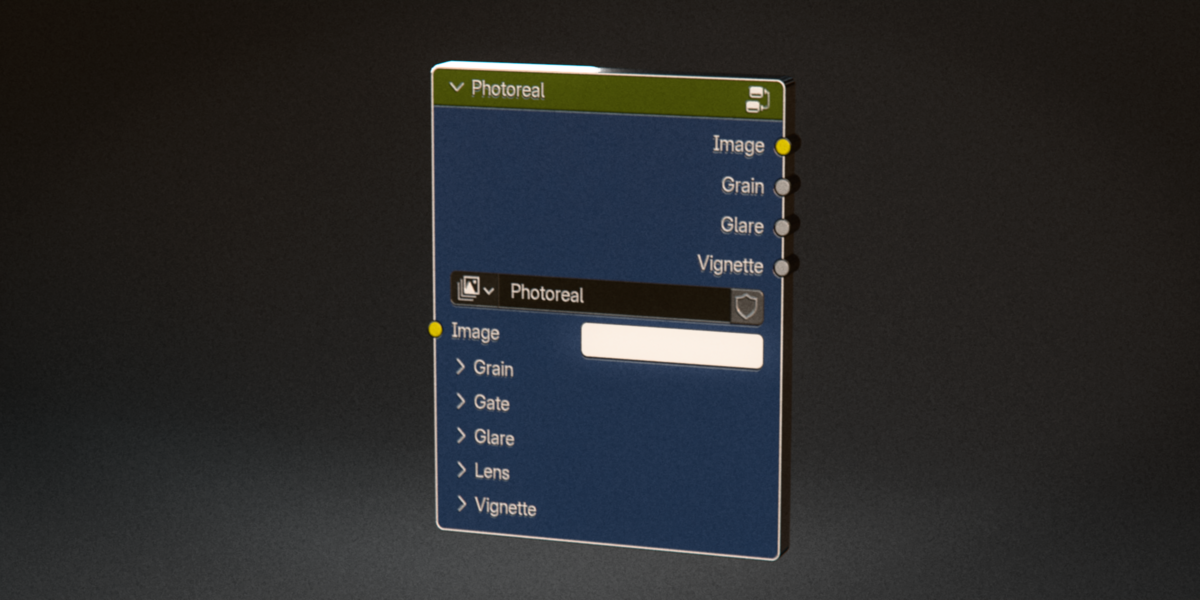
Photoreal is a Blender compositing add-on that adds procedural film and lens effects to renders. Its node combines effects such as film grain, gate movement and lens distortion, and updates them on every frame. The product listing specifies Blender 4.2 or newer and a royalty-free license.
Film and lens effects
- Gate weave simulates slight movement of a film gate, while gate flicker adds its subtle flicker.
- Film grain adds the texture associated with film stock.
- Glare simulates lens glare from bright objects.
- Lens artifacts include chromatic aberration, distortion and slight softening.
- Vignetting darkens the corners of the frame.
The creator’s FAQ says the node works with both stills and animation.
Install and find the node
Drag the add-on’s ZIP file into Blender to install it. In the compositor, choose Add Node > Filter > Photoreal. You can also search for Photoreal in the Add menu. The marketplace listing calls for Blender 4.2 or newer.
Adjust the effects to the shot
The creator advises using restraint: too much grain or gate weave can become noticeable. Adjust the values to suit the shot, and review the effect across the animation because it updates from frame to frame.