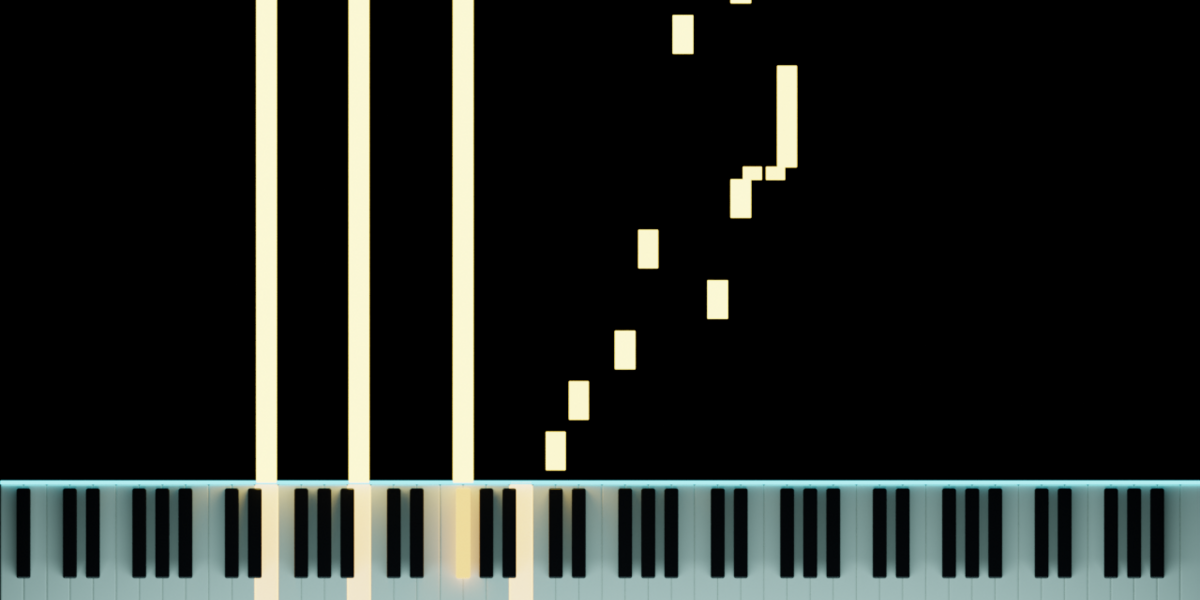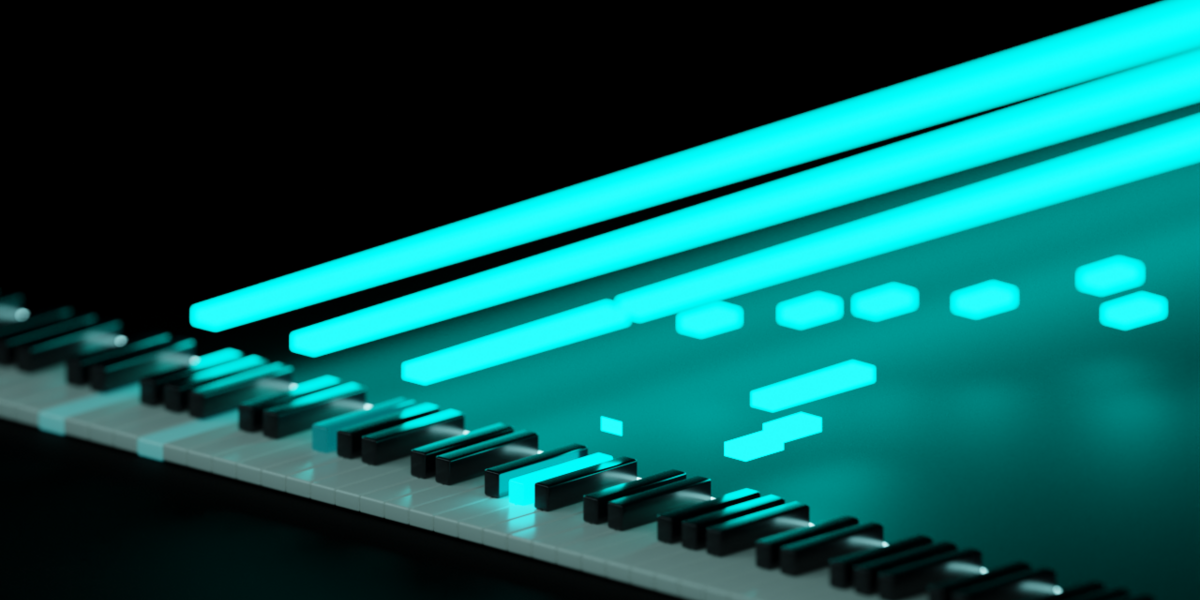
PianoFlare is a Blender add-on for creating animated piano visualizer scenes with MIDI files or generated test notes. It generates a piano keyboard and scene collection, maps MIDI notes to keys, and animates note bars toward a hit line. When notes reach the keys, the keys light up; hit sparks are optional. The product listing describes it for music creators and Blender artists making piano-based visual effects.
Generate a MIDI piano scene
Start by generating the piano scene in Blender. The add-on creates the keyboard, materials, hit line and scene collection. You can generate test notes to preview the animation before importing a MIDI file. For a MIDI-based scene, choose a file and import it; PianoFlare maps its notes to the keyboard. After import, click Animate Notes to move them toward the hit line. The user guide also describes setting up a camera and rendering the animation through Blender.
MIDI import may require the mido package in Blender’s Python environment. If importing fails with a missing-package message, the guide recommends checking that mido is installed in that environment.
Adjust the visual movement and effects
Controls include note direction, note speed and note color, along with key glow color and strength. You can also enable or disable hit sparks and adjust their particle amount. The guide lists optional key-press animation and settings for the frame range. These controls let you change how the notes travel and how the keys respond without building each effect by hand.
Renderers and practical limits
The product listing specifies Blender 3.6 through 5.1; the user guide recommends Blender 3.6 or newer and says Blender 4.x is supported where possible. The listing names Cycles and Eevee, while the guide recommends Eevee for visualizer work and bloom if it is available. Check both for the version you use.
PianoFlare creates the animation, not music or MIDI playback audio. Add audio separately in Blender or a video editor. The guide also cautions that dense or large MIDI files can create many objects and slow Blender down. Shorter files, fewer notes, disabled sparks or a lower particle amount can reduce the scene load.
Who it suits
PianoFlare is suited to Blender artists and music creators who want a generated piano scene for a music visualizer, music video or other piano-based animation. It is aimed at visual production rather than music composition or professional notation. The product listing identifies its license as GPL; check the current product terms for details about using or sharing the add-on files.