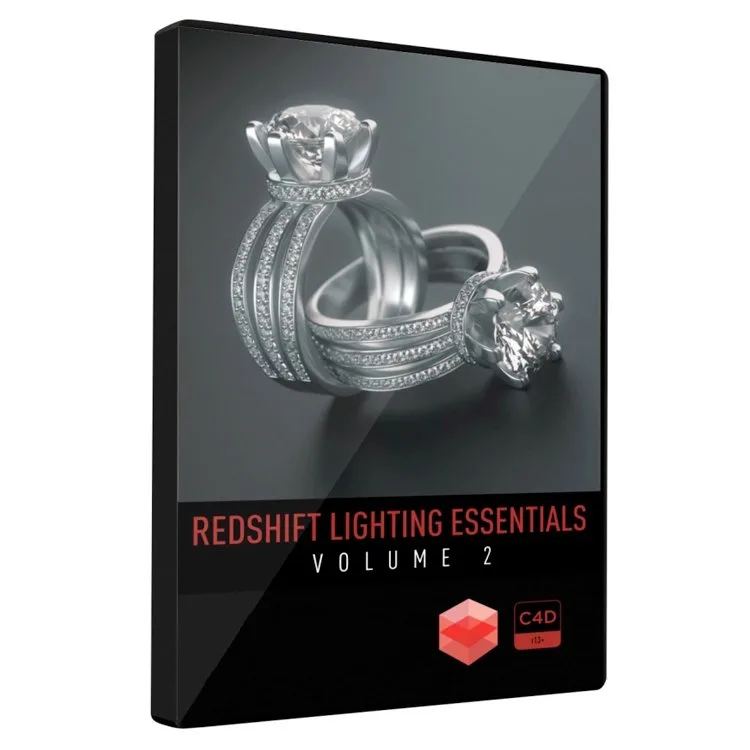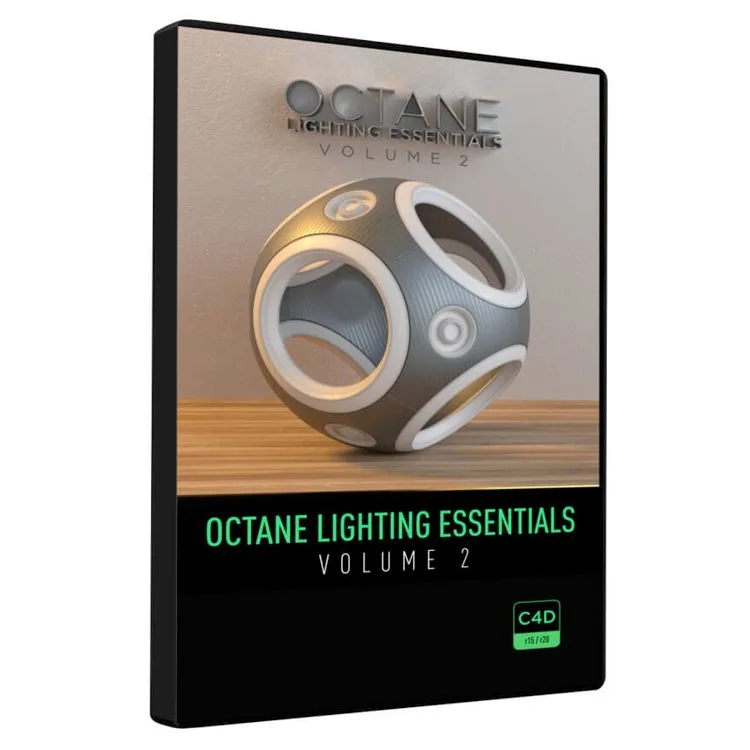
Pixel Lab Redshift Lighting Essentials is a collection of 20 customizable studio scenes for Cinema 4D artists using Redshift. Each scene includes an Xpresso rig for adjusting its lights and colors, giving you editable studio setups for product, vehicle, jewelry, portrait and cinematic renders.
What comes with the pack
The studios cover several kinds of subjects and looks. The collection includes clean, seamless product setups, a shooting room for high-detail models, back-lit and hard-light scenes, and a car studio. There are also setups for jewelry and beverage packaging, plus portrait and cinematic lighting.
Choose a studio for the subject
Start with the scene that fits the subject you are rendering, then use its rig to adjust the lighting and color. A product or packaging setup gives you a focused studio environment, while the car studio is made for vehicle renders. The high-detail shooting room is another option for models. Scene names and features help narrow the choice; the available descriptions do not specify a separate list of controls for every studio.
A demo video is available if you want to preview the collection before downloading it.
Adjust lights and colors with Xpresso
The Disco Studio adds controls for color changes, animation and flickering. Fog options are available in scenes such as Ray of God and Big Studio, rather than being described as a collection-wide feature.
Access and compatibility
The pack is delivered as a .lib4d file for access through the Cinema 4D Content Browser. It requires Redshift 2.5 or later in Cinema 4D. The catalog lists the pack as free; check the product listing for current availability and usage terms before downloading.