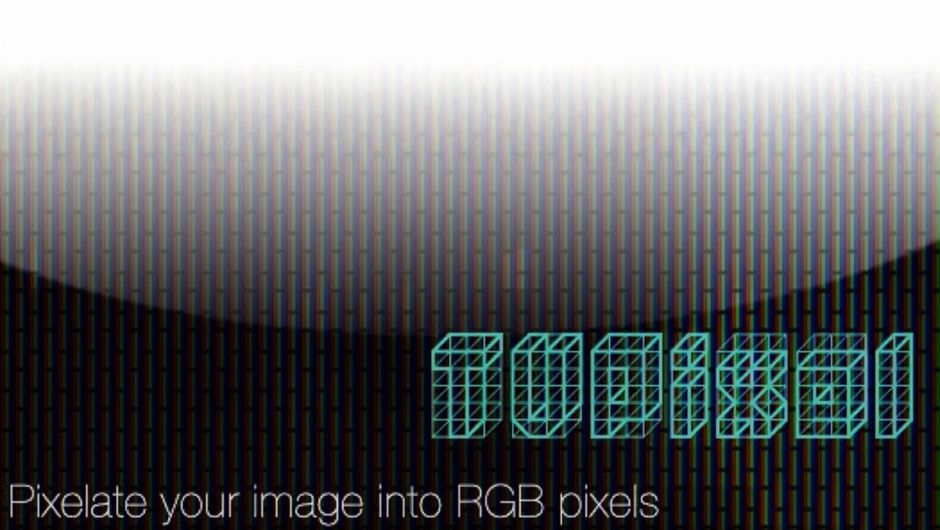
Pixelocybe by Satori is a mosaic and displacement filter for Adobe After Effects and Premiere Pro. It maps pixel luminance to the mosaic distortion, and its optional second input lets you use another layer to drive the effect. That setup gives editors control over where the block pattern comes from as well as how it appears.
How Pixelocybe creates mosaic distortion
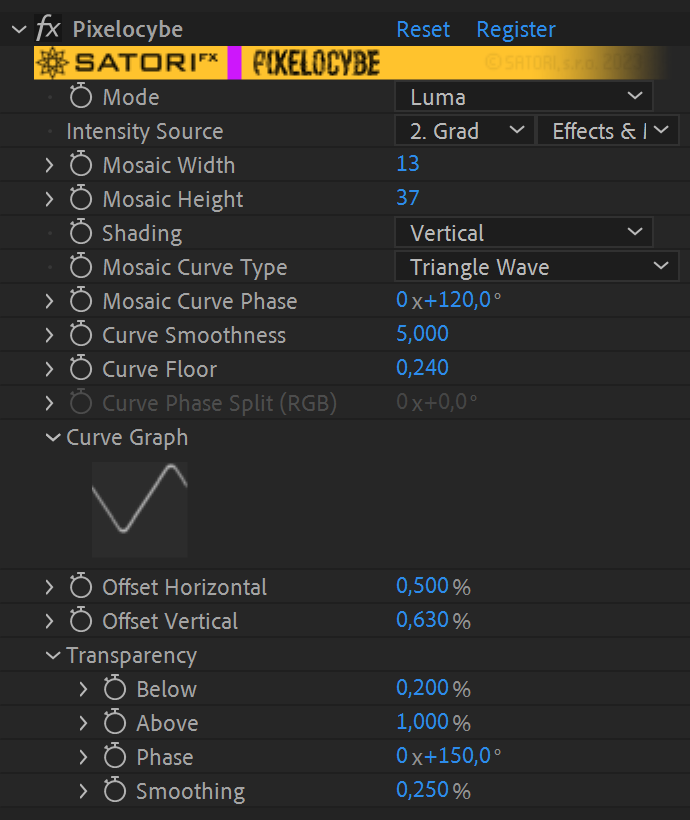
When Intensity Source is set to None, Pixelocybe reads from the current layer. Choose another layer to use its pixel intensity instead. If that input layer has effects you want Pixelocybe to read, enable Effects & Masks for the input.
Channel settings determine how the effect reads color. Luma applies the effect equally across the image using overall pixel luminance. RGB processes red, green, and blue separately; Red, Green, Blue, and Alpha modes isolate one channel. Mosaic Width and Height set the maximum block dimensions.
Controls for tuning the look
Mosaic Curve Type maps input intensity to the resulting distortion. Curve Phase shifts that mapping, while Curve Smoothness and Curve Floor adjust its shape and minimum distortion. The Curve Graph displays the mapping; it is unavailable in CC 2014 and earlier and not ideally visible in the latest 2025 version with the Light Color Theme. Curve Phase Split adds a separate phase shift for the red and blue components when filtering RGB, which can add color variation.
Shading smooths long areas with similar luminosity and can be applied horizontally, vertically, or on both axes. Horizontal and Vertical Offset change where the effect reads intensity. Transparency Below and Transparency Above make pixels beyond chosen luminosity thresholds transparent; Transparency Phase shifts the thresholds, and Transparency Smoothing softens the transition between transparent and opaque areas. These controls can help with quick keying or transitions.
Compatibility, rendering, and version
The aescripts product listing lists Pixelocybe for After Effects and Premiere Pro from CS6 through 2026, on Windows, Intel Mac, and Apple silicon Mac. It supports multi-frame rendering, does not use GPU acceleration, and lists no maximum rendering resolution. The listing identifies version 1.3.0; its history dates that release to August 1, 2023. It added Curve Phase Split for RGB filtering and included fixes for an unregistered-version crash and an image flash with certain transparency-phase settings.
On November 22, 2026, aescripts listed Pixelocybe at $31.99 with 25% off at checkout. Confirm the current price and promotion on the product page.
Who should consider Pixelocybe
Pixelocybe suits motion graphics and editing projects that need luminance-driven mosaic distortion, channel-specific treatment, or transparency transitions. Its separate intensity input is useful when the layer that drives the pattern should differ from the layer receiving the effect. If GPU acceleration is important to your workflow, note that the listing says Pixelocybe does not use it.