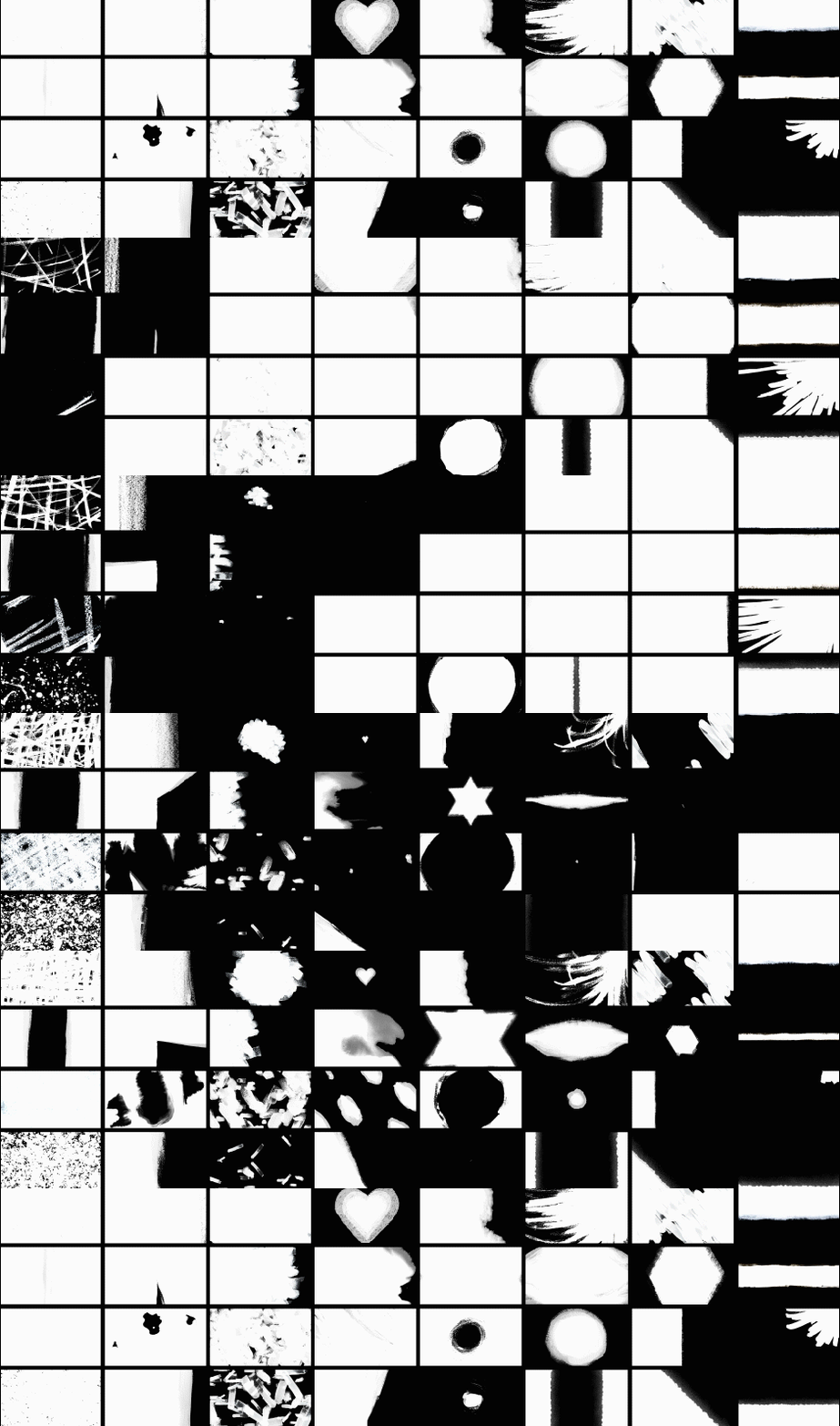
PQ Art Parts is a library of more than 80 handmade transitions, frames and small graphic elements for giving layers an illustrated treatment. The artwork was painted, inked or sketched in multiples, shot at very high resolution, cleaned, then sequenced as clips at 12 or 24 fps.
Use parts as matte footage
In After Effects, import the included AEP project or individual MOV files. Place a selected part above the layer you want to affect, then set that layer's Track Matte to Luma Matte. Wipes can introduce or remove a layer, and combining a wipe with a frame lets you build a more layered animated matte. Frames range from gentle to more extreme treatments.
What the library includes
Wipes and frames are the main groups. The collection also includes edges, individual brush strokes, bubbles and lower thirds. Each part is encoded in Apple ProRes LT. The 16:9 content is 3840 × 2160, while some parts use square crops, so check a clip's shape before fitting it into a widescreen composition.
Supported applications and version history
After Effects is the primary workflow described for the collection. The individual MOV files can also be imported directly into Premiere Pro, Final Cut Pro and Cinema 4D. The developer's compatibility list covers versions of After Effects and Premiere Pro, along with Cinema 4D, Final Cut Pro and Nuke/NukeX. Check the product listing for the exact versions. Its version history records version 1.0 as the initial release on September 19, 2023.