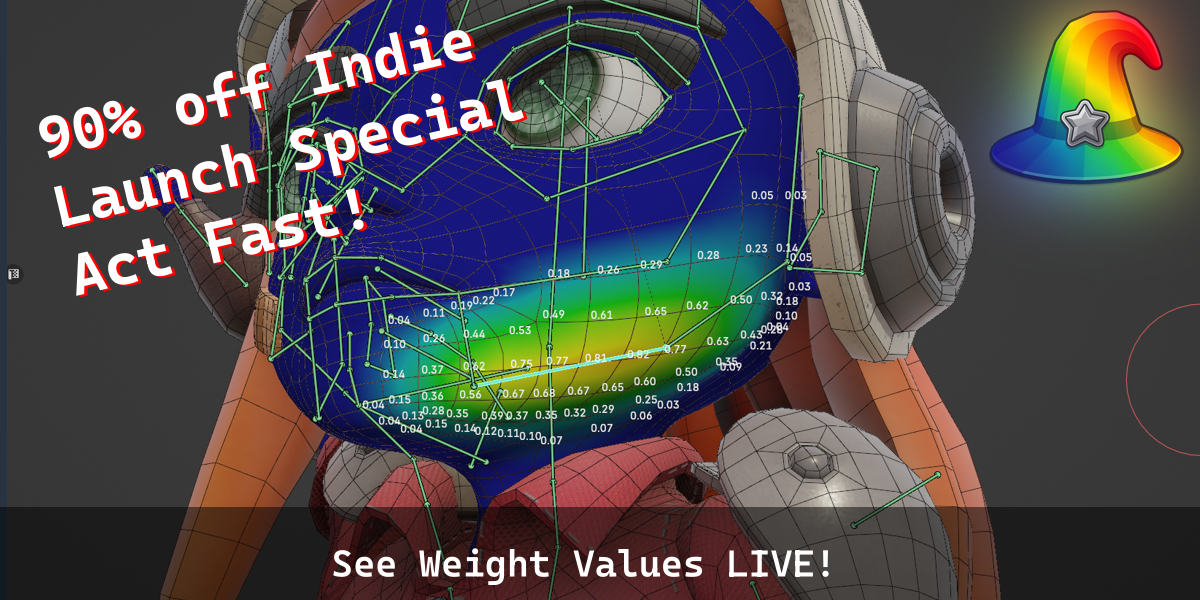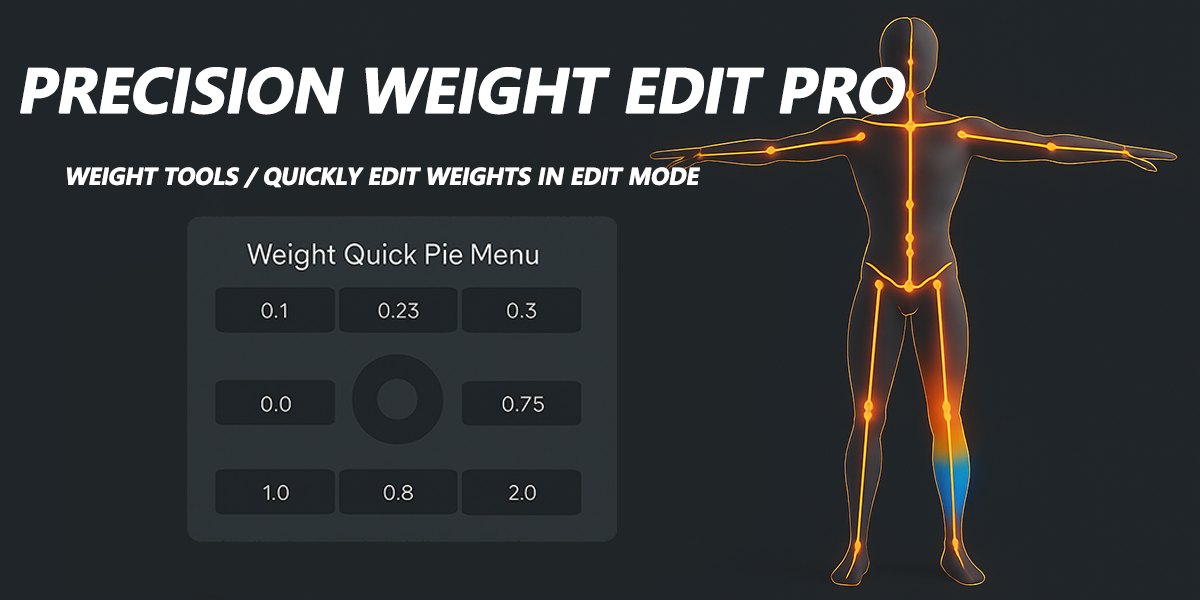
Precision Weight Editor Pro is a Blender add-on for vertex weight editing in character rigging and weight painting workflows. Its panel brings together group selection, numeric weight controls, mirroring, transfer between objects, and JSON import and export. The Superhive listing gives a Blender compatibility range of 3.2 through 5.0 and identifies the license as GPL.
Set group limits and weight values
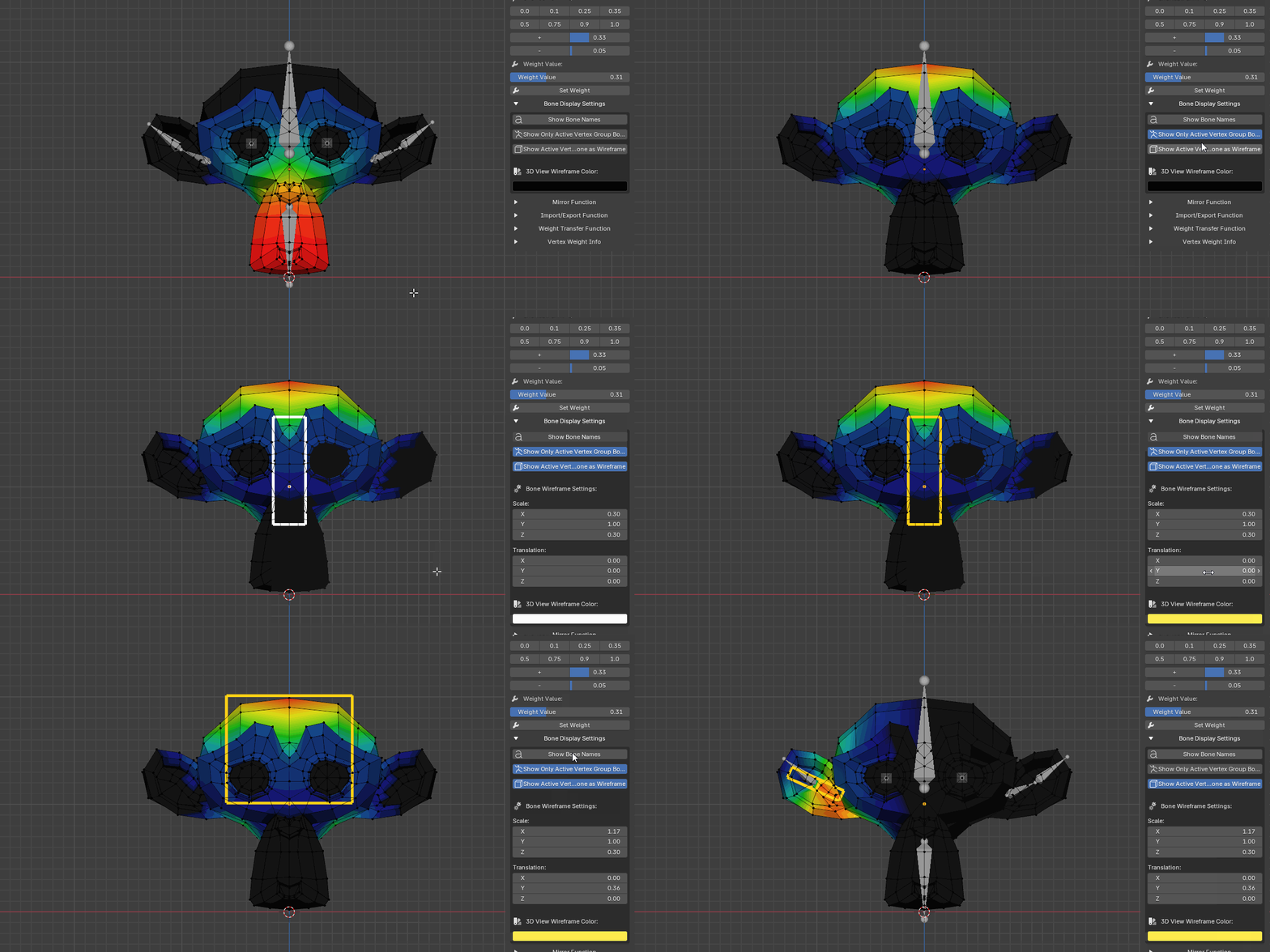
Max Groups Per Vertex sets a cap on the number of non-zero vertex groups per vertex. The group list follows Blender's active vertex group, and you can select a different group from the list. For value changes, preset buttons cover common weights, a slider spans 0.0 to 1.0, and Set Weight applies the chosen value to selected vertices. Plus and minus controls adjust weights by a customizable increment.
After changing the group limit, click Refresh Weight Limit to apply it. The default cap is four groups per vertex; set it to zero for no limit.
Switch groups from the rig view
Bone selection mode lets you click a bone to switch the active vertex group. The shortcut is Shift + Alt + E, and Pick Radius adjusts how close the pointer must be to the bone; its default is 28 pixels. Press Esc or right-click to leave the mode. Display options can show bone names, restrict the view to the active group's bone, or show that bone as a wireframe with adjustable scale, position, and color.
Mirror or transfer weights
The mirror controls copy weights across the X axis in either direction. A symmetry threshold determines which vertices count as lying on the mirror axis, and Auto Normalize can normalize weights after mirroring. Custom left and right group identifiers support prefix, suffix, or contains matching; the defaults are _L_ and _R_.
For transfer between objects, choose Nearest Neighbor, Distance Threshold, or Normal Projection. The listing describes Nearest Neighbor as the fastest mode and Normal Projection as suitable for similar topology. Distance Threshold matches vertices within the configured distance, and that setting applies only in that mode. An option creates vertex groups that are missing from the target object.
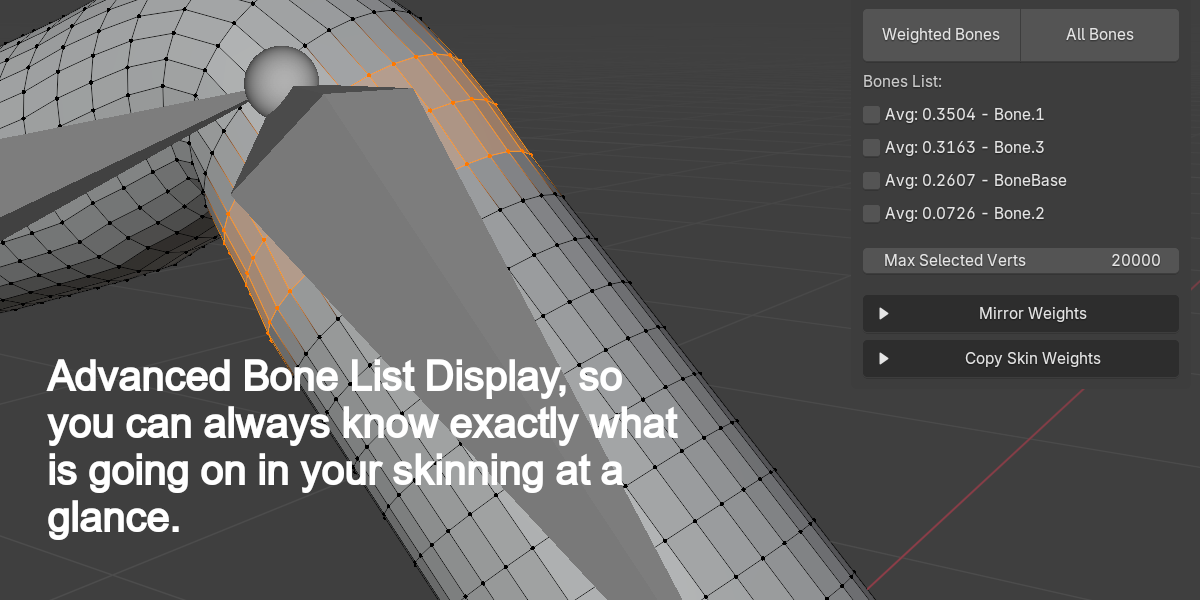
The add-on can also export the current object's vertex weights to JSON and import weights from a JSON file to the current object. Its Vertex Weight Information panel displays a selected vertex's weight distribution, groups distributions for multiple selected vertices, and lets you click a group name to set weights quickly.
Who it suits
Precision Weight Editor Pro is aimed at Blender users who regularly refine vertex groups while rigging or weight painting characters. The demo video linked from the product listing can help you inspect the interface before deciding whether its workflow fits your project.