Prelimtools V1.15, also identified as Prelimutens Tools, is a Blender add-on with documented tools for creating inset and outset outlines from flat shapes and generating wood-bending patterns. It may suit Blender users who need either of these pattern workflows.
Create inset and outset outlines
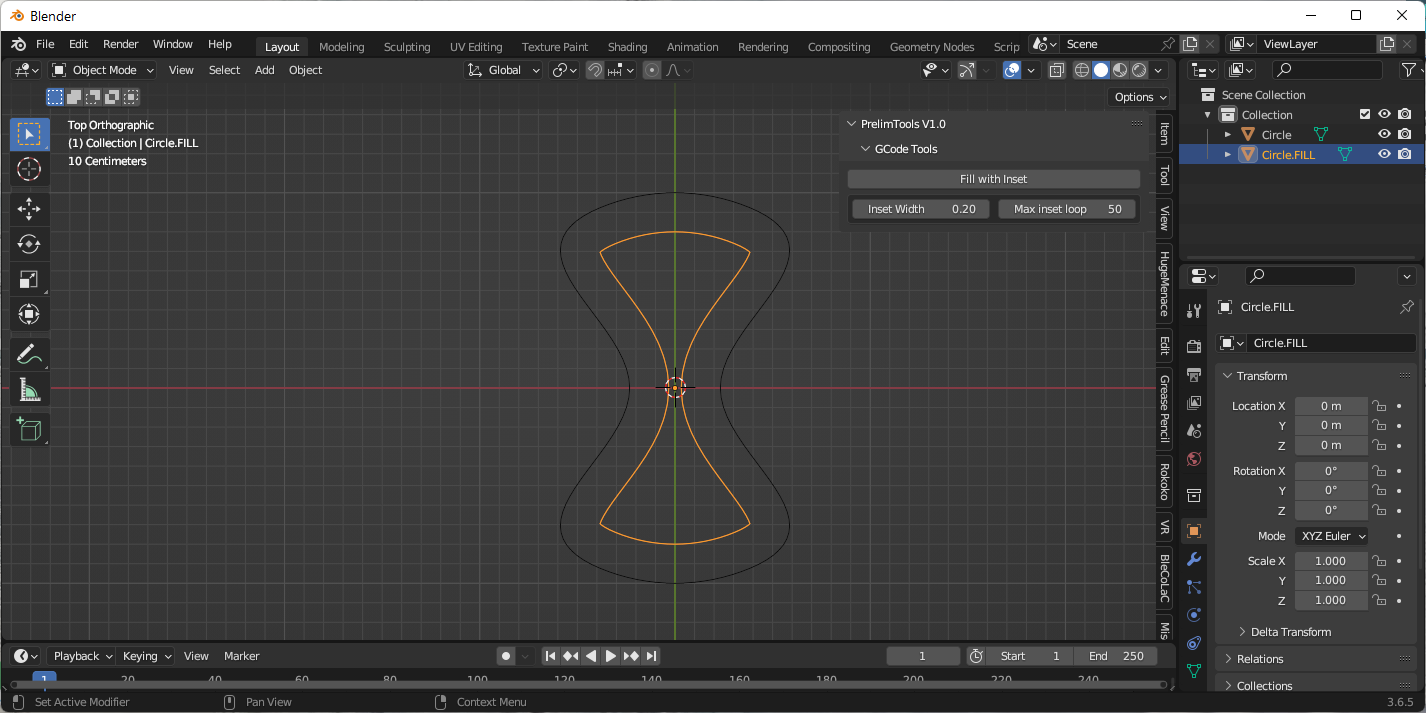
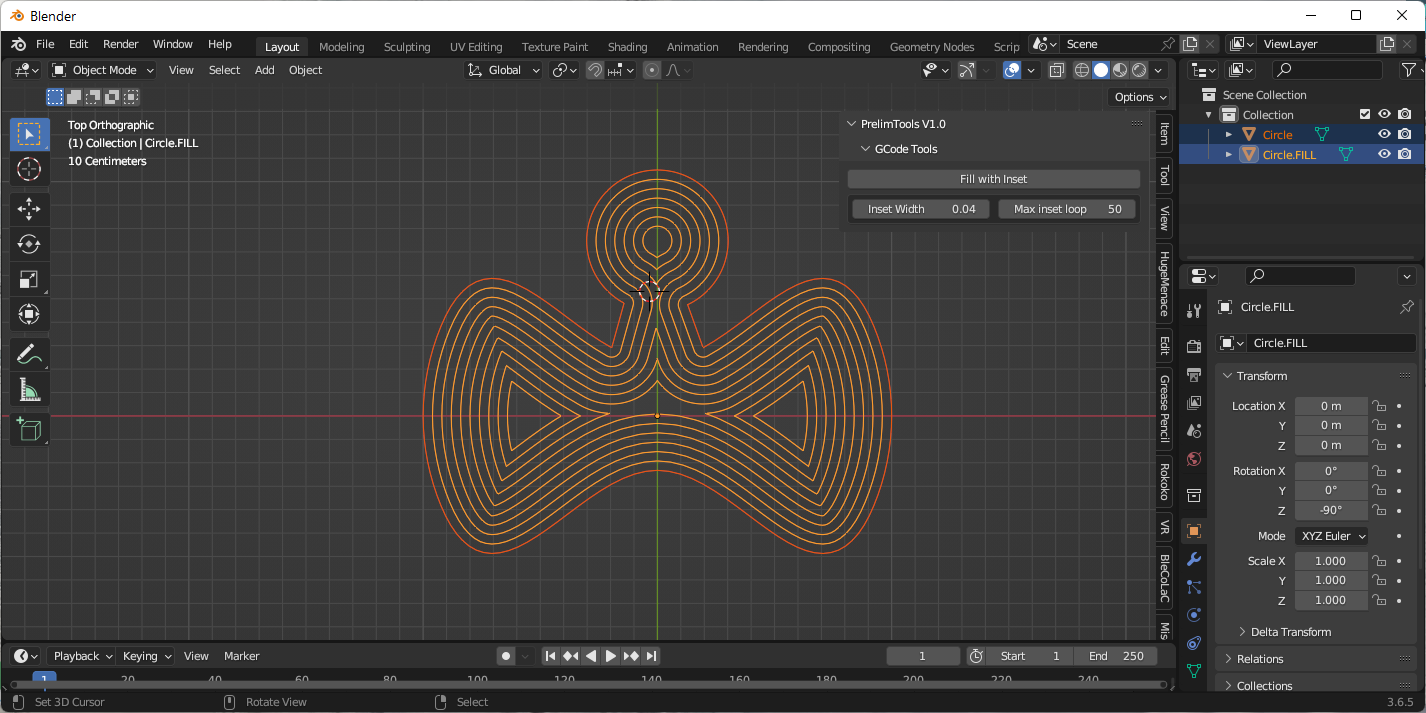
The “Fill with inset” function generates multiple concentric outlines inside or outside a flat shape. Set the Inset Width to adjust the outlines’ distance from the shape boundary, then set the Maximum Outline Number to limit how many are generated.
- Activate the add-on and select a flat shape in Blender.
- Set Inset Width and Maximum Outline Number.
- Click “Fill with inset” to generate the outlines.
Set up a wood-bending pattern
A separate tool creates a bending pattern for wood lasering printers. Its settings include pattern width and height, X and Y gaps between lines and segments, and the number of segments. The supplied documentation does not describe laser settings or fabrication tolerances, so check the requirements of your production process separately.
Compatibility and documented features
The product listing names Blender versions 4.0, 4.1, and 4.2 and an MIT license. The product title also mentions Wood Box Joint, but the supplied feature description and documentation do not explain that workflow or its controls. Confirm its details with the creator before relying on it. For the documented steps, see the Prelimtools documentation and product listing.