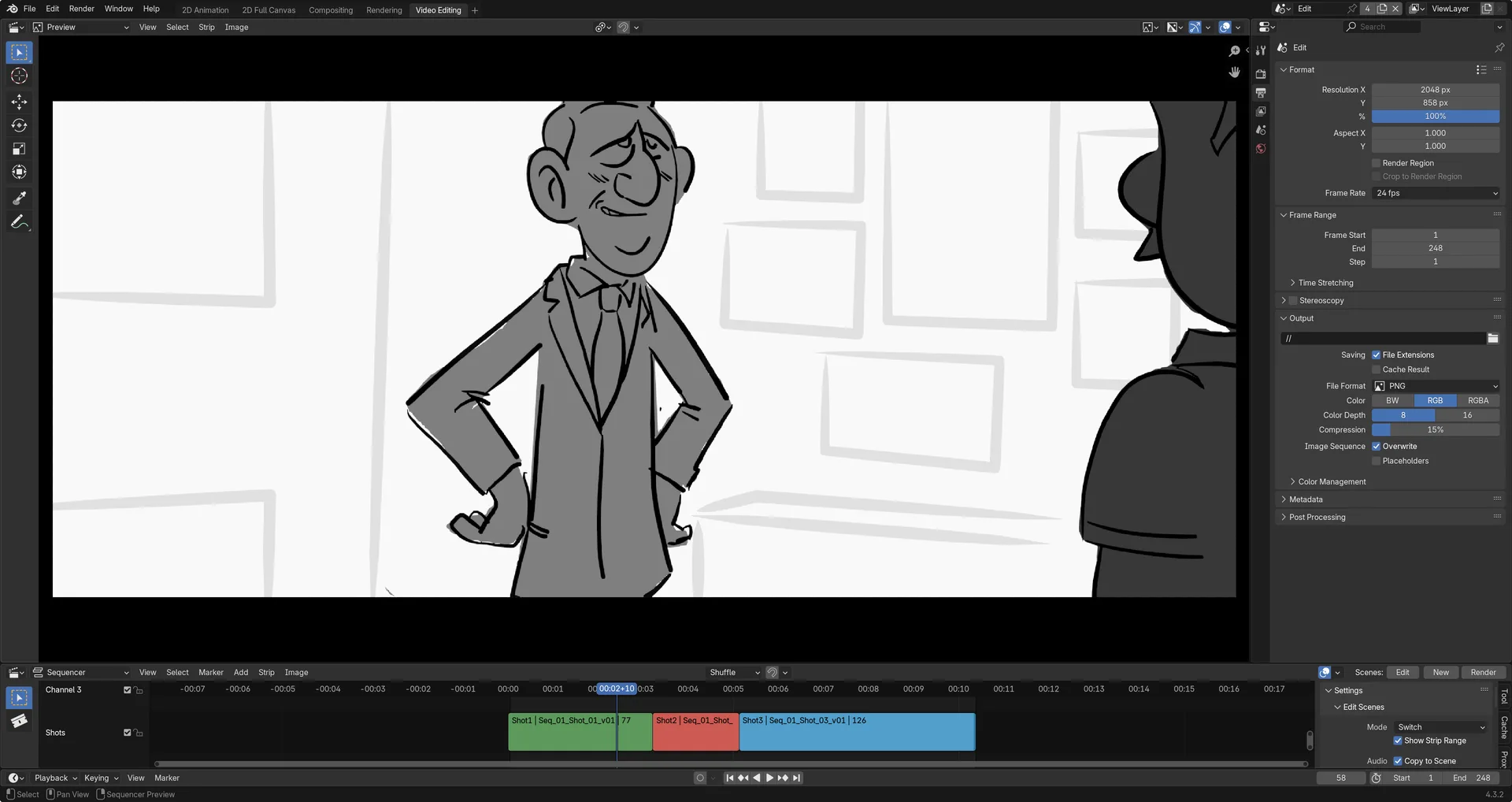
Property Chart is a Blender add-on for editing properties across selected objects or sequencer strips. Its Blender Extensions listing describes simultaneous editing. The Blender 4.1 manual specifies objects or sequence strips of the same type and places the object panel in the 3D Viewport sidebar’s Item tab.
When Property Chart may help
The add-on is intended for editing properties on multiple selected items together. That can help when compatible objects need the same adjustment. The documentation does not list the exact properties shown in the panel, so check the current extension and its source before relying on a particular control.
Panel location and usage details
The older manual says to select an object, open the 3D Viewport sidebar, and look under Item. It also gives the Blender 4.1 add-on activation path through Preferences, Add-ons, System, and Property Chart. That page describes the bundled 4.1 add-on; the separate extension listing sets Blender 4.2.0 as the minimum version. The manual does not explain the detailed controls or give a sequencer-specific workflow.
Version, compatibility, and license
The extension record lists version 0.1.2, Community as maintainer, Blender 4.2.0 as the minimum version, and GPL-2.0-or-later as the license. It gives no maximum Blender version. The linked 4.1 manual still has “To Do” under its Description section, so it provides only a brief usage outline. The extension listing describes the add-on as offered as-is with limited support. For current compatibility and implementation details, consult the extension listing and the project source.