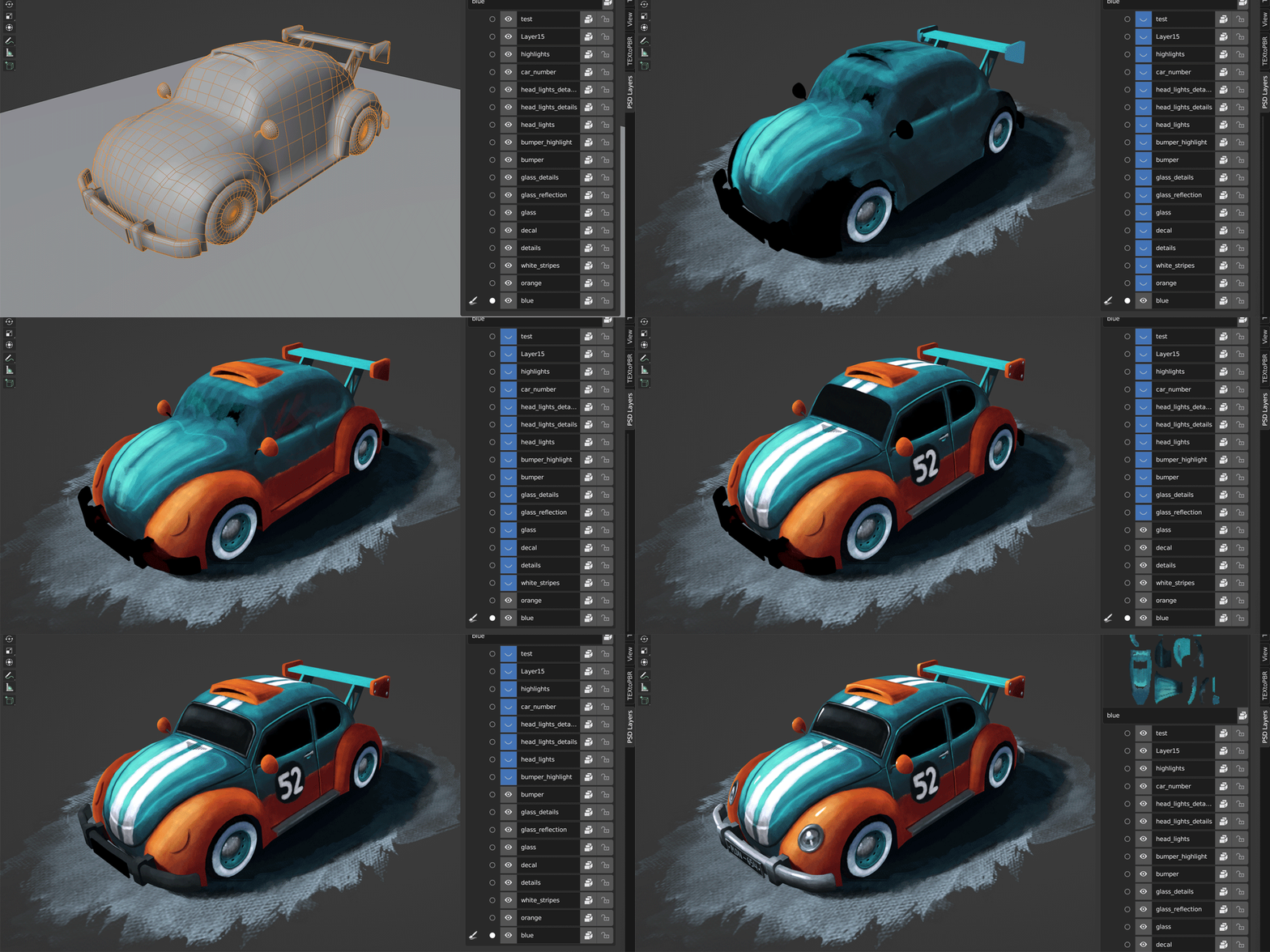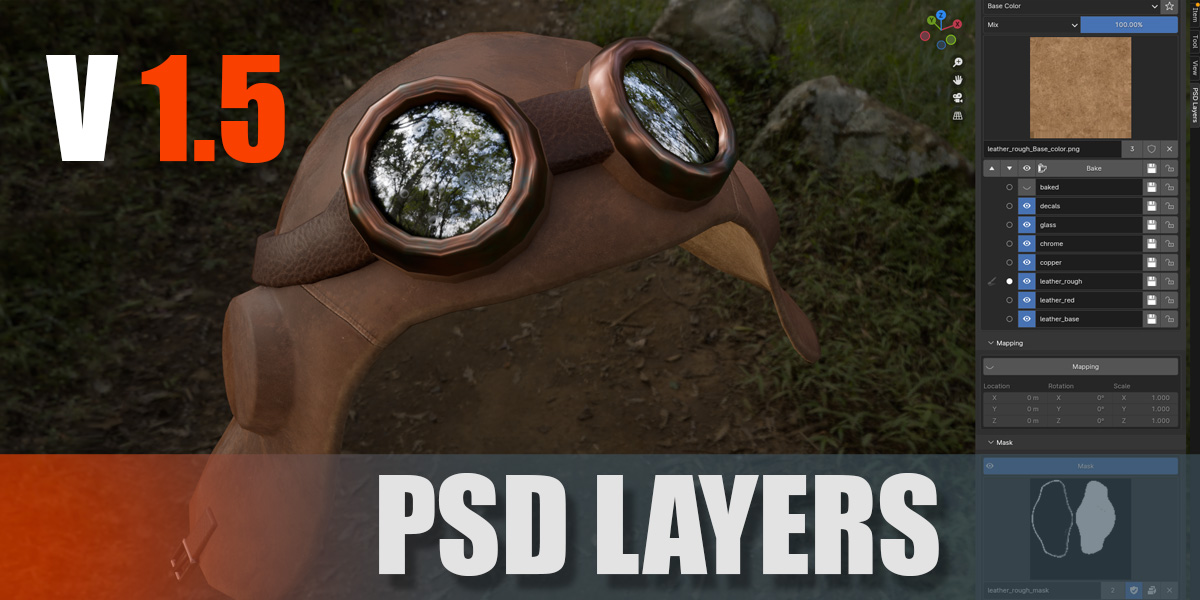
Psd-Layers is a Blender add-on for painting textures in layers. It provides controls for blending modes, opacity, visibility, and masking, while creating the standard Blender shader nodes for you. The product listing describes it as a layer-based workflow similar to painting in Photoshop or Krita.
Paint with layers and channel controls
Use Psd-Layers to organize texture painting across layers, adjust how those layers blend, and change their opacity or visibility. A solo button lets you view a channel by itself without shading in the 3D View. The add-on also includes a mix erase toggle brush and spreadsheet editing.
For PBR work, the listing specifies a metalness workflow and channel map baking. Image mapping controls cover scale, rotation, and location. You can import images, create new ones with default values for each channel, and use colorspace settings assigned according to the channel.
Save images and manage shaders
Each layer has a pack icon that turns red when its image needs saving; clicking that icon saves the image. A separate save image button packs an image and activates Blender's Fake User option. In the Palettes section, Paste Values accepts hex colors copied from websites in formats such as XAML, text, or CSS.
Psd-Layers can switch a shader between emissive and Principled BSDF, and it has a control for transparency. Since the add-on builds its node setup from standard Blender shader nodes, you do not have to create the node network manually.
Blender compatibility
The product listing gives Blender 3.4 through 5.0 as the supported range and lists Cycles and Eevee as supported render engines. Its version history says version 1.5 added Blender 4 support; version 1.6 added Blender 5 support and is marked as extension-compatible. Check the Psd-Layers product listing for the current compatibility details and version information.
Psd-Layers may suit Blender artists who want layer controls for hand-painted textures or PBR painting. Split Studios created Psd-Layers.