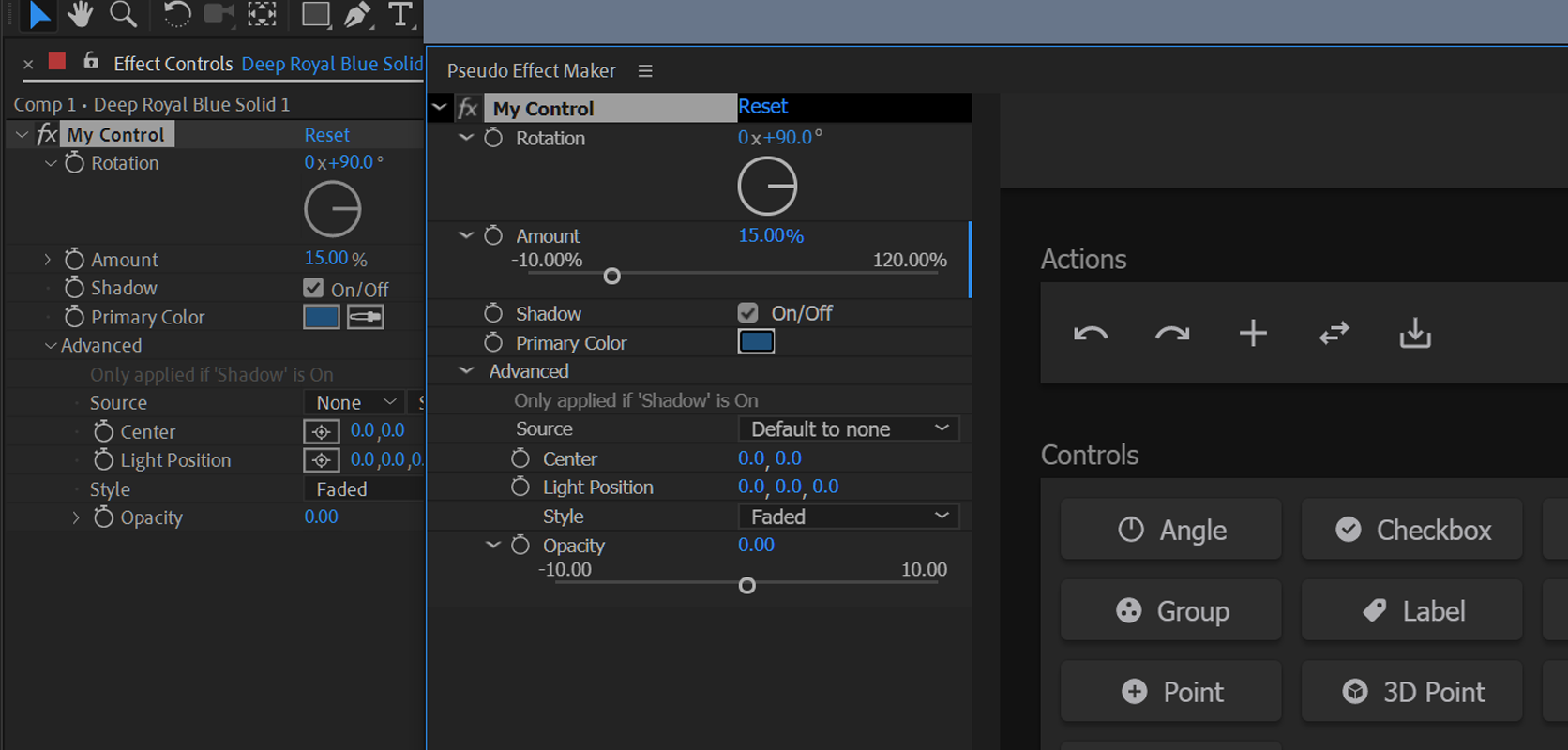
Pseudo Effect Maker 3 is an After Effects plugin for building custom groups of expression controls. Give controls custom names and default values, organize them together, then use the group like a built-in effect control panel. This can make a rig with several separate controls easier to manage. The official product listing describes adding controls with a click, arranging them by drag and drop, and applying changes without restarting After Effects.
Build and organize a control group
Standard expression controls appear separately in After Effects, so a setup with many parameters can become difficult to scan. Drag and drop controls into the order that suits the project, then adjust them as you work. Its interface is customizable, and the listing says the plugin provides warnings and errors to help identify issues or conflicts before you start using a pseudo effect.
Update existing controls
For an existing pseudo effect, the selected control can be replaced with a working control to make updates while preserving expressions and keyframes. The plugin also supports custom mapping for cases that need finer control.
Understand what pseudo effects control
A pseudo effect groups controls; it does not replace the After Effects effects or properties they control. Expressions can connect its controls to other effects and properties, with custom defaults and limits. The actual effects still need to be present in the project, and pseudo effects cannot hide them from the Effects panel. If the controls are not connected to working effects or properties, they do not change the result.
Compatibility, release, and trial
The product listing names compatibility with After Effects 2026, 2025, 2024, 2023, 2022, 2021, 2020, CC 2019, CC 2018, CC 2017, CC 2015.3, and CC 2015. Its version history reaches 3.2.1, dated October 30, 2026; that entry says Read Controls works on shape and text layers and the Report Bug form reaches aescripts support. Check the listing and version history for current details.
The trial limits a pseudo effect to three controls and displays a watermark on applied controls. The listing says the other trial features match the full version, so you can try the workflow before buying. It shows a $29.99 price and a 25% checkout discount; check the listing for the current offer.