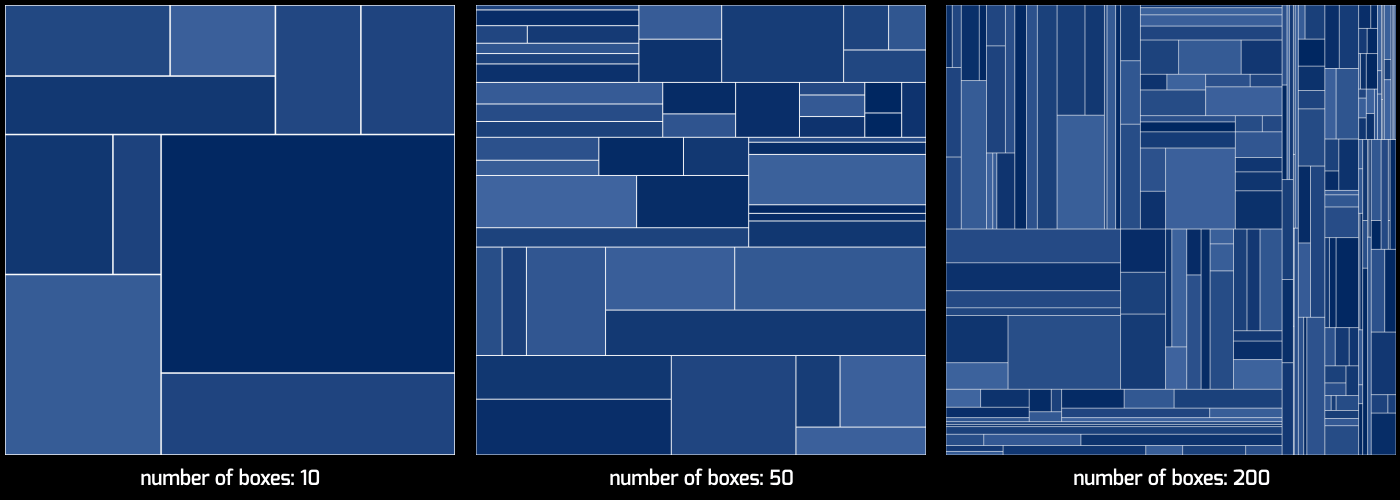
quadrateFX is an After Effects tool by Real Creations for generating vector rectangles in treemap-style layouts. Choose randomized patterns for more open-ended designs, or use a custom layer to guide how the quads split according to its luminance or RGB values. The aescripts product listing includes feature details, a free trial, and current licensing information.
Build randomized or source-guided patterns
In randomized mode, controls set the total number of boxes, their size variation, and the balance between horizontal and vertical shapes. A color control adjusts the distribution between Color A and Color B. These settings suit tiled graphics, motion design elements, or geometric textures where you want control over the overall pattern.
For a source-guided layout, quadrateFX can use a custom layer to split the composition into quads. Its luminance-based mode keeps darker areas larger and subdivides brighter areas into smaller rectangles. You can sample luminance or RGB values and adjust the X and Y grid, sample radius, split randomness, exaggeration, and luminance settings. The source guides the pattern; the generated result remains a set of vector quads.
Add text, 3D output, or masks
quadrateFX can create a text layer for each box, with 12 dynamic text types. Examples include a box’s X or Y position and randomly generated HEX codes. The tool also provides effect controls for adjusting and animating the generated boxes.
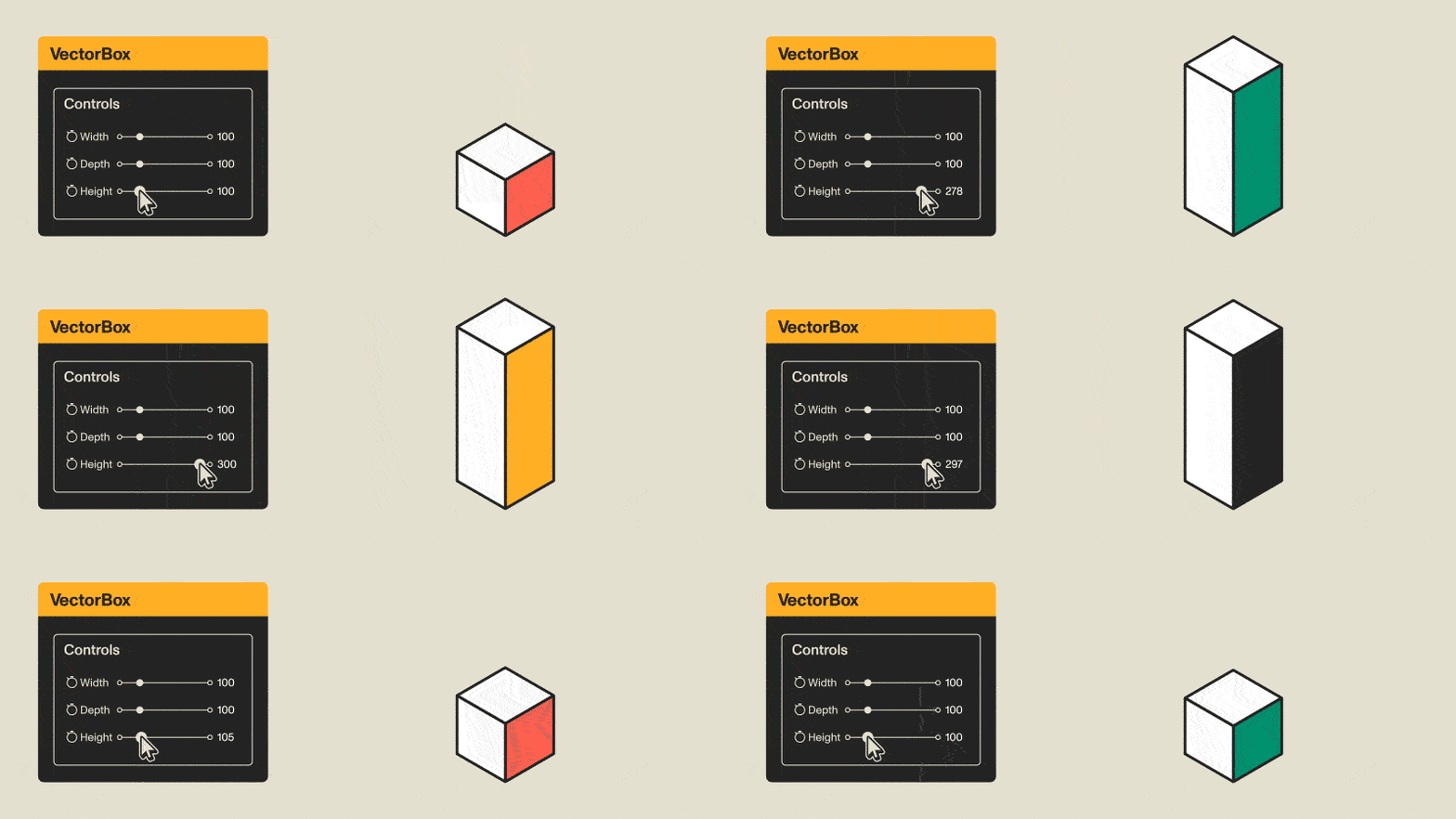
For dimensional work, it can create 3D quads. An optional solid layer contains the primary boxes as masks for use with third-party tools such as Element 3D. Generated patterns can also be used as textures or displacement maps in 3D software.
Check renderer support and project load
Version 1.51, dated November 20, 2025, fixes the SampledQuads localization issue in non-English After Effects installations and resolves a problem creating 3D quads with the Advanced 3D renderer. The release also updated the license framework and addressed online activation connection issues.
Large patterns can make After Effects respond more slowly, especially when many boxes use 3D extrusion. Previews and rendering may need more processing time as the box count grows, so start with a smaller pattern when working in a complex composition.