Rapid Reel Composer is an After Effects tool for turning marked footage into short clips for reels, tutorials, and other short videos. Place markers on a selected layer with the asterisk key. On a laptop or keyboard without a numpad, select one or more layers and use the Handy Marker button to add a marker at the current position. Rapid Reel Composer splits the footage at those markers. Choose In-Out cuts for specific clip boundaries or Lazy cuts for clips of a chosen duration.
Choose a cut method and place markers
In-Out uses alternating markers: odd-numbered markers set In points and even-numbered markers set Out points. This gives you control over the start and end of each selected segment. Lazy needs an In marker and a clip duration; it creates a segment of that length from each marked point.
Magic Marker places markers at chosen intervals on selected layers or a composition.
Set up a marker-based edit
- Import the footage into an After Effects composition.
- Choose individual layers to mark, or combine clips in a precomposition and select that layer.
- Place markers manually, or select the layers or composition, set the work area with B and N or the BN button, enter a marker duration, and use Magic Marker for automatic placement. Then apply In-Out or Lazy cuts at those markers.
- After splitting the footage, select all the resulting clips and set the composition work area with B and N or the BN button before rendering.
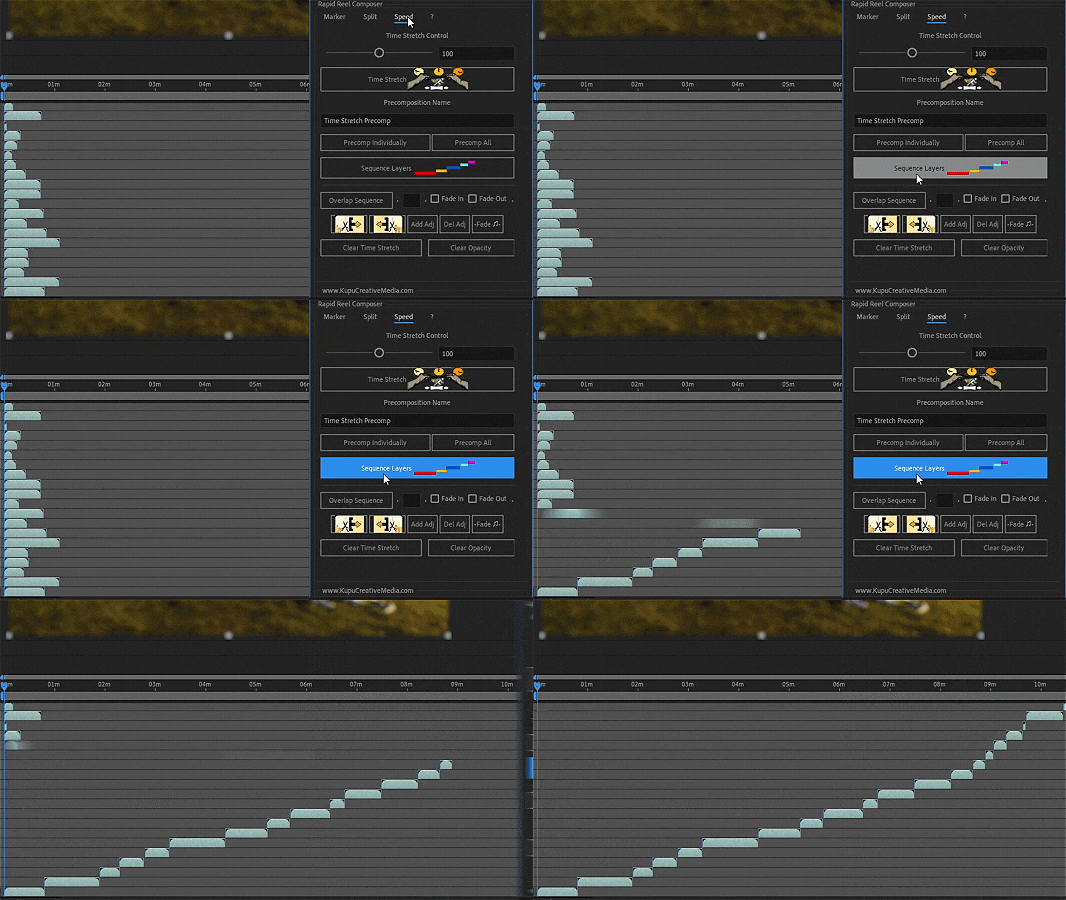
Select layers from bottom to top when using Precompose All or Sequence. Sequence can stagger or overlap selected layers. Rapid Reel Composer also includes marker transfer tools for copying markers between layers and compositions, plus controls for shifting markers by one or ten frames.
Refine timing, fades, and audio
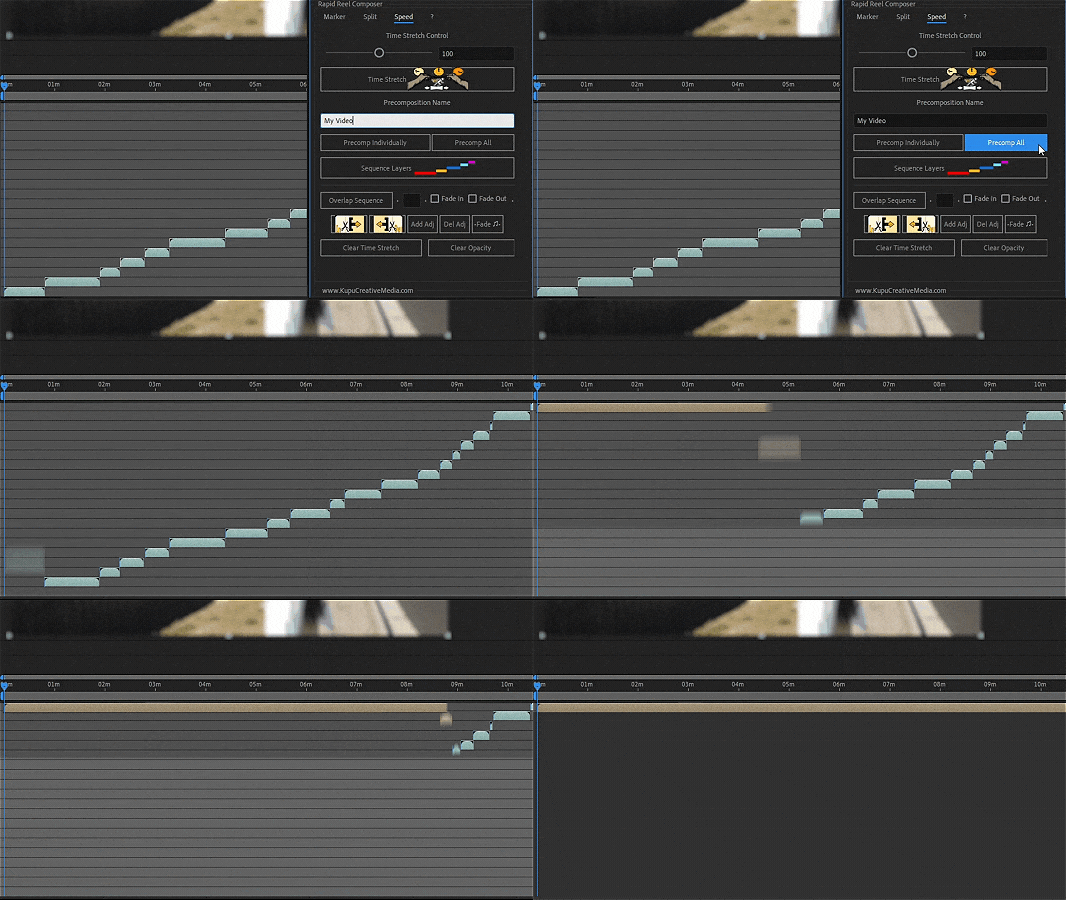
Time Stretch changes the speed of selected layers. A value of 100 is normal speed; values below 100 speed footage up, while values above 100 slow it down. Overlapped Sequence can add fades to overlapping layers, including audio. The tool also has a control for adjusting audio volume.
Use it with Premiere Pro
Rapid Reel Composer does not load directly into Premiere Pro. The documented workflow is to nest footage in Premiere Pro, choose Replace With After Effects Composition, then use the tool in After Effects. Save the After Effects project when finished; the linked Premiere Pro project updates with the changes.
Compatibility
The developer listing names After Effects CC 2019, 2020, 2021, 2022, 2023, 2024, and 2025 as compatible versions. Check the Rapid Reel Composer listing on aescripts for current compatibility, trial availability, and purchase details.