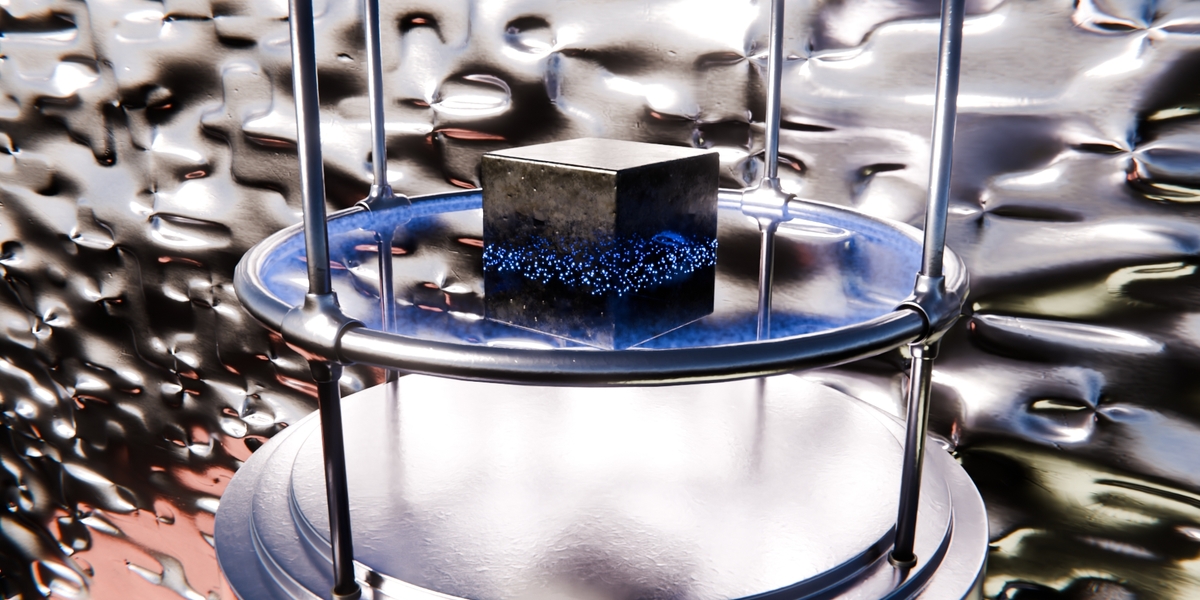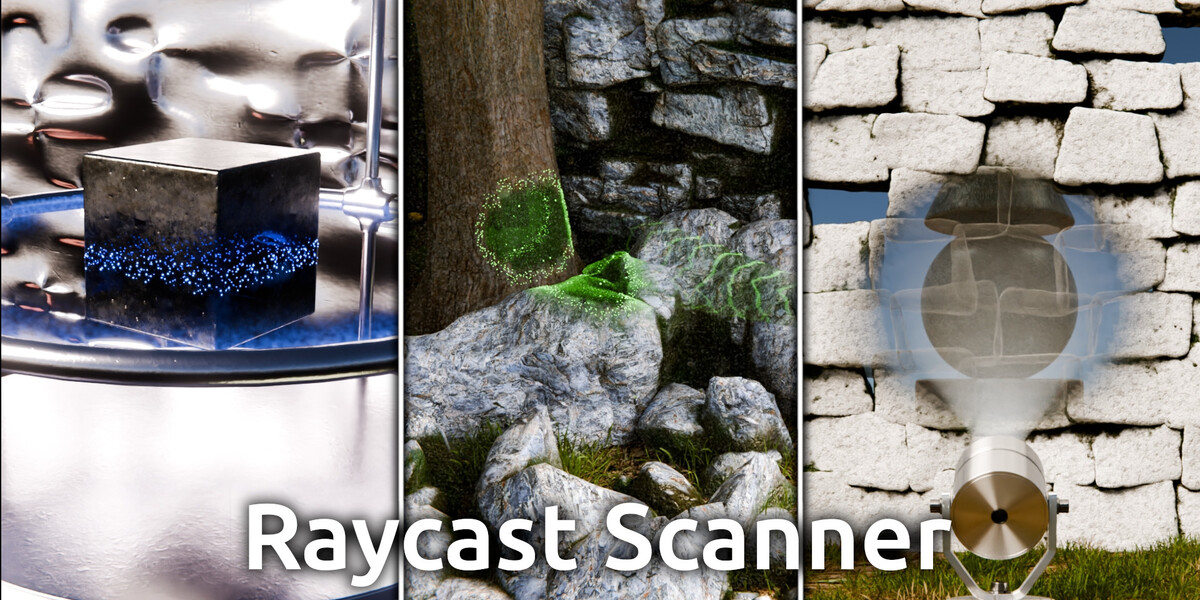
Raycast Scanner (Addon) brings Blender raycasting into a Geometry Nodes workflow. The active object acts as the scanner, which checks meshes within a distance range. This can drive scan reveals, hologram looks and X-ray-style effects without manually building the raycast setup. The add-on is by Dennis Hafemann and includes presets, materials and documentation.
Set up a scan
- Select at least two objects; the active object acts as the scanner, and all selected objects act as the scanned objects.
- Click
Apply scanning. The add-on adds its modifier to the selected objects and sets the active object as their scanner. - Adjust the scan range and other modifier settings for the effect you need.
Controls include minimum and maximum distance, minimum and maximum normal angle, rim blur and manual rotation. You can also show viewport helpers, including a directional line and an experimental bounding box. The documentation warns that the box may not work properly in some cases, such as with a non-cuboid scanner or unapplied scaling on a scanned object. The modifier can also distribute a default sphere or custom objects across the scanned area.
Use scan data in shaders and Geometry Nodes
The included Raycast Scanner Material Mixer node group can be added in the Shader Editor to combine two Principled BSDF shaders. It uses values for inside and outside the scan area, the rim and the main blend factor. The modifier also exposes attributes for use in shaders and Geometry Nodes:
rs_distanceis a 0-to-1 value based on the minimum and maximum distance.rs_insideandrs_outsidemark whether a point is inside or outside the scanning area.rs_rimis a 0-to-1 float determined by the rim blur iterations.rs_blend_factorcarries the modifier's Blend Factor value.rs_sparkle_object_sizegives the generated size of distributed sparkle instances.
Presets, installation and compatibility
Preset examples demonstrate the modifier and its attributes in shader and Geometry Nodes setups. Examples include Sphere Scan and Monkey Hologram, Sphere Hologram Size Wobble, and Sphere Hot Metalball.
The ZIP is designed to install as a Blender add-on; newer Blender versions may also allow you to drag the ZIP into the interface. Alternatively, append assets from raycast_scanner/assets/raycast_scanner.blend through the 3D View's Append command. The Superhive product listing reports Blender 4.1–5.3 compatibility and identifies the license as GPL. Its documentation and version history list v1.0.1 and v1.0.2 fixes, including a Blender 5.2 fix. Check the listing for the current package and release details.