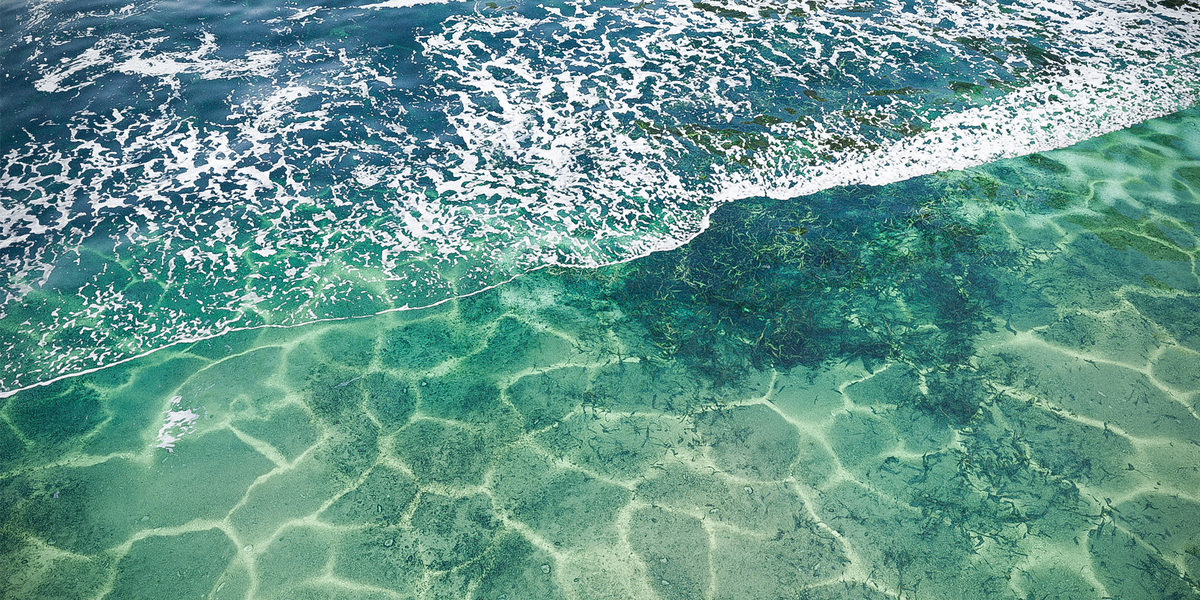
Real Caustics is a Blender add-on for generating the bright, shifting patterns that water casts onto surfaces below it. It bakes the patterns to textures, which add no render overhead once generated. It works with fluid simulations, Ocean modifiers, Dynamic Paint outputs, and other mesh-based water surfaces. The generated pattern follows the changing water shape frame by frame, making it useful for animated pools, rivers, and oceans.
Build caustics from an animated water surface
Set a camera above the water and select the collection containing the water objects. The documentation recommends an orthographic camera for the usual water setup. With a perspective camera, add a UV Projection Modifier to the water meshes, set the appropriate aspect ratio, and select the Caustics Camera. Place water objects directly in the selected collection; nested collections and collection instances do not contribute to generation.
- Choose an output folder and set the texture resolution. The version 1.3.1 guide recommends starting at 512 or 1024 pixels and raising resolution carefully because higher values may lengthen generation or cause crashes. The product FAQ describes 2048 pixels as a good balance for final renders, but warns that high resolution combined with high Substeps or Bilinear Sampling can fill memory quickly and may freeze Blender.
- Use Generate Current Frame to inspect the result. Check frames with different water shapes before committing to the full animation range.
- When the look is ready, generate the sequence. The output can be saved as an 8-bit PNG or a linear 16-bit EXR.
Material setup and controls
After generating the first caustic texture, Create Caustics Water Material builds and assigns the node setup, including texture coordinates, projection, energy correction, and volume absorption. After changing the camera position, orthographic scale, or texture resolution, click Generate Current Frame, then Update Material to apply the projection changes. The documentation says Update Material will not work if a Caustics node is missing or renamed.
Intensity, blur, dispersion, tiling, and sampling controls let you adjust the pattern. Preserve Displacement can read shader Displacement and Bump maps during generation, so the caustics follow those surface details instead of relying only on the base mesh. Very detailed maps can take longer to process and may produce noisy patterns. A pack of seamless, looping caustic textures is also included for quick setups or static scenes.
Where the tool fits
Real Caustics is designed for water. Its documentation says the method uses a single ray pass and does not account for internal bounces, depth variation, or changes in index of refraction. For glassware or gemstones, standard path-traced methods produce more accurate results. The product listing names Cycles and Eevee as render engines used; the product FAQ says the baked textures can also be used in other render engines.
Version and setup notes
The product listing identifies Blender 5.0 to 5.1, and the documentation labels version 1.3.1 as Alpha. For existing users of Real Caustics 1.2 or 1.2.5, the version 1.3.1 documentation says to update the Caustics Projection and Caustics Energy Fix nodes in existing water materials and replace missing data blocks with the appropriate nodes. See the Real Caustics documentation and the version 1.3.1 getting started tutorial for setup details. The product page has the current listing information.