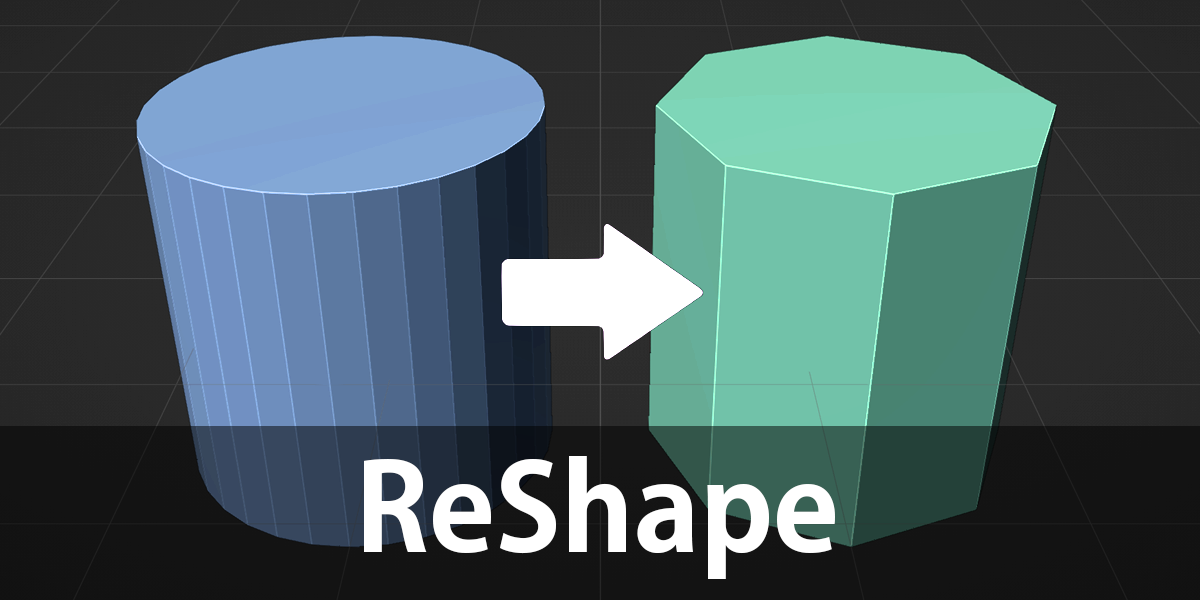
Change primitive resolution after creation
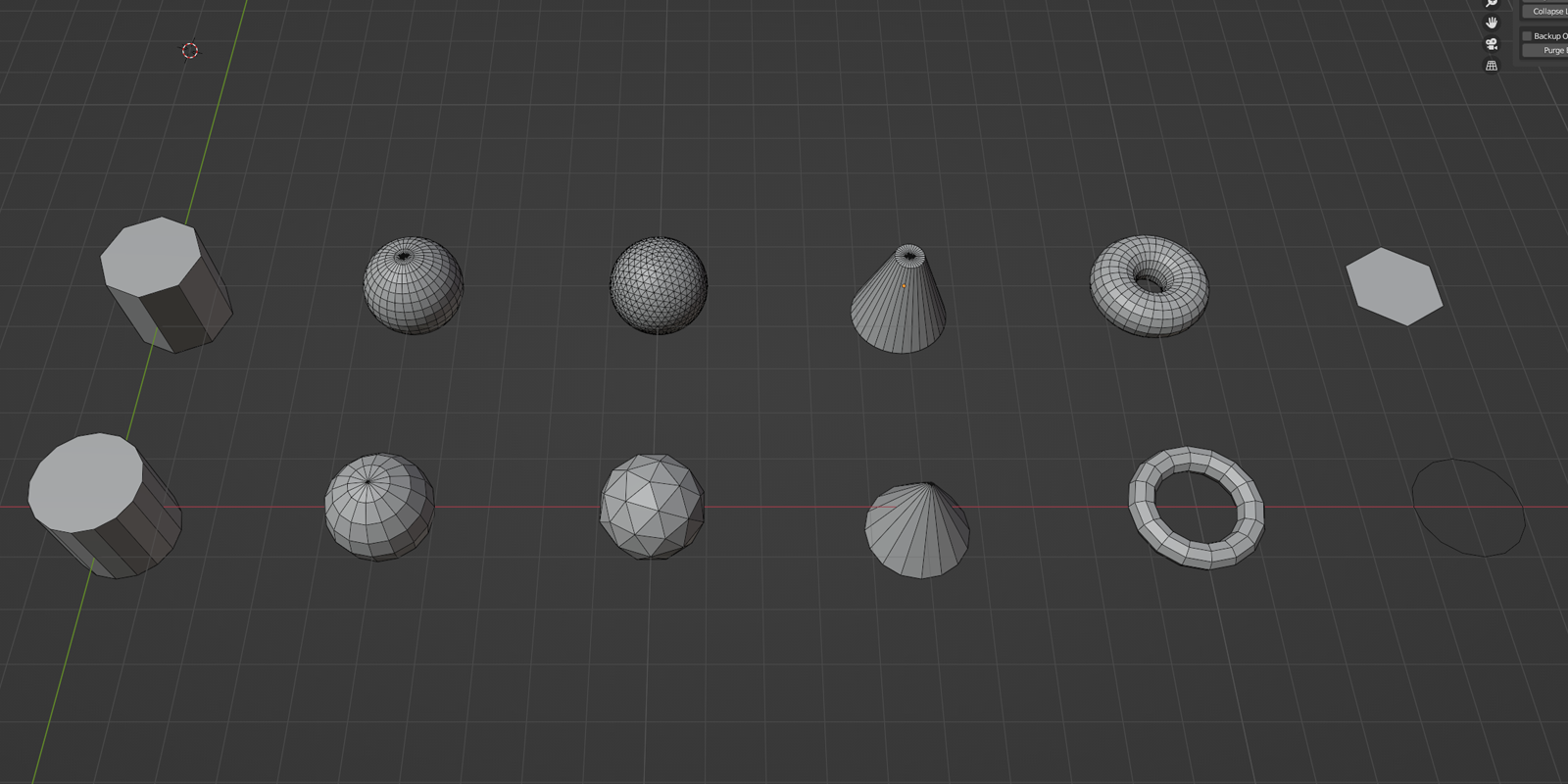
Reshape is a Blender add-on for adjusting settings such as segment counts on cylinders and ring counts on spheres after you create them. It can help when a primitive needs a different level of detail and you want to change its settings without starting over.
How Reshape handles the original mesh
The add-on includes a backup option that saves the original mesh state so you can return to it. When Reshape applies a change, it creates a new mesh from information in the original; it does not edit the existing mesh in place. Vertex and edge attributes are not inherited. If your work depends on those attributes, check the result before continuing.
Check local-axis alignment
The new mesh is generated using the original mesh's local-axis information. The product listing cautions that Reshape may not work correctly with shapes that are not aligned to their local axis. Test it on the geometry you plan to use, especially if its alignment or mesh attributes matter to your next steps.
Blender compatibility and panel placement
The listing names Blender 4.2, 4.1, 4.0 and 3.6 as compatible versions. Reshape 1.4.2 includes a compatibility patch for Blender 4.2. The add-on also has an option to appear in either the Edit or Tools panel. Check the Reshape listing on Superhive for its current release and compatibility details.