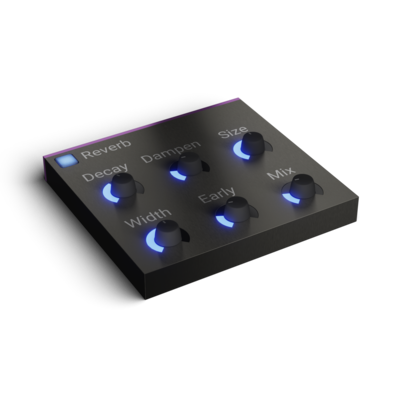
Kilohearts Reverb adds a sense of room space by simulating sound reflections from walls. Use it as a regular plugin in a DAW, or load it as a Snapin in a Kilohearts host such as Snap Heap, Multipass or Phase Plant.
Shape the room and reverb tail
Decay sets how long the reverb takes to fade after the source sound stops. Size changes the simulated room from a closet to a church. Dampen makes high frequencies decay faster than low frequencies, while Early adjusts the balance between early and late reflections. Higher Early settings make the sound brighter and more responsive.
Width changes the stereo spread of the wet signal. At 100%, its left and right channels are completely uncorrelated. Mix balances the processed sound against the original, so a lower setting lets more of the dry signal through.
Regular plugin or a Snapin setup
As a regular plugin, Reverb can be inserted directly in a DAW. As a Snapin, Reverb can be combined with other effects in a Kilohearts host, where Snapins can also be modulated. Kilohearts Essentials includes Reverb as a free effect with an account.
Compatibility and access
Kilohearts lists VST, AAX and AU plugin formats. Its system requirements specify a DAW that supports VST2, VST3, AAX or Audio Unit, and a 64-bit x86 processor with SSE3, or Apple M processor architecture on macOS. Kilohearts does not support operating system versions that their manufacturers no longer support.

