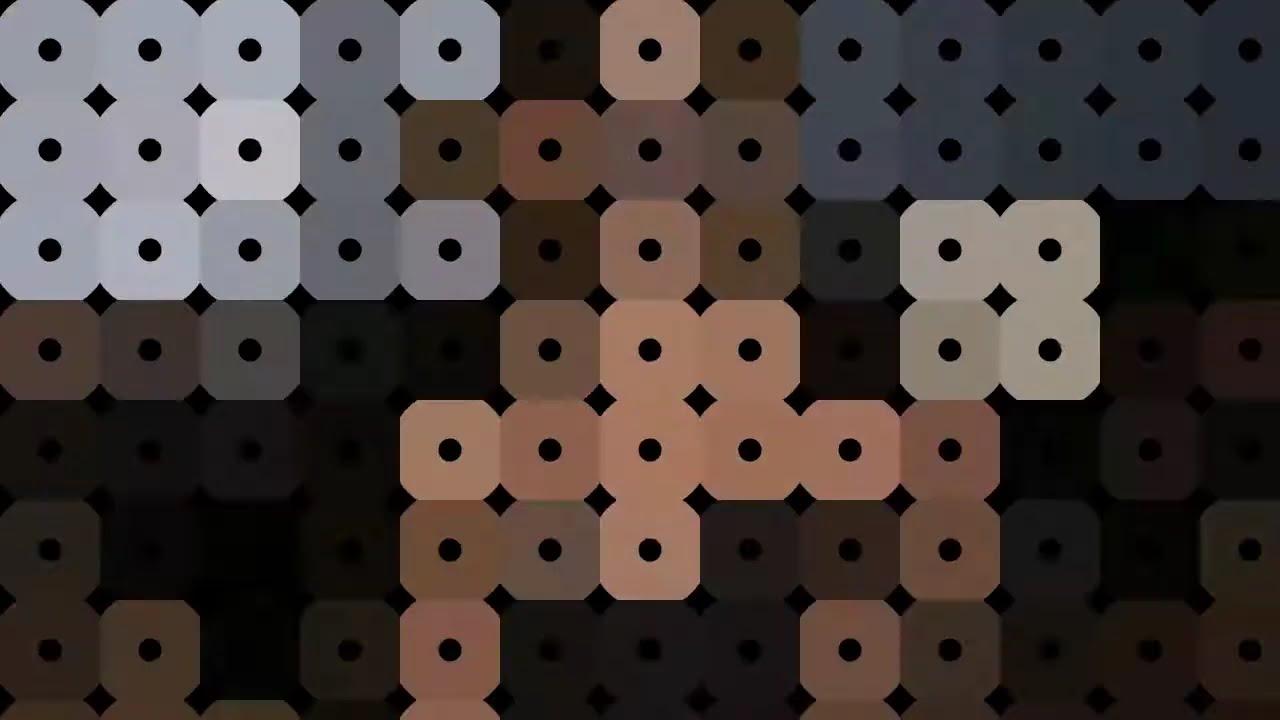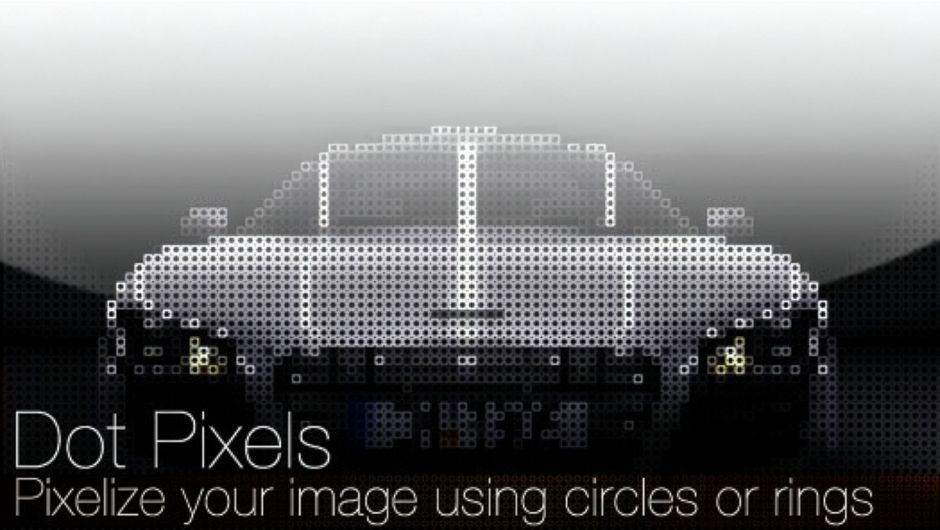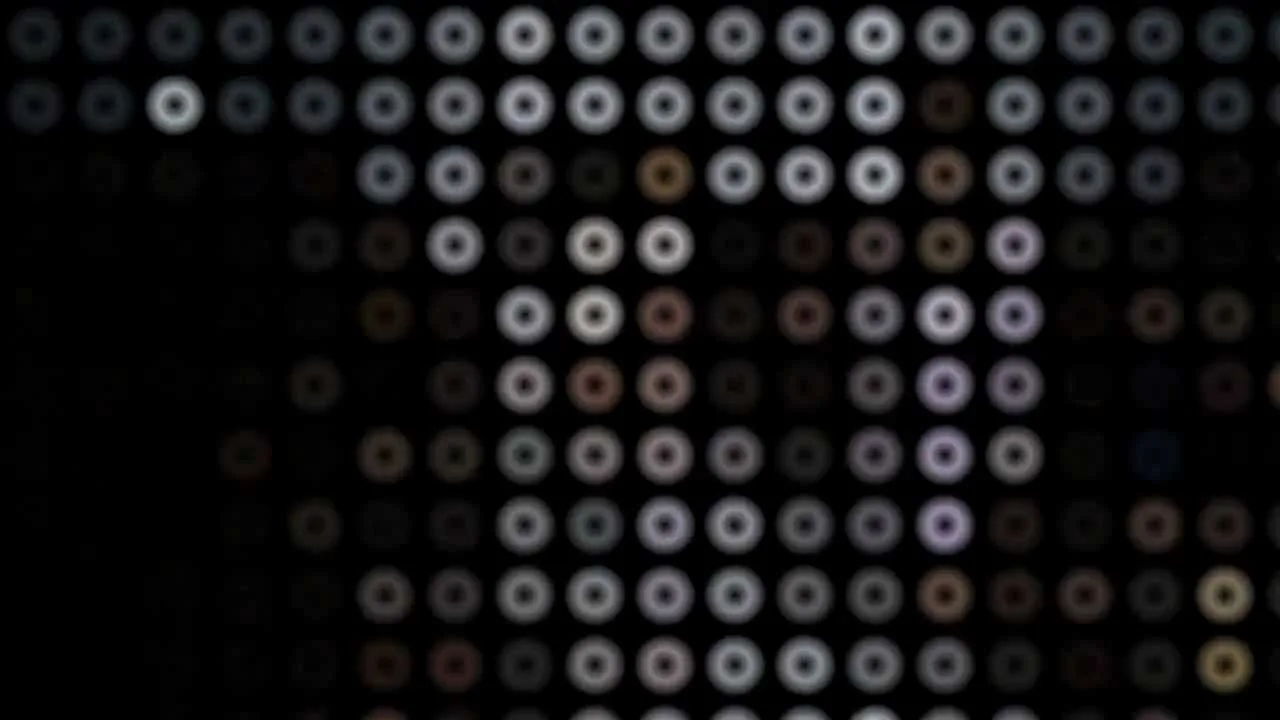
Rowbyte Dot Pixels is a Pixel Bender effect for After Effects and Premiere Pro that turns images and footage into circles or rings. The pattern can suggest an LED display or porous surface, or give a shot an abstract, graphic treatment. Optional shading gives circles a spherical appearance or adds shading to rings.
Its controls adjust the size and shape of the repeated blocks, the shading, and the background. Rowbyte’s Dot Pixels documentation describes these parameters and their effects.
Adjust circle and ring geometry
Set the Dimension Factor to change the pixelation scale: higher values create larger blocks, circles, or rings. Then refine the shape with the outer and inner radius controls.
- Outer Radius changes circle size; increasing it makes each circle smaller.
- Inner Radius changes the opening in a ring. Increasing it makes the ring thinner.
- Shading Type selects spherical shading, generally used for circles, or ring shading for rings. Shading controls its amount and is off by default.
- Fill Background is off by default, leaving the background transparent. Turn it on to use the chosen background color.
- Blend w/Original controls blending with the source image.
Dial in the visual treatment
A practical starting point is to set the Dimension Factor until the pattern has the scale you want, then adjust the circle size or ring thickness. Leave shading off for a flatter dot treatment, or add it when rounded forms suit the image. A transparent background can help when compositing the result over another layer; enable the fill control when the design needs a solid background.
Check host compatibility
The product listing names both After Effects and Premiere Pro. It also lists 32-bit floating-point support and Multi-Frame Rendering for After Effects. Confirm the listed host version and matching installer with Rowbyte before installing.