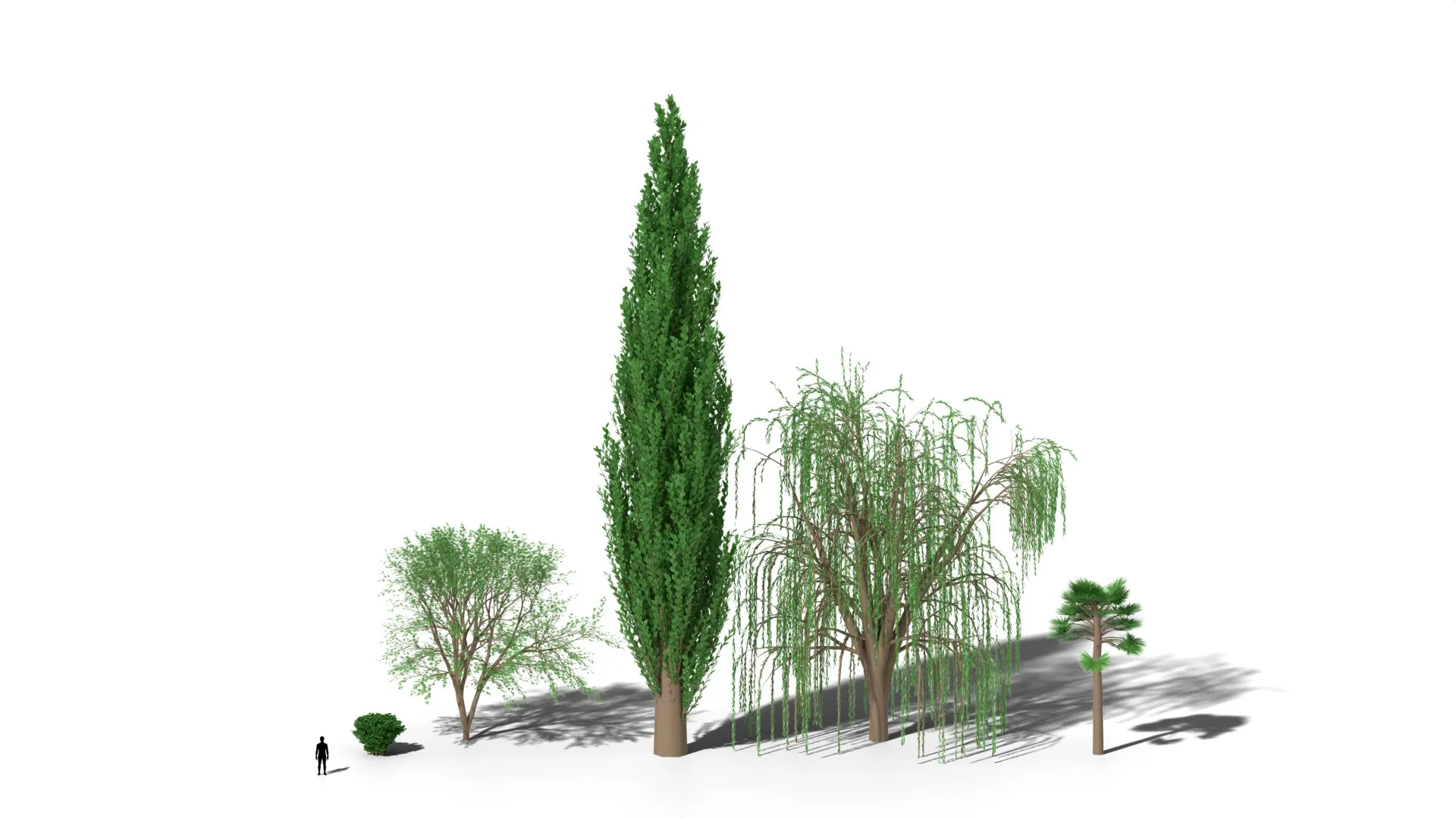
Sapling Tree Gen is a Blender extension for generating editable, parametric trees and shrubs with the Weber–Penn model. The current Blender Extensions release is 1.2.0 and supports Blender 5.2 LTS and later. Generated trees can include bark, leaves or blossoms, wind animation, and an optional armature rig.
Build and revise a tree
In the 3D View, choose Add > Curve > Sapling Tree Gen. The Adjust Last Operation panel opens with settings across nine pages, including Geometry, Branch Radius, Branch Growth, Pruning, Leaves, Armature and Animation. Choose from 29 presets for forms such as broadleaf trees, conifers, palms, bamboo and shrubs, then adjust the branch structure, crown and other settings.
The tree remains editable after creation. Press F9 to reopen the settings for the last operation. To revise an earlier tree, select one of its parts, open the Sapling tab in the sidebar with N, and choose Edit Sapling Tree. Duplicates are independent, and the New Seed option can create a different tree of the same preset type.
Leaves, blossoms and wind
Sapling Tree Gen can place leaves as mesh faces or instances of a leaf object. It also includes cherry, orange and magnolia blossoms. Version 1.2.0 adds a translucency control for leaves and blossoms, and puts the preset menu at the top of every settings page.
Wind animation can move the branches through Geometry Nodes without an armature. With Wind enabled, Leaf Flutter also animates the leaves; leaves using the Instance Points shape do not flutter. If you need a rig, the extension can create an armature and bake the branches into a mesh for export as a skinned mesh. Show Bones makes the rig visible while you work. Large rigs take longer to build, so reduce the joint levels or use longer joints when a tree needs fewer bones.
Release and compatibility
The current listing requires Blender 5.2 LTS or later. This release line is a new implementation of the Sapling add-on that was bundled with Blender through version 4.1, so older tutorials may describe different menus or behavior. Version 1.2.0 also adds the Show Bones control and new-seed duplication. The official manual covers its settings and workflow; check the Blender Extensions listing for the current release and compatibility details.