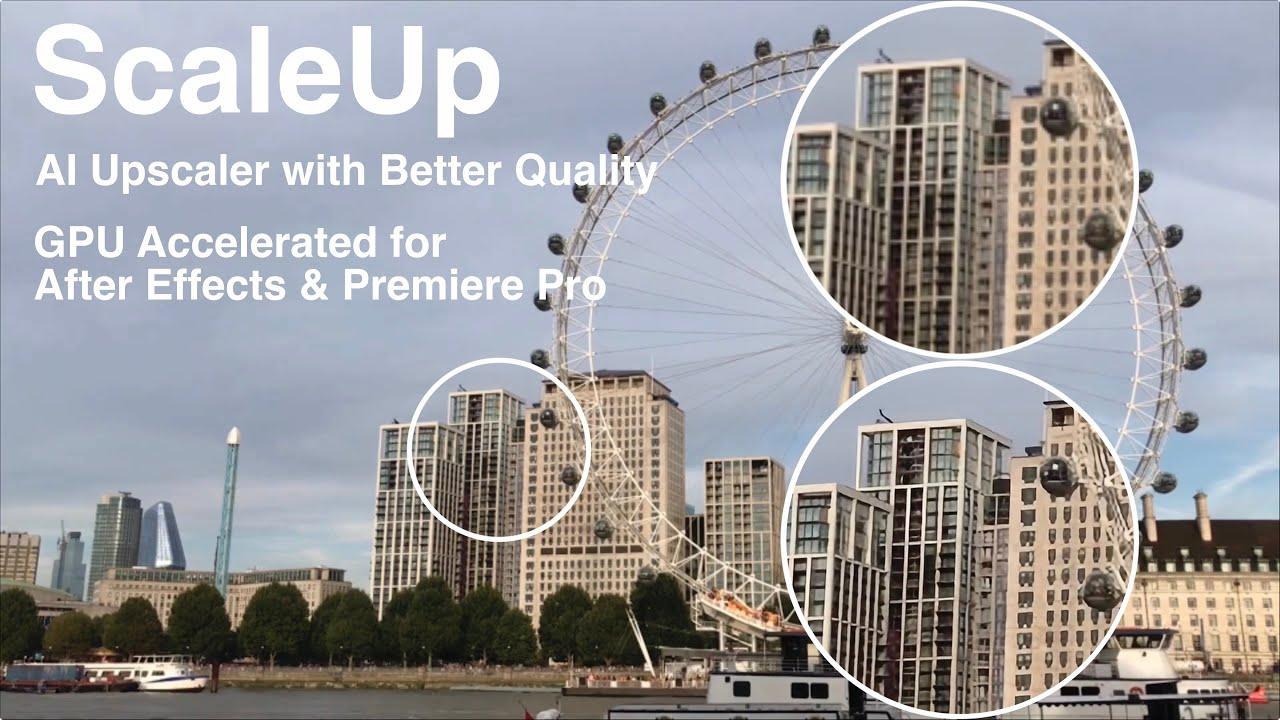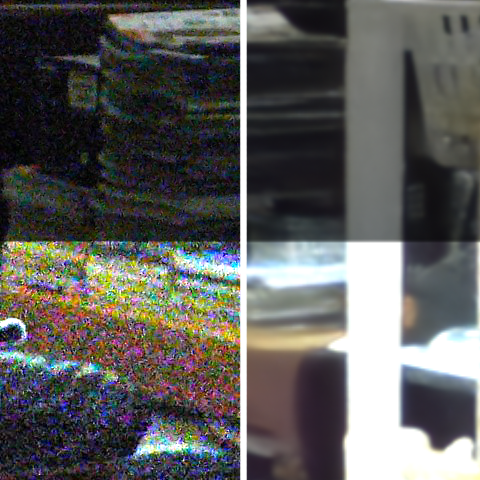
ScaleUp is a video upscaling plugin from vimager for Adobe After Effects and Premiere Pro. It uses a neural network to enlarge footage up to 10× while aiming to preserve detail and reduce noise and block artifacts in compressed video. It is intended for low-resolution or compressed clips that need to be enlarged.
How ScaleUp handles upscaling
Instead of traditional bilinear or bicubic interpolation, ScaleUp uses a neural network that analyzes images and clips. Inspect the result on representative footage before relying on it for a full project.
Choose a mode for the footage
Sharp mode emphasizes fine detail and a realistic appearance. Cartoon mode targets cartoon footage, preserving and enhancing edges while reducing compression artifacts. Choose the mode that fits the source material, then check the result on a representative frame.
Check the GPU and host requirements
ScaleUp computes on the GPU through Vulkan. The GPU driver must support Vulkan 1.1, and Intel integrated GPUs are not supported. The listing says 3 GB of GPU memory handles HD footage and recommends more for UHD or higher. It also notes that many issues relate to GPU configuration, so check the driver and memory on the workstation you plan to use.
ScaleUp is listed for After Effects and Premiere Pro versions 2020 through 2026, on Windows 10 or 11 and macOS 10.15 or later. Check the ScaleUp listing for current download and compatibility details. You can also browse After Effects workflow plugins and Premiere Pro plugins.