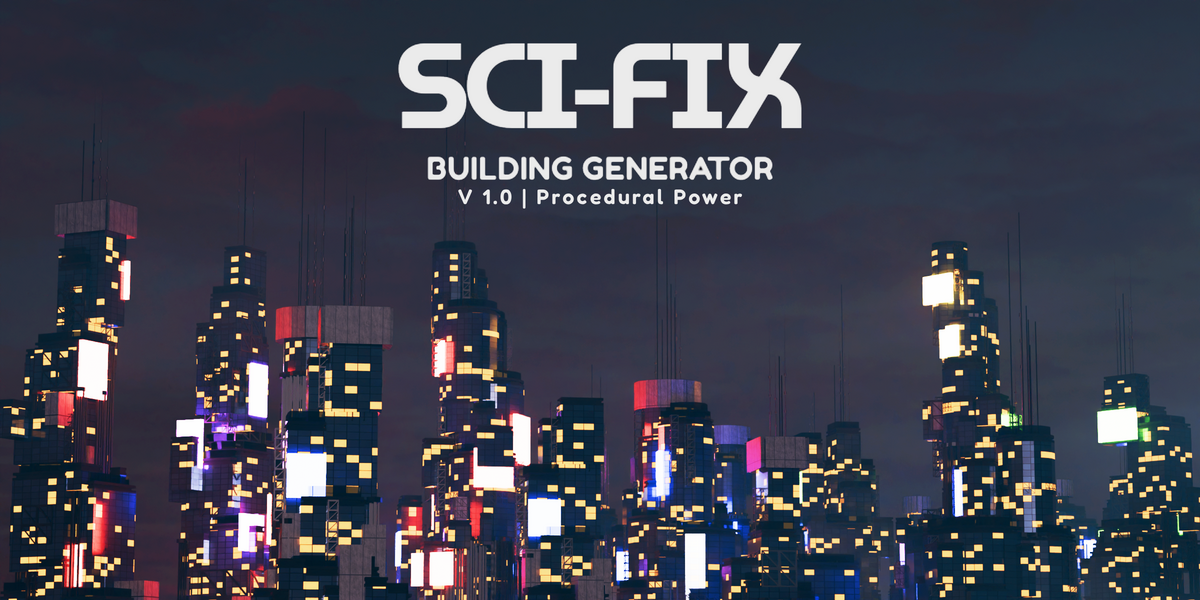
Scifix - Building Generator is a Geometry Nodes toolset for creating procedural sci-fi towers and city clusters in Blender. Use the Scifix panel to add a tower at the 3D cursor or fill a defined area with buildings. Its controls let you vary structures and lighting while keeping the geometry non-destructive.
Build a tower or fill a city area
The Add Building button creates a single tower at the 3D cursor. For a wider scene, Space Fill distributes multiple towers across a defined area or object. This suits concept artists making 3D bases for overpainting, environment designers building urban sci-fi backgrounds, and game prototypers blocking out futuristic levels. Motion designers can create tech-heavy visuals without manual modeling.
Adjust the structure and surface detail
Change the Seed to vary structural arrangement and detail placement. Height controls the building's vertical scale and floor count. Grid/Cubes Density changes the frequency of surface paneling and greebles. Foundation and Top Plate options let you toggle the base and roof structures.
Set viewport detail and night lighting
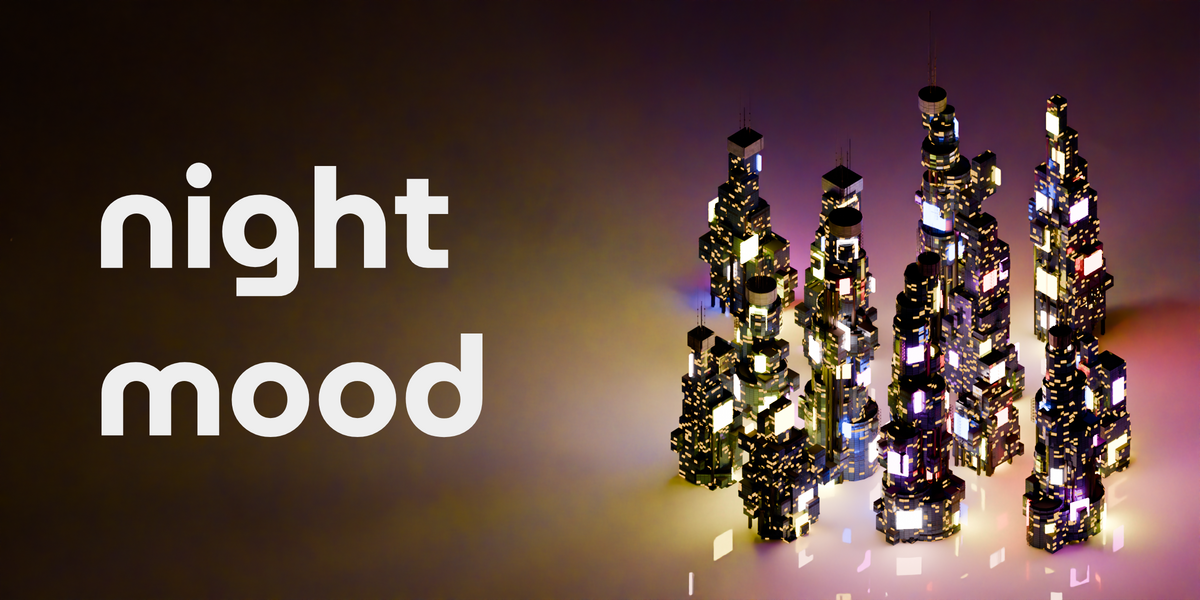
The Lowpoly toggle simplifies the mesh for viewport work. The documentation recommends keeping it active while blocking out large city clusters. For night scenes, the Night Mood option activates emissive materials. Lights Density controls the number of glowing window panels, while Lights Strength and Color adjust their brightness and color.
Check Blender compatibility and render engines
The user documentation says Blender 4.5 or higher; the marketplace details list Blender 4.5 through 5.0. If you use a later release, check the current product listing for compatibility. Scifix works with Cycles and Eevee. The product page recommends Cycles for render quality and Eevee for speed. Superhive lists the license as GPL.
See the Scifix product listing and user documentation for current product and setup details.