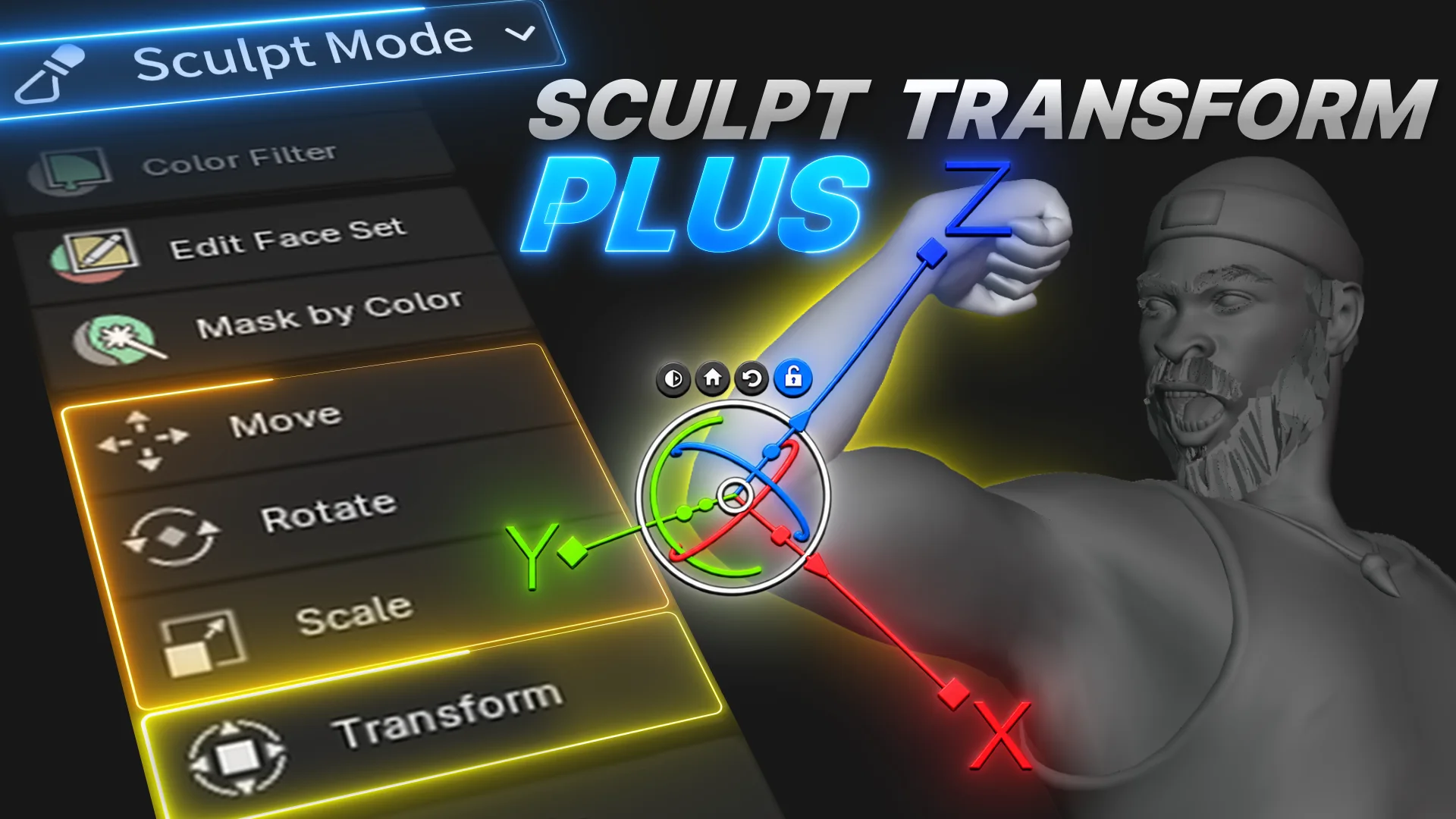
Sculpt Transform Plus keeps Blender's transform gizmo aligned with the sculpt pivot. In Sculpt Mode, the pivot has its own position and rotation, while the gizmo follows the header's Orientation. After a rotation, they can point in different directions. The add-on keeps them together through moves, rotations, trackball transforms, undo and redo, using Blender's own tools.
Pivot-aligned sculpt transforms
Axis locks move and rotate along the pivot's axes. To place the pivot on the mesh, use Shift + right-click; the gizmo aligns to the surface normal. The Unmasked Center button puts the pivot at the center of the unmasked area, or at the mesh center when there is no unmasked area.
World Origin and Reset Orientation respond to the Lock state. When locked, World Origin returns the mesh to the world origin and straightens it to Global axes; when unlocked, it moves only the pivot. When locked, Reset Orientation turns the mesh back to Global axes around the pivot; when unlocked, it straightens only the pivot and gizmo. The locked actions create regular Sculpt undo steps when they change the mesh; if there is nothing to change, they add no step.
Using the gizmo and keyboard
- In Sculpt Mode, choose the Transform tool with Ctrl + T. Move, Rotate and Scale tools also work.
- Place the pivot with Shift + right-click or the buttons above the gizmo.
- Drag the gizmo, or use G, R or S with axis locks and typed values.
- Press Space to move or rotate only the pivot, then press Space again to lock it.
Blender's Ctrl + Z, Ctrl + Shift + Z and Adjust Last Operation keep the gizmo and pivot together.
Pivot memory and preferences
Each object remembers its pivot after you leave Sculpt Mode, and the saved pivot is stored with the .blend file. Sculpt Transform Plus preferences include an option to clear pivot memory for every object in the file, with confirmation. You can also turn the Pivot Only reminder on or off.
Version and Blender compatibility
The Blender Extensions listing shows version 0.2.0, published November 20, 2026, and compatibility with Blender 5.3 and newer. Version 0.2.0's November 24, 2026 release notes clarify how the Lock state affects World Origin and Reset Orientation, fix gizmo drift after undoing a locked World Origin action, and improve surface pivot placement after the mesh has moved or rotated in Sculpt Mode. The add-on is licensed under GPL-3.0-or-later. See the project repository for documentation, known limitations and bug reports.