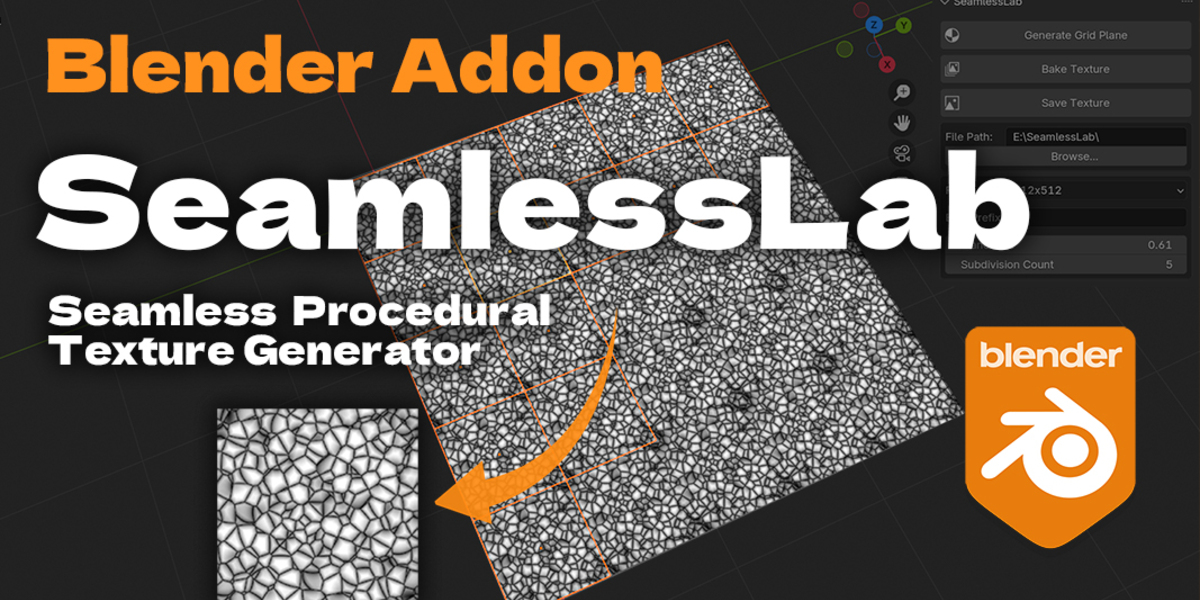
SeamlessLab is a Blender add-on for turning supported procedural materials into tileable image textures. It creates a repeated plane grid for previewing, then bakes the result to PNG. It supports Noise Texture and Voronoi Texture nodes, with controls for shaping the material before baking.
Preview and bake a repeating material
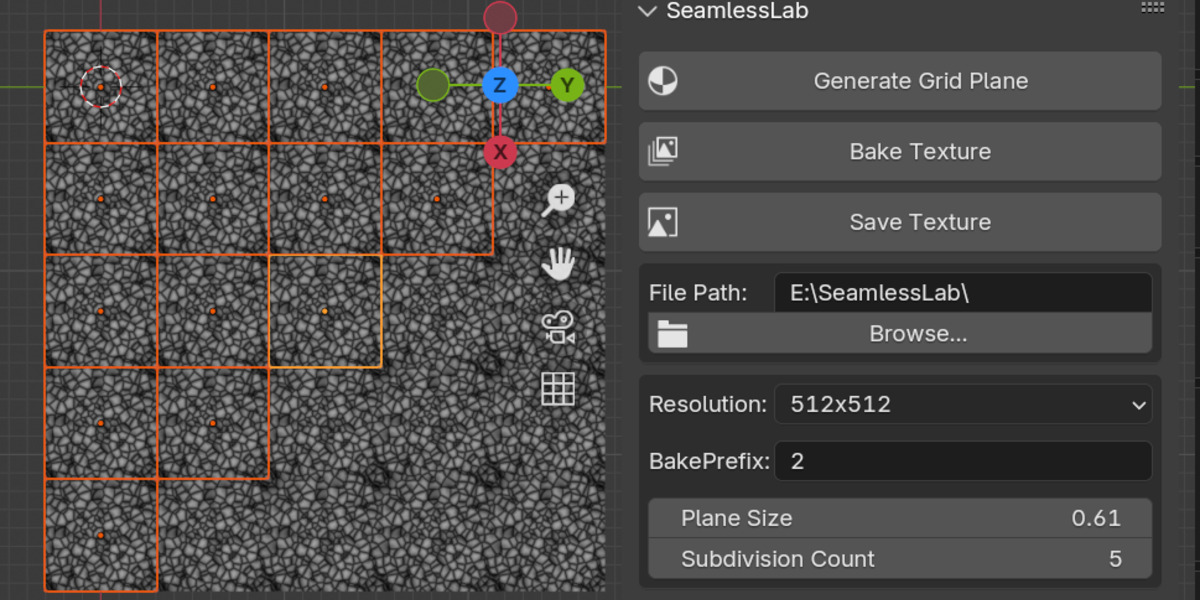
- Generate the grid. SeamlessLab creates identical planes in a Plane Grid Collection. Set the preview density from 2×2 to 8×8, then view the material in Eevee or Cycles.
- Adjust the material. SeamlessLab supports Noise Texture and Voronoi Texture nodes, and its material settings let you adjust parameters such as Scale, Roughness, and Distortion.
- Bake a plane. Select one of the planes and click BakeTexture. The result opens in Blender’s Image Editor, and SeamlessLab adds an ImageNode to the material so you can inspect or connect the baked image.
- Save the image. Choose a destination with File Path and Browse, then click Save Texture to save the current image. The output is a PNG, with automatic UV padding.
Resolution and file controls
The default bake size is 512×512. The product listing gives a range from 64px to 8K; larger images take longer to bake. BakePrefix lets you set a filename prefix for separate results, while PlaneSize and Subdivision Count adjust the grid setup. The listing describes keeping the original node setup intact while applying the tiling modifications.
Who it suits
SeamlessLab is aimed at Blender users making procedural materials for environments, surfaces, or other 3D work that needs a repeating image texture. Its documented node support is limited to Noise Texture and Voronoi Texture, so check the Superhive product listing for the current details and confirm your Blender version before installing.