Select Random Plus extends Blender's built-in random selection with edit-mode controls for vertices, edges, and faces, plus object-mode selection by count. It can limit random vertex selection to a vertex group and object selection to a collection. EnnJinn's Superhive listing describes these controls as an expansion of Blender's built-in utility.
Choose mesh elements in edit mode
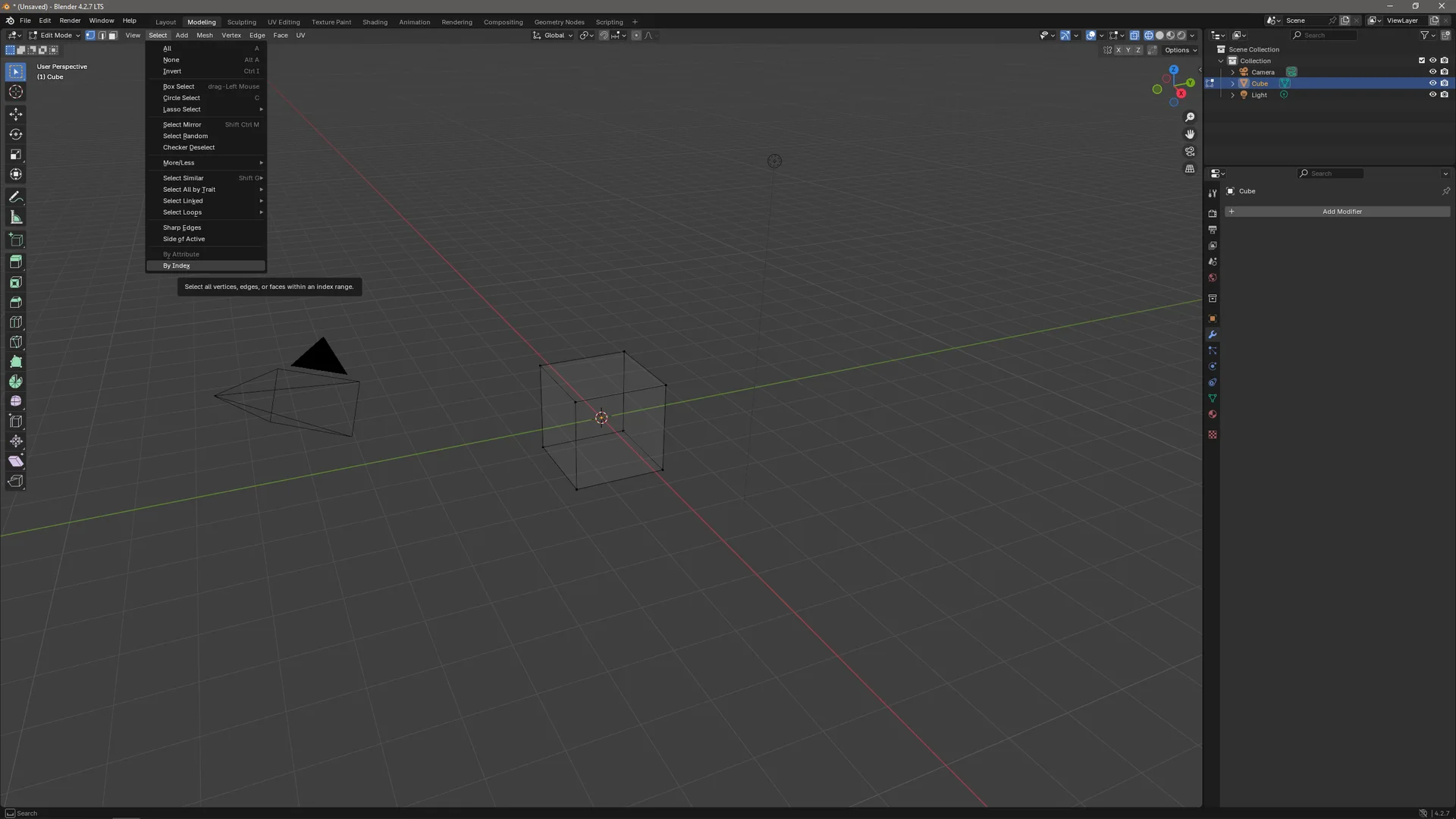
The listing says Blender's built-in random selection works only in object mode. Select Random Plus adds separate sliders for vertices, edges, and faces in edit mode, so you can choose which kind of mesh element to select. Selecting a vertex group limits random vertex selection to vertices in that group. The developer names landscape creation and organic changes confined to part of an object as possible uses.
Limit object selection to a collection
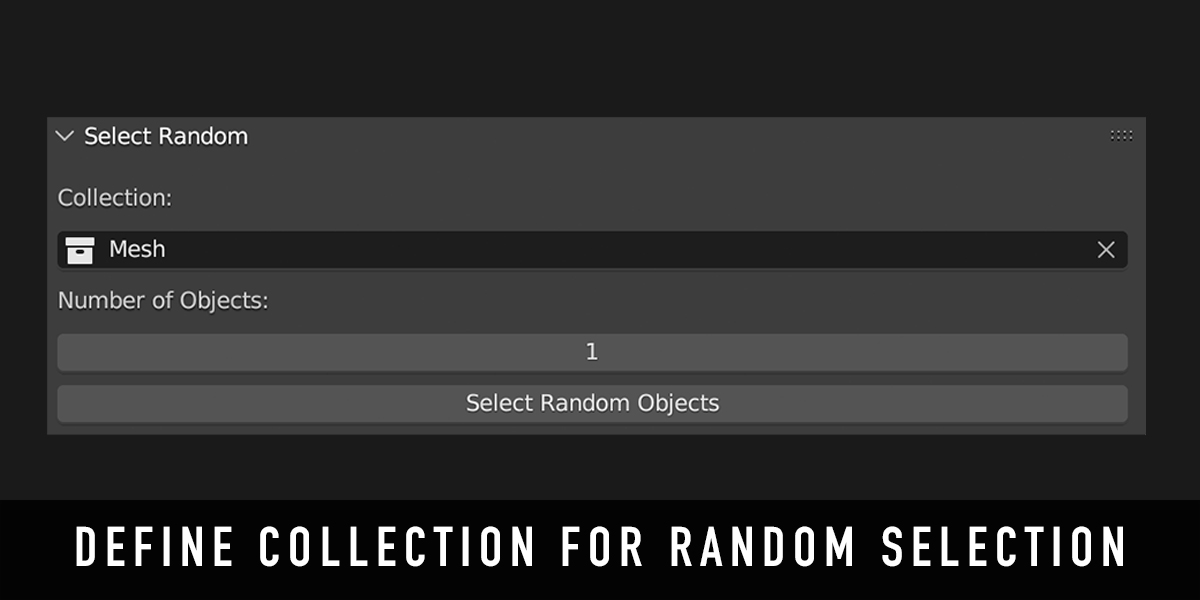
In object mode, set a specific number of objects to select instead of using a percentage. You can also choose a collection so the random selection draws only from its objects. The listing says you do not need to hide other objects first. This is useful when a scene has several collections but only one should supply objects for the selection.
Find the controls in Blender
The controls sit in Blender's sidebar under the Tool panel. The product listing describes one-click execution and says the add-on moves to the appropriate view when needed, so you do not have to switch views before running a selection.
Use it for targeted selections
Choose edit mode when you need random mesh elements, or object mode when you want to select whole objects. A vertex group can narrow random vertex selection to the group's vertices; a collection can narrow object selection to one set. Select Random Plus handles the selection step.