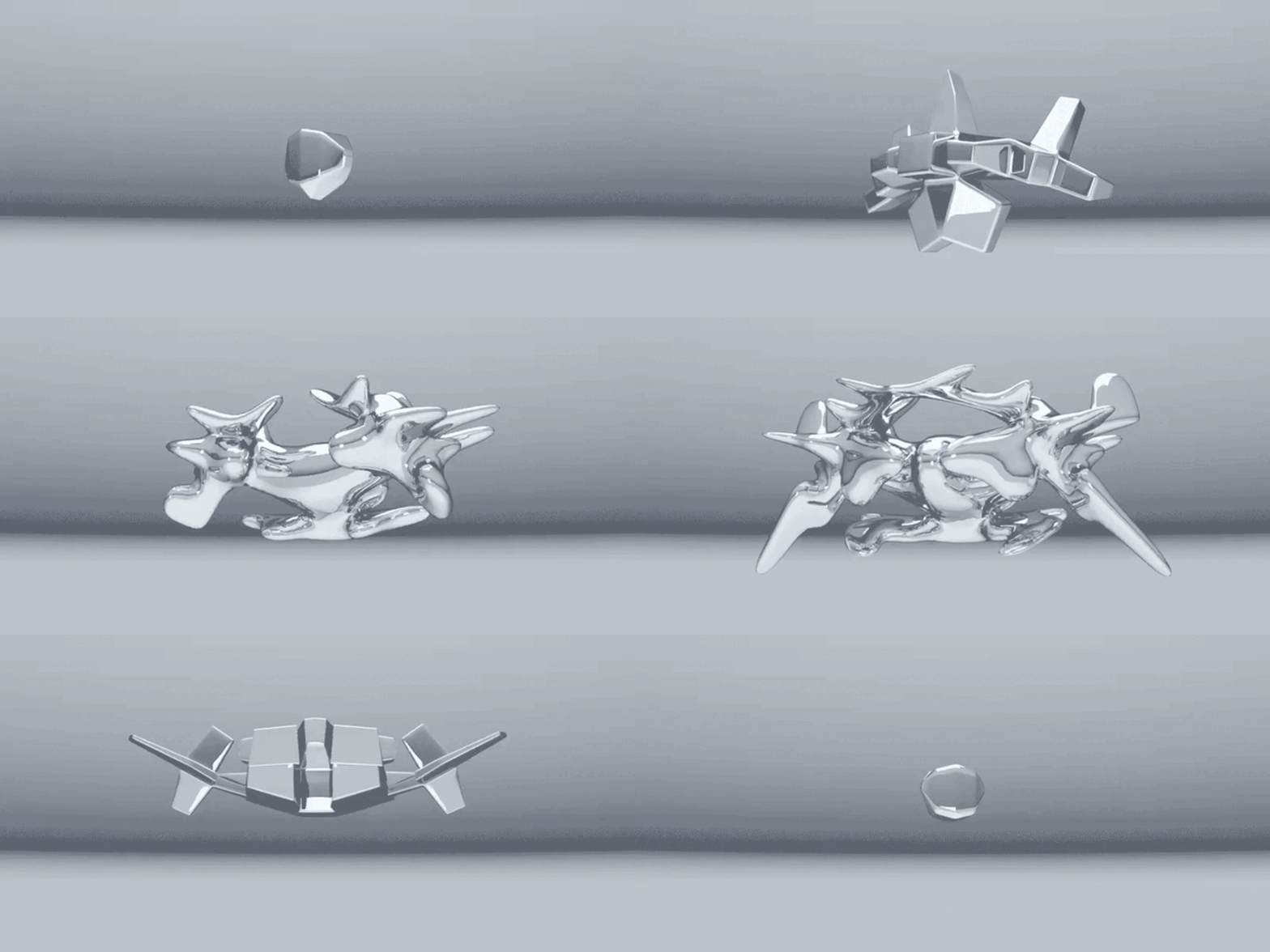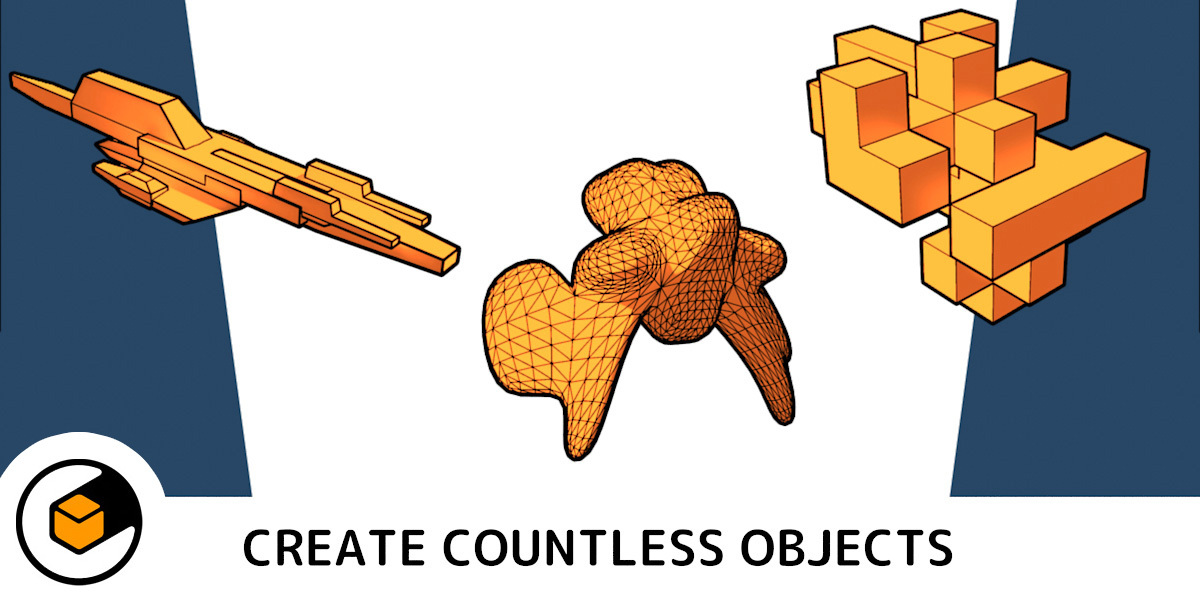
Shape Generator is a Blender add-on by Mark Kingsnorth that builds 3D forms by randomly extruding faces from a starting box. Set a seed, then adjust extrusion amount, length, taper, and rotation to explore different shapes. The product listing describes uses such as concept exploration, spaceship and game asset base meshes, background details, and curated kitbash libraries.
How Shape Generator builds a mesh
The random seed determines the generated form. Extrusion settings control how many faces are extended and the minimum and maximum values for their length, taper, and rotation. A face overlap check attempts to keep the extrusions from crossing existing faces. You can also weight face selection toward the X, Y, or Z direction when you want a flatter or more directional silhouette. These weights change the odds; they do not guarantee that faces on other axes will be skipped.
Controls for shaping the result
Mirror options add a modifier on the X, Y, or Z axis. Bevel and subdivision surface modifiers change the edge profile or smooth the shape, while edge subdivision adds geometry without smoothing it. The add-on can create several objects at once and vary their location, rotation, and scale. It also supports UV Smart Projection, with settings for grouping faces and spacing UV islands. The generated objects and their modifiers can remain available for later editing.
The marketplace listing identifies version 1.7.8, Blender compatibility from 2.9 to 5.3, Blender Extension compatibility, and a GPL license. Check the current listing for details before installing.
Review variations and refine a shape
The Iterator renders a range of master seed combinations with the scene camera and saves the images to a chosen directory. That gives you a set of options to compare before continuing with a design. Version 1.7.8 also adds an Integrated Panel for revisiting a generated shape's parameters after creation, plus Big, Medium, and Small controls for arranging sub-objects into size groups.
When you are ready to edit the mesh directly, Bake can join the objects in a shape and remove its Shape Generator parameters. Optional remesh and smoothing settings prepare a result for sculpting. The official documentation covers these controls, presets, UV options, and installation steps. It also notes that mirroring can leave separate mesh islands near the mirror line.
Uses and compatible add-ons
Shape Generator is aimed at artists who want varied starting forms to develop by hand. It creates standard Blender objects that can be carried into further modeling; the product listing also names the Plating Generator, Bevelled Extrude, Window Generator, and DECALMachine as compatible add-ons.
The main tradeoff is that high extrusion counts can take longer, particularly with face overlap checking enabled. The product FAQ explains that disabling this check can speed up generation, but may leave overlapping faces.