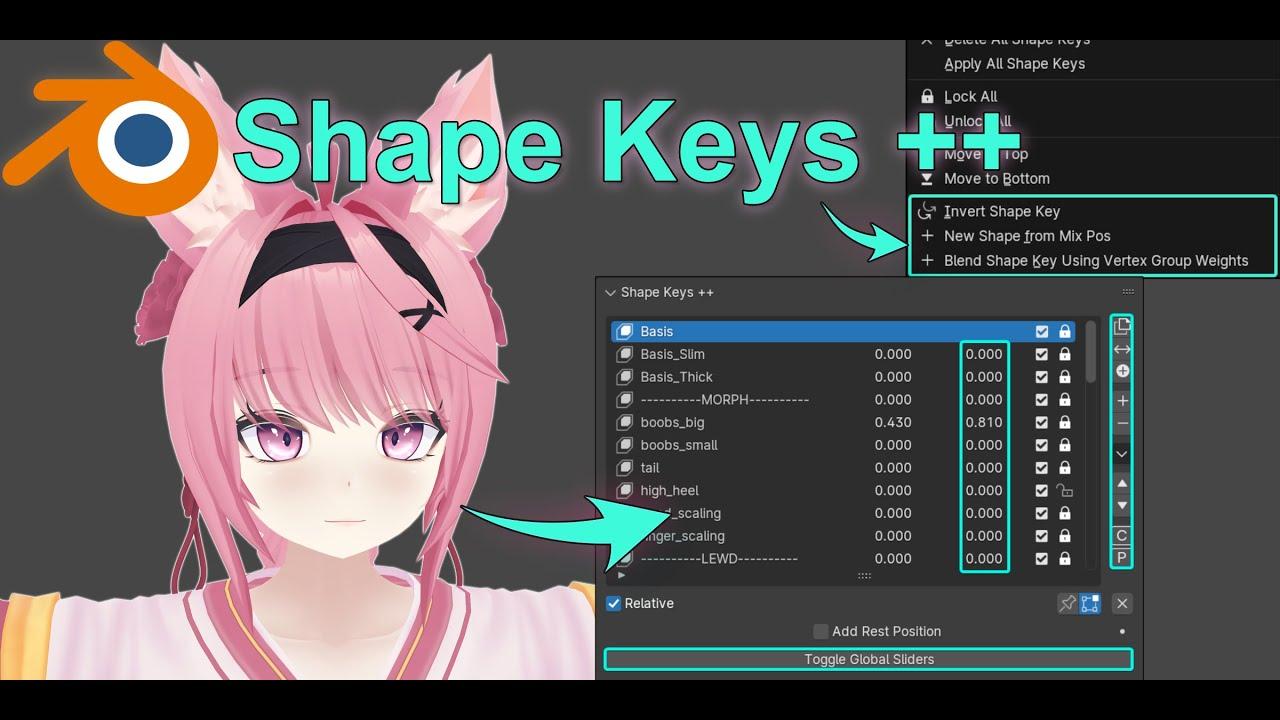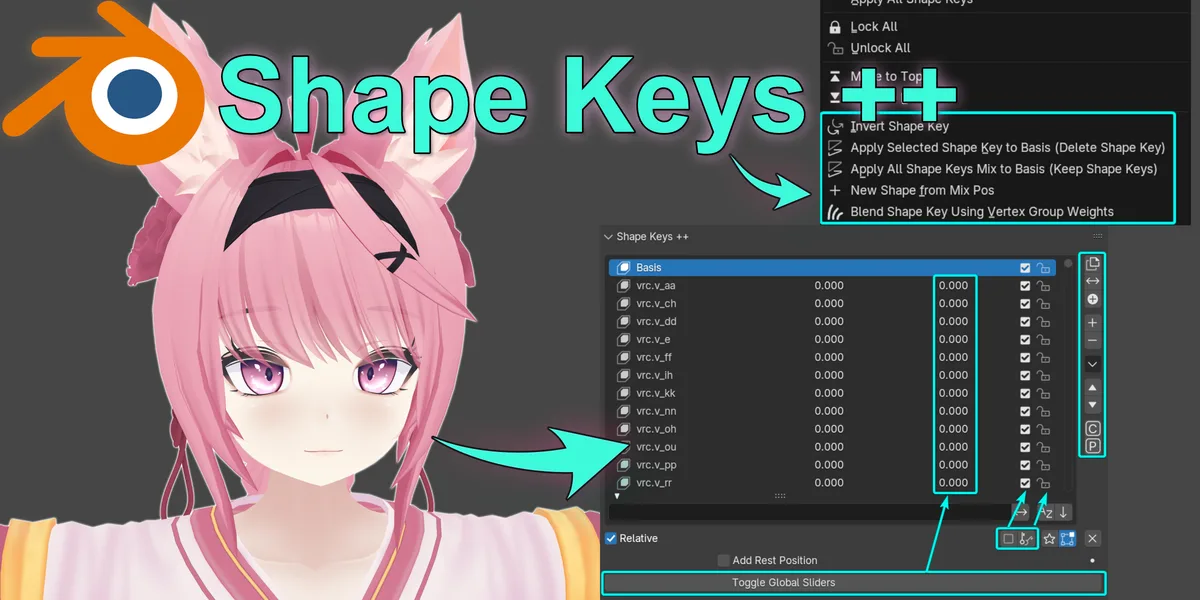
Shape Keys ++ is Shugan’s Blender add-on for managing shape keys during animation, particularly facial expressions. It lets you edit and position keys without changing modes or repeatedly moving entries through the list, and adds tools for duplicating, mirroring, inverting and blending them.
Organize shape keys
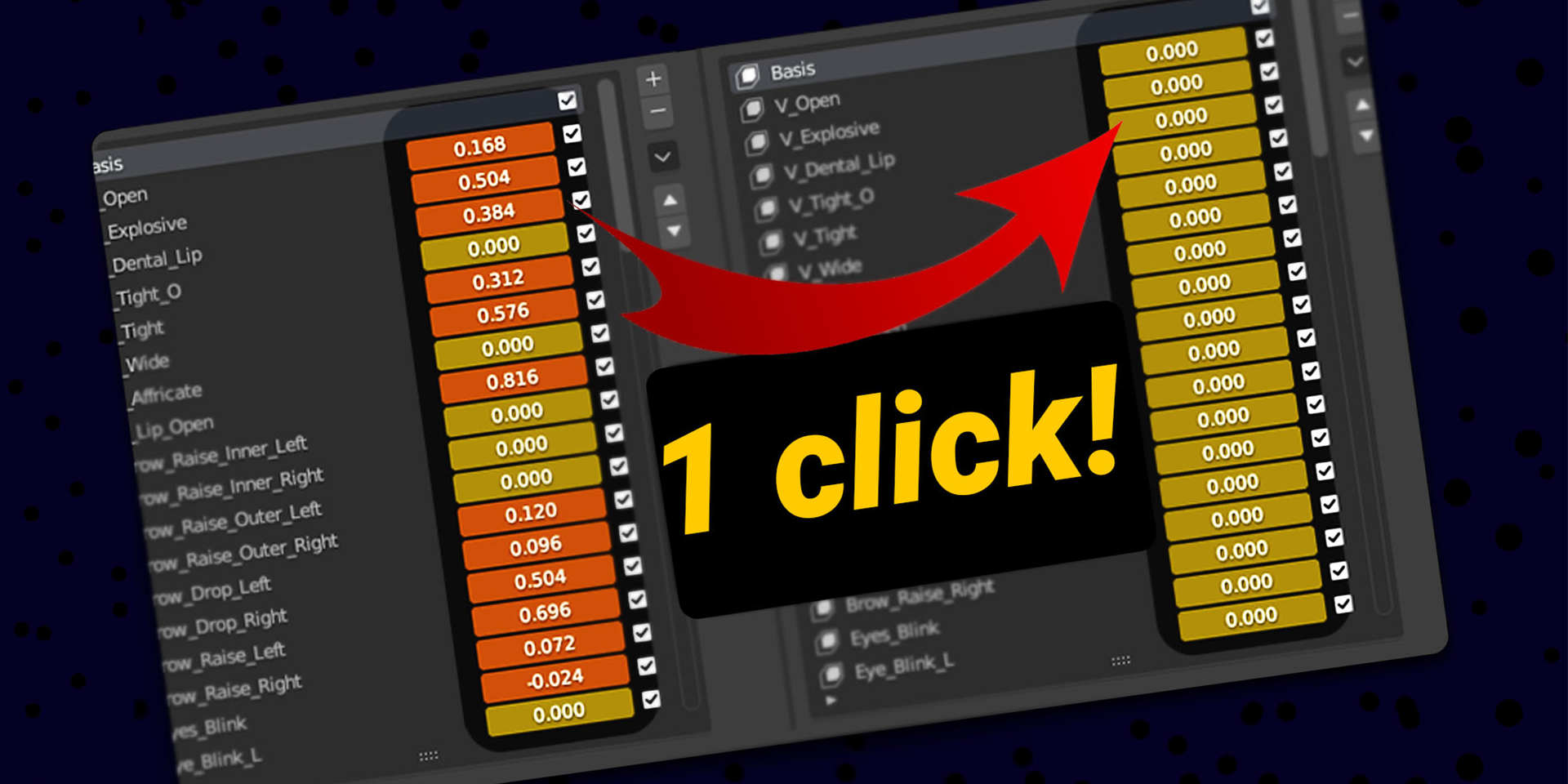
Move keys where you need them and copy their order. Global sliders sit alongside controls to lock, unlock, mute or unmute all shape keys. You can also invert lock and mute states, and remove zero-delta keys or delete keys in a batch.
Blend and apply shapes
The add-on supports blending with vertex groups and Blend From Shape with a real-time preview. Its release notes also list Blend to Basis for selected vertices. For applying results, you can apply a selected shape key to the basis, which deletes that key, or apply all shape key mixes to the basis while keeping the shape keys.
Shape Key Presets with a value slider are also included. Shugan says he created the add-on to reduce repetitive shape-key work during facial-expression animation.
Blender version support
The product listing states support for Blender 3.3 through 5.1. Version 0.2.8, dated April 7, 2026, fixed a loading failure in Blender 5.1 after the cgitb module was removed and fixed Apply Shape Key Mix. Check the listing for compatibility before installing in a later Blender release.
Install the add-on
Open Preferences from Blender’s Edit menu, or the Blender menu on macOS, and go to Add-ons. Use Install and select the add-on ZIP file. In Blender 4.2, use the dropdown at the top right and choose Install from Disk. Install the add-on, enable its checkbox, then drag the Shape Keys ++ menu to the desired position. The installation documentation notes that Shape Keys ++ replaces Blender’s native Shape Keys menu.