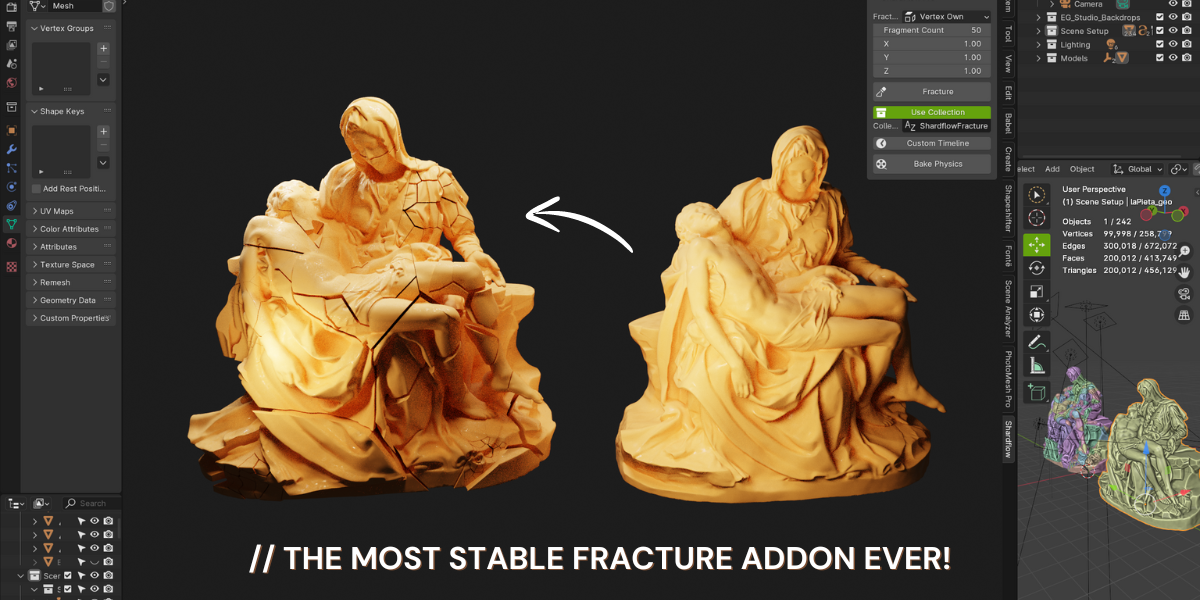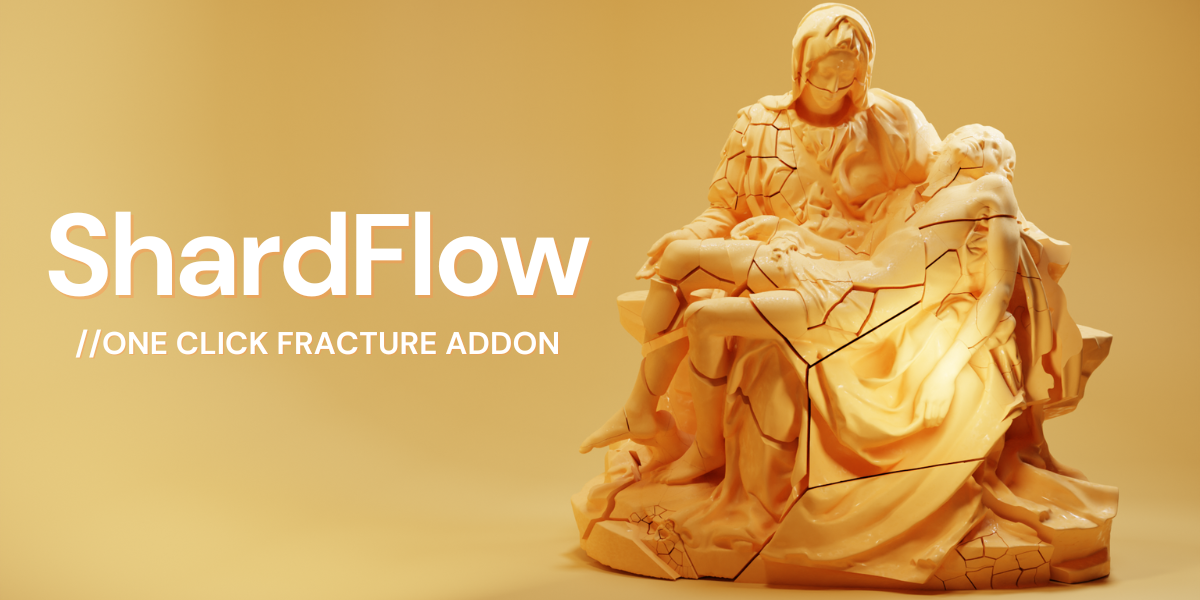
Shardflow is a Blender add-on from Egret Studios LLC for generating fracture effects in simulations and cinematic scenes. Its controls sit in Blender's 3D View Sidebar. The add-on automates fracture setup with a one-click option, then gives the artist choices over the fracture method, fragment count and Voronoi layout. Fractured objects are placed in a new collection automatically, and you can customize its name.
Choose how an object fractures
Shardflow provides vertex-based, particle-based and Grease Pencil stroke methods. These give you different ways to define how an object breaks apart. Fragment counts can be set from 2 to 10,000 for each object, so you can make a sparse break or a much finer division. Voronoi cells can be scaled in 3D space to influence the shape and distribution of the resulting shards.
The Superhive product listing describes these controls, but does not state how each method affects performance or which settings suit a particular mesh. Check the results against your object and Blender version.
Keep fracture work organized
Real-time fracturing lets artists iterate in the 3D view. The listing describes fragment counts per object but does not describe a bulk-processing control for fracturing many objects at once.
Where Shardflow fits
Shardflow is aimed at Blender artists who need fractured geometry for destruction shots or simulation work. The listing does not describe a rigid-body solver, collision setup, animation controls or a bake process, so it does not establish whether Shardflow handles those parts of a destruction workflow.
Compatibility and license
Superhive lists Blender versions 3.0 to 3.6, 4.0 and 4.1, and identifies Shardflow's license as GPL. Check the current marketplace listing if you use another Blender version or need to confirm the license terms. AnyPlugins lists the add-on as free, with its facts verified in July 2026; Superhive's product details do not state a price. Recheck the AnyPlugins listing for current pricing before downloading.