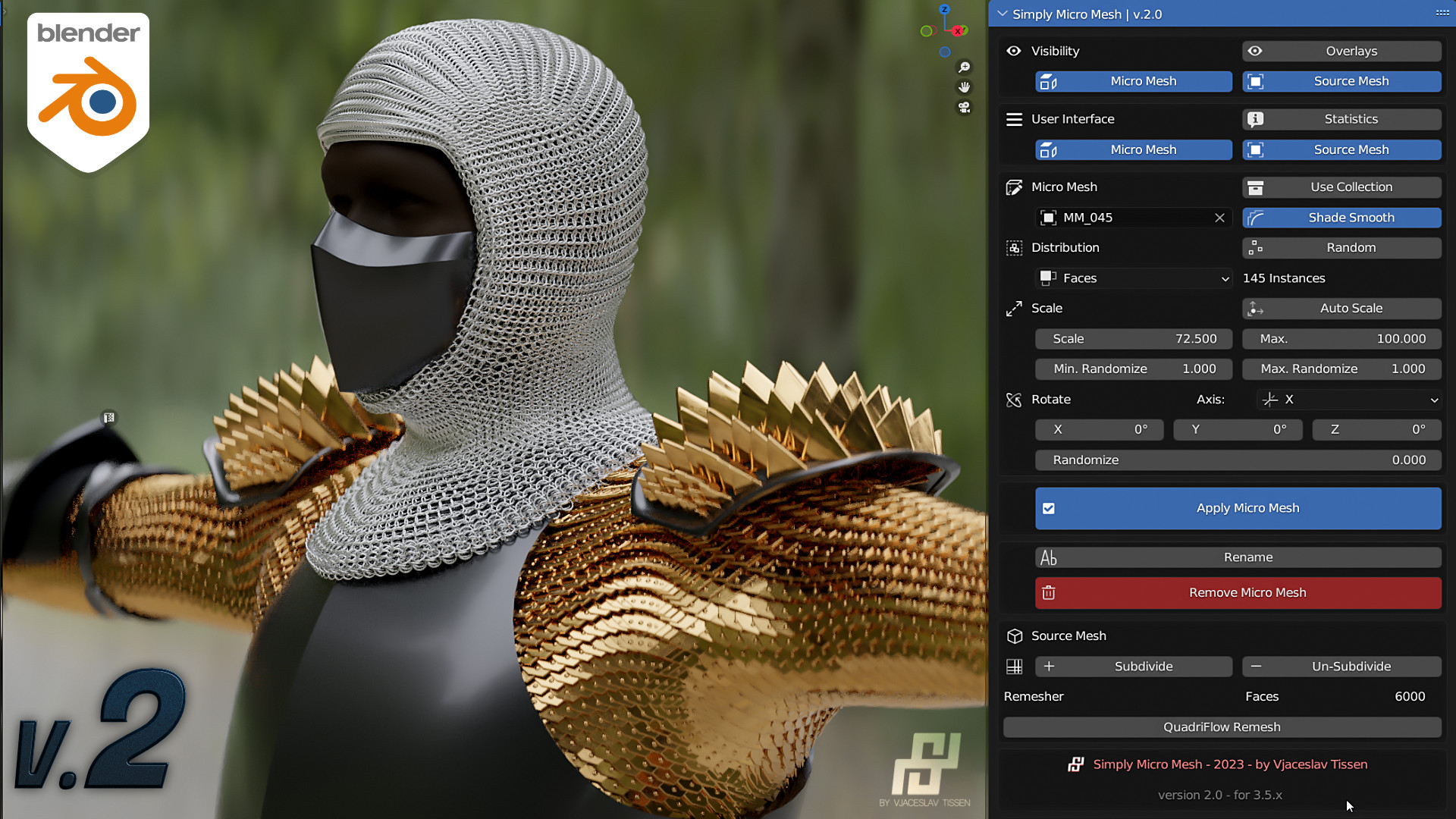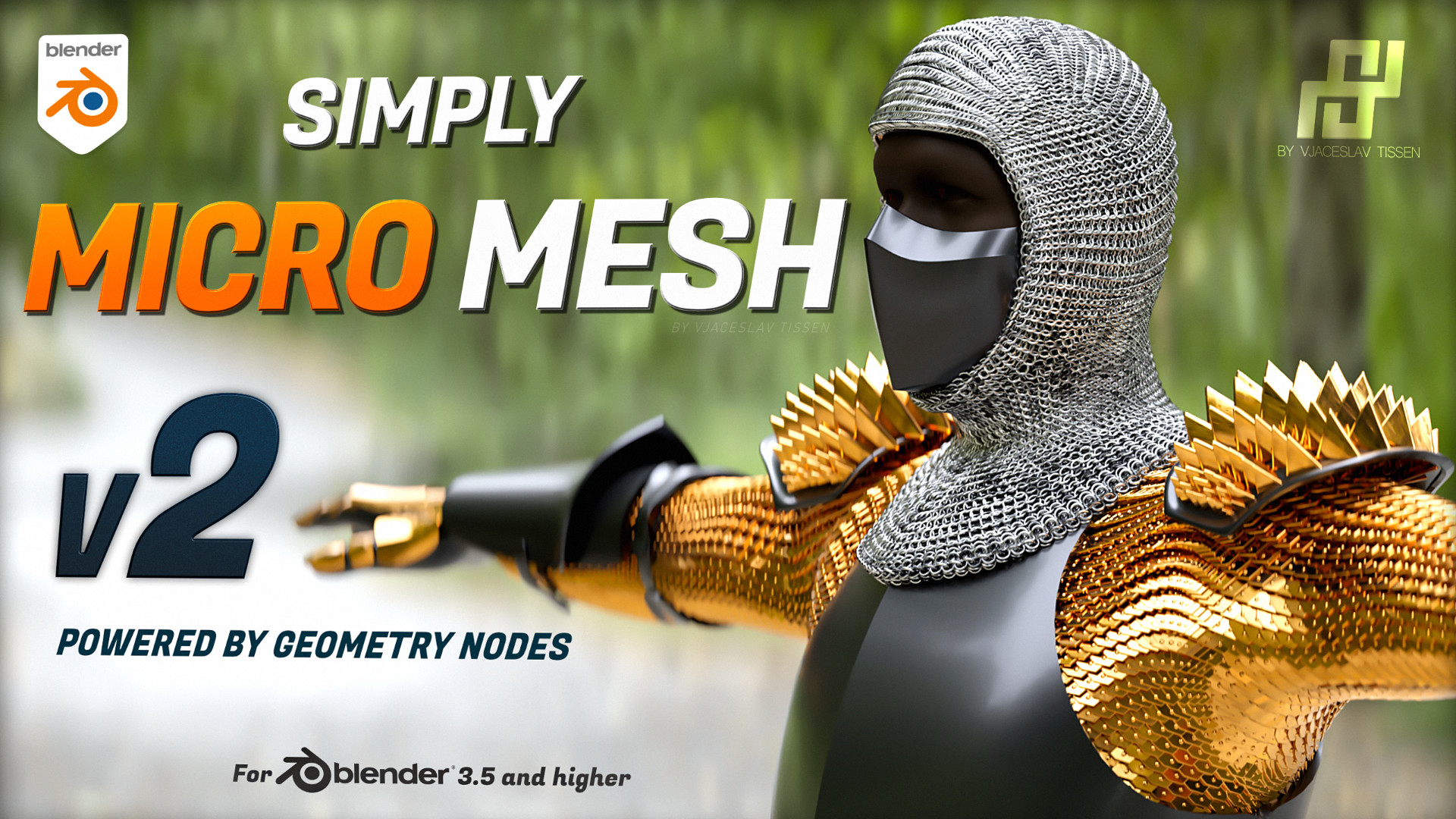
Simply Micro Mesh is a Blender add-on for projecting micro objects onto a target object during concept work. The product listing describes a workflow built around ready-made presets that you can select and customize, or replace with micro meshes of your own. Scale and phase can be adjusted, and the add-on helps you visualize density. The add-on includes more than 120 presets.
Using presets for concept work
Choose a ready-made micro mesh, project it onto the target object, then adjust its scale and phase while checking how dense the result looks. If a preset does not suit the concept, the developer says you can change it or create and use your own. The Micro Mesh Assets can also be used in Blender's Asset Library; the product page says an Asset Library.zip is available in your orders.
Projection accuracy and Tissue
The developer notes limitations in Simply Micro Mesh and recommends Blender's internal Tissue add-on for correct micro mesh creation and more accurate projection onto a target object. Simply Micro Mesh is suited to building and working with a concept.
Version notes and maintenance
The listing gives Blender compatibility as 2.93 to 5.2. Its package note names version 2.0 for Blender 3.5 and temporary workflow version 1.5 for Blender 3.4.1; the supplied note does not specify a package for other versions in that range. Check the product listing's installation notes when choosing a package. Restart Blender after installing. The developer says Simply Micro Mesh receives compatibility updates only, with no new features planned.