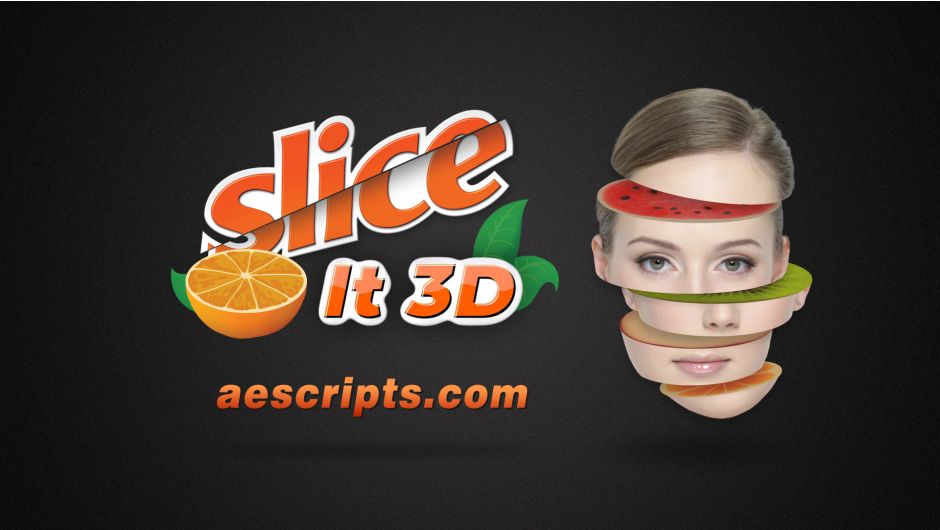
Slice it Up 2 is an After Effects tool for creating procedural, non-destructive slices from a layer. It duplicates the footage into slices, applies masks, and brings the pieces into a composition that forms an undistorted image.
Shape the slice pattern
Set the slice count, then adjust the result with controls for slice width or height, axis direction and distribution. Distribution can be random or linear in space. If a pattern is close but not quite right, randomize the slices again or use a previous seed to return to a preferred arrangement. Mask expansion controls let you shrink or expand the slice mask.
The tool supports both 2D and 3D space. Its X, Y and Z offset controls can use random or linear values, while rotation and mask expansion provide additional ways to shape the animation.
Animate the generated composition
Select a layer, enter the number of slices and run the slicing command. Slice it Up 2 creates a new composition with its effect controls attached. Animate the offsets over time, then combine them with rotation and expansion to build a moving slice effect.
You can change slice width, height or distribution from the panel after creating the setup. The product page says these randomization controls preserve existing keyframes, including after closing and reopening the project. See the Slice it Up user manual for more detail.
After Effects compatibility
The developer lists compatibility from After Effects CS4 through After Effects 2026, including the intervening CS and Creative Cloud releases. Check the developer’s product page for the current compatibility list, trial and licensing details. The listed trial is limited to 10 slices.
Version 2.1.2, dated February 14, 2026, changes the licensing framework, according to the release notes. The notes do not describe a change to the slicing controls.