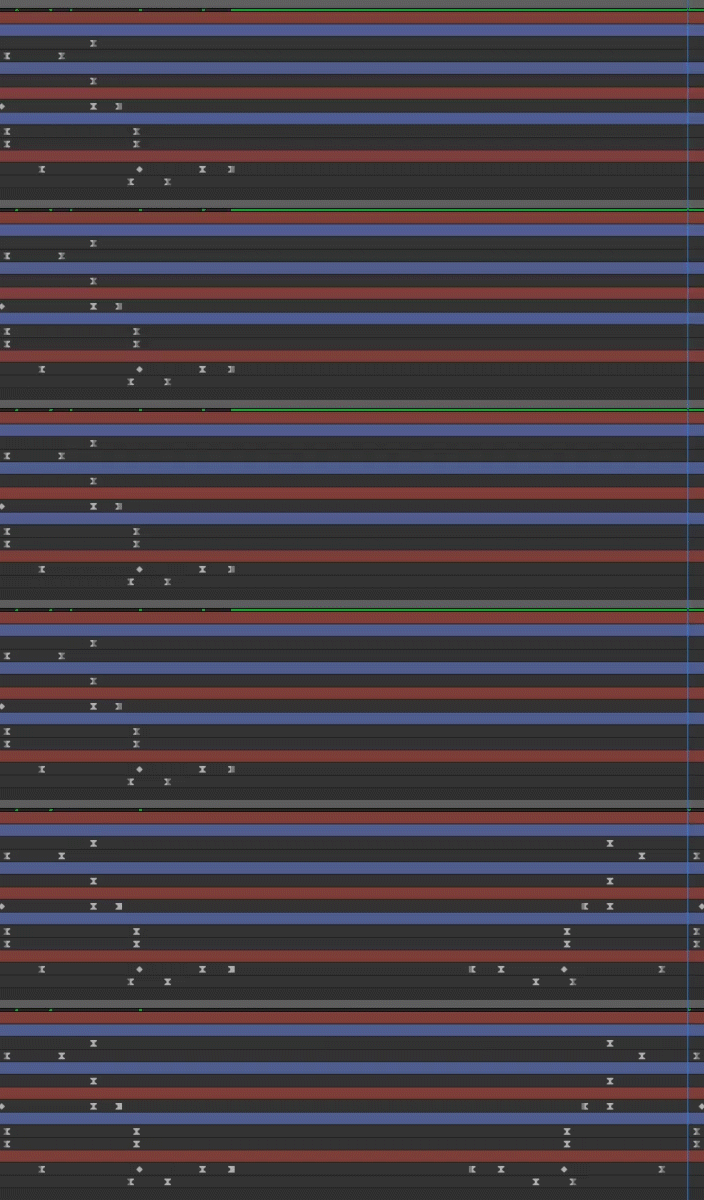
Smart Key Reverse 2 is an After Effects keyframe tool by Creative Motion. It reverses animation across multiple layers while keeping the relative time pattern, which is useful when you need to turn an existing entrance into an exit or flip a larger animation without rebuilding its keyframes.
Choose how timing is reversed
Choose among At Time, Work Area, and In to Out Point. These modes use the current time selector, the composition work area, or each layer's in and out points as the reversal reference.
Scope the action to all, selected, or enabled layers, then use all, selected, or specified properties. You can also select keyframes manually; Smart Key Reverse can reverse selected keyframes across different properties and layers.
Keep interpolation and roving keyframes
The developer says the tool supports keyframe types and their interpolation, including roving keyframes. Reversed interpolation can match the forward fade-in animation, and a keyframe counter is included in the panel.
Use it from the panel or a shortcut
The panel has a compact interface and flexible settings. It supports KBar2 and keyboard shortcuts for its available features. Shortcut modifiers can be set to Shift, Alt, or Ctrl.
Compatibility and trial
The developer's compatibility list names After Effects 2021, 2020, CC 2019, CC 2018, CC 2017, CC 2015.3, CC 2015, CC 2014, CC, and CS6. The 2.1.6 history entry dated October 30, 2021 lists UI improvements, enhanced stability, and better After Effects 2021 compatibility. The compatibility list ends at After Effects 2021 and does not confirm support for later versions, so check the developer product page for current details. A free trial is listed there too.