Sound Radix Auto-Align Post aligns microphones that recorded the same performance from different positions. Dialogue editors use it to correct timing differences between a boom and lavalier, which can create phase artifacts and comb-filtering when the signals are combined. The plugin applies Adaptive Time Alignment after recording, with modes for moving or stationary sources. The product listing identifies version 2.3.3. Sound Radix's release notes list version 2.3.4, dated October 13, 2026; its product page lists Adobe Premiere Pro and DaVinci Resolve Studio as supported.
How Auto-Align Post handles timing and phase
Dynamic mode continuously corrects timing and phase for recordings with moving actors or cameras. Static mode is intended for stationary microphones, such as a fixed dialogue or foley setup. Choosing between them lets editors match the correction to movement in the recording.
Adaptive Time Alignment has a stated range of up to ±100 milliseconds, or roughly 112 feet (34 meters) of distance. The Spectral Phase Correction Module addresses phase shifts caused by electronic and acoustic filters. A real-time Spectral Phase Correlation Meter provides phase-correlation feedback, and multi-channel support accommodates recordings with multiple microphone channels.
Host integrations and compatibility
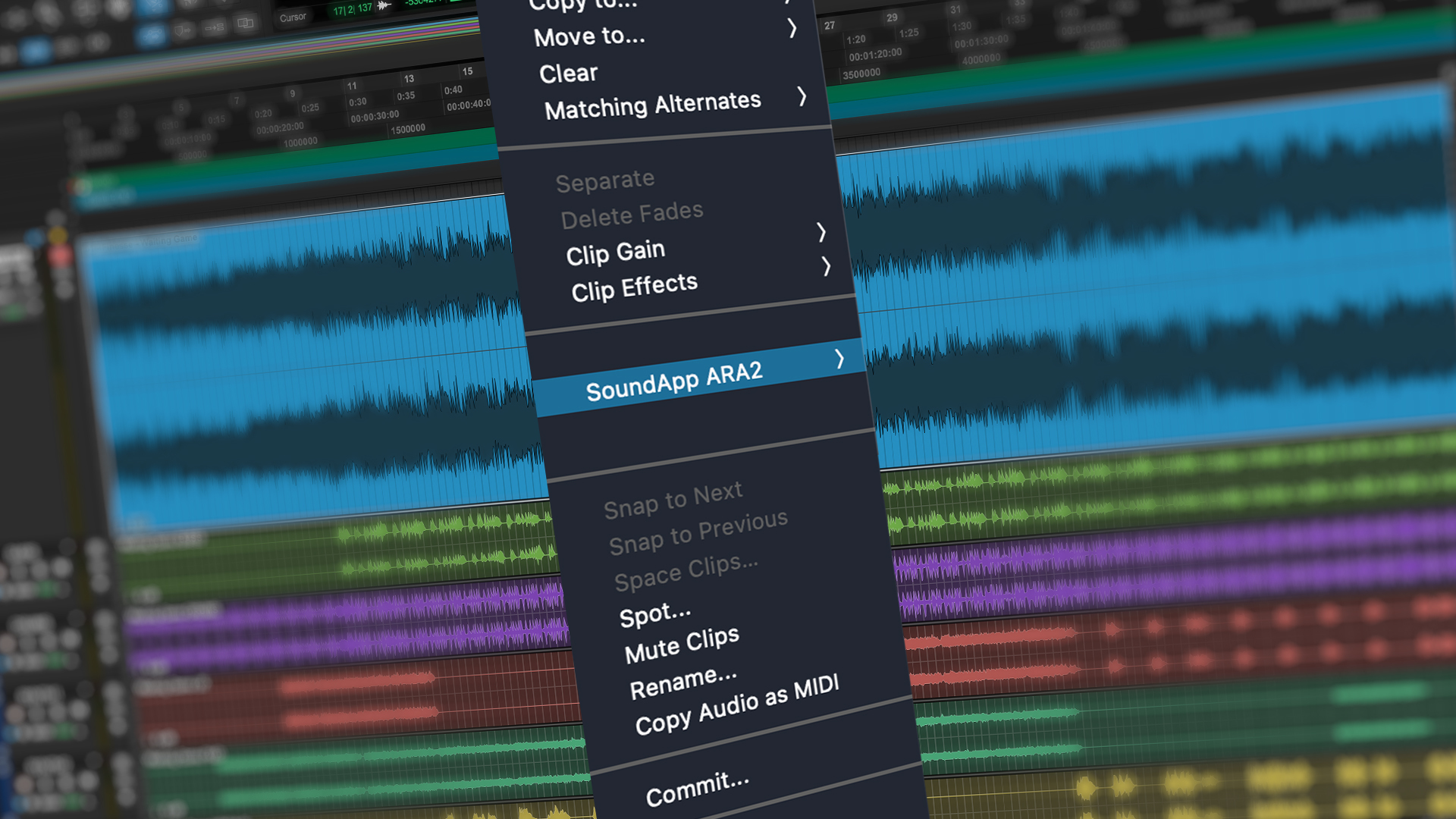
Integration depends on the host and plugin format. Auto-Align Post is available as AudioSuite, ARA2 in supported hosts, an Adobe Premiere Pro extension, and Blackmagic DaVinci Resolve Workflow Integration. Native support for DaVinci Resolve Studio was added in version 2.3; version 2.3.1 added compatibility with DaVinci Resolve Studio 20.
The listing also names Pro Tools, Cubase/Nuendo, REAPER, Studio One, Premiere Pro, and DaVinci Resolve Studio among supported hosts. Minimum host versions vary by format, so check Sound Radix's current compatibility information before installing.
System requirements
The listed Mac requirements are a 64-bit Intel Core CPU or Apple Silicon, at least 8 GB of RAM, macOS 10.14 or newer, and iLok License Manager 5.4 or newer. Windows requirements are a 64-bit Intel or AMD CPU, at least 8 GB of RAM, Windows 10 or newer, and iLok License Manager 5.4 or newer. Confirm the current system and authorization requirements with Sound Radix before installation.