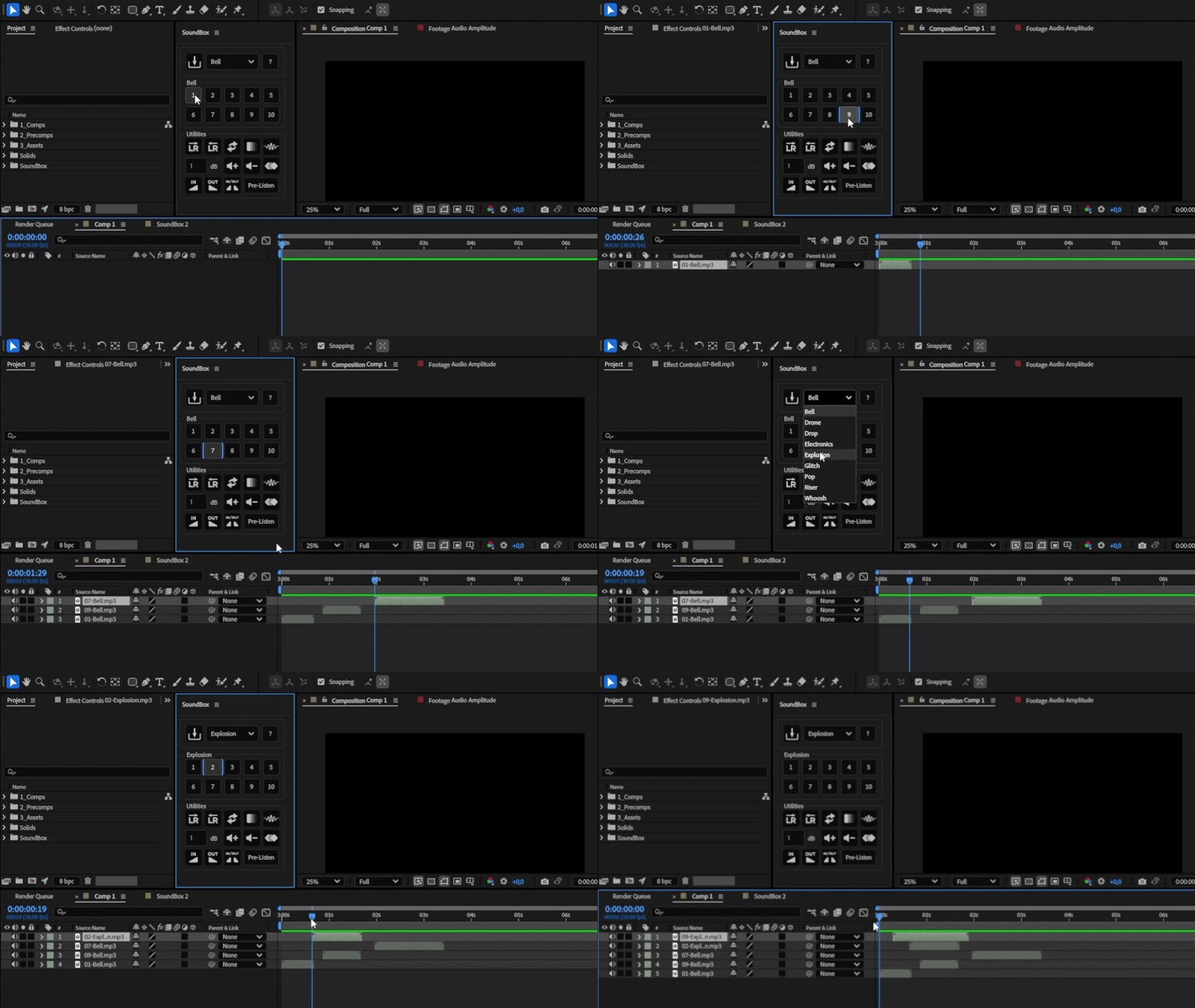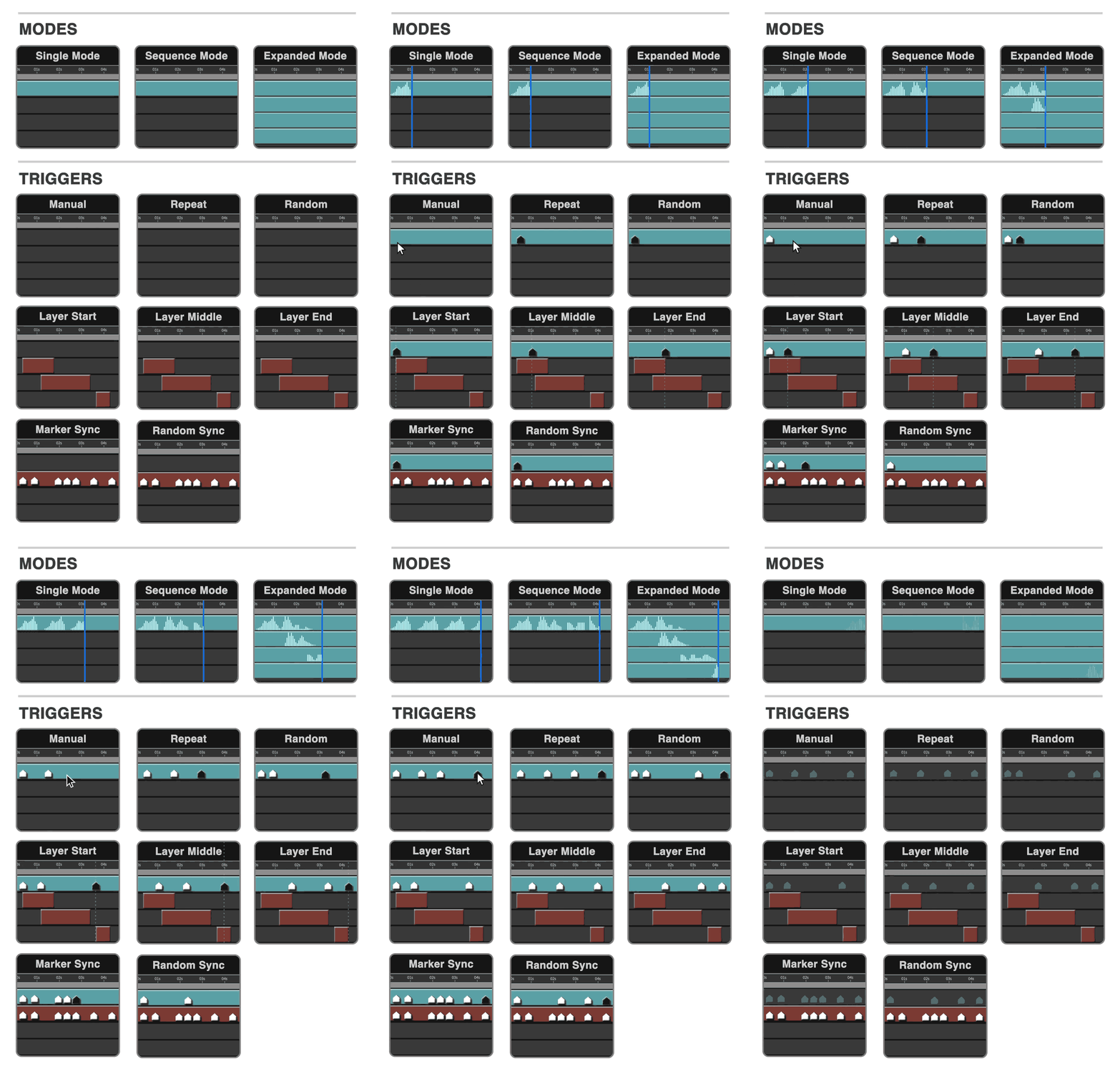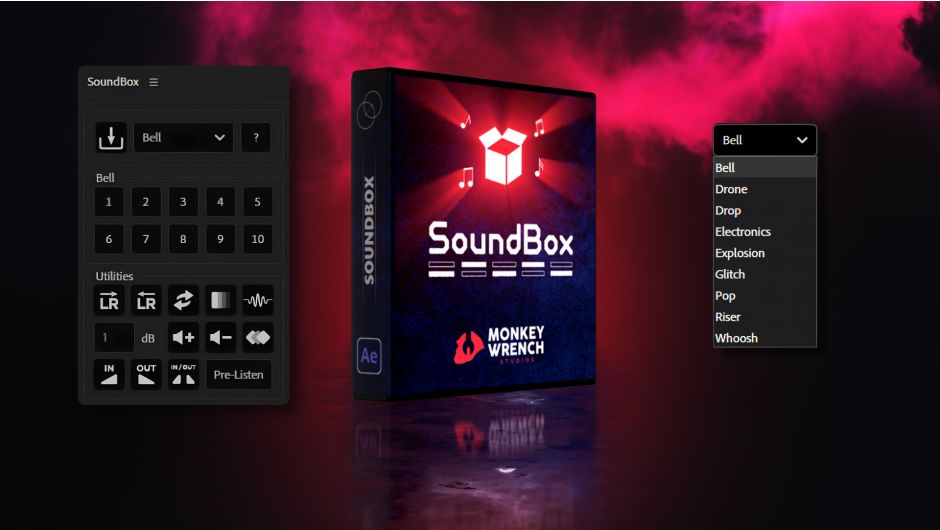
SoundBox is a script for placing and adjusting sound effects inside After Effects. Its panel combines 90 categorized sound effects with tools for previewing them and shaping their timing alongside the animation.
Preview SFX at the playhead
Its categorized library includes whooshes, hits, clicks and transitions. Preview a sound in the panel, then send it to the timeline with one click. Playhead-based preview lets you audition a category at the point in the composition where the animation is happening, so you can judge a cue against the timing before placing it.
Add your own sound libraries
You can add your own folders and use SoundBox as a central panel for custom SFX libraries alongside the included sounds. This suits motion designers who reuse their own audio cues and want to browse them from inside After Effects.
Adjust audio and timing in After Effects
The panel includes Reverse, Delay, Modulator, volume nudges, panning, fades and Audio-to-Keyframes. Marker-based controls support fade-in, fade-out and in-out fades, stereo pans and timing adjustments. The markers keep those changes easy to revisit. Audio-to-Keyframes can connect sound to reactive animation.
SoundBox is aimed at motion designers who place sound effects as part of their After Effects workflow. For the seller's current price, trial and compatibility details, see the official SoundBox listing.