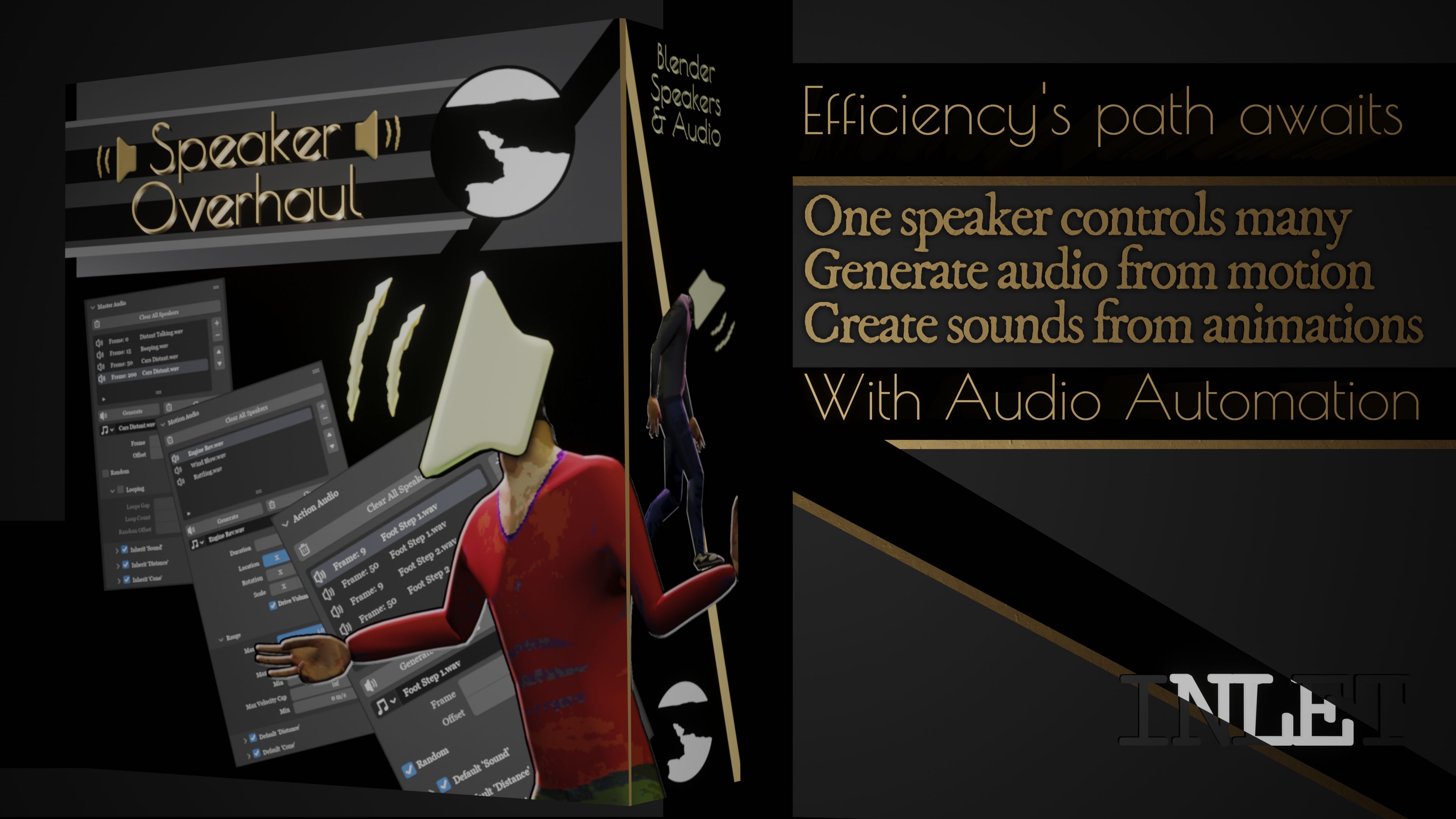
Speaker Overhaul - Automated Sound Design is a Blender add-on for tying scene audio to ambience, object movement, and animation timing. Its three speaker types cover sounds that play around a scene, respond to an object's motion, or trigger on chosen animation frames.
Choose a speaker by what drives the sound
Master Speaker for scene ambience
Use the Master Speaker for ambient layers such as urban chatter, wind, or frogs around a pond. The listing says it can play multiple sound variations or effects at different locations and frames, with pitch and volume settings.
Motion Speakers for moving objects
Motion Speakers respond to an object's movement along the X, Y, or Z axis. The add-on adjusts speed and pitch as the object moves, which can help tie a sound to an action such as dragging a box. The listing also gives engine startups and increasing speed for wind, water, or a passing car, plane, or train as examples.
Animation Speaker for frame-based cues
Bind a sound to a specific frame in an animation to trigger footsteps, cloth or accessory rustle, or a water splash. The listing says these cues can repeat and respond when the animation speed changes, keeping playback connected to the chosen frames.
What version 1.2 changes
The Speaker 1.2 changelog adds presets for the audio types and shared defaults. Presets are saved with the add-on and are available in any Blender project after it is added. The update also prevents a looping audio sample from being set to zero duration, addressing a crash. It removes attenuation and distance animation controls that had been left in by mistake and did not affect the audio.
Compatibility and license
The product listing identifies Blender versions 2.93 through 5.0 and a GPL license. Check the Speaker Overhaul product listing for the current package details before installing.