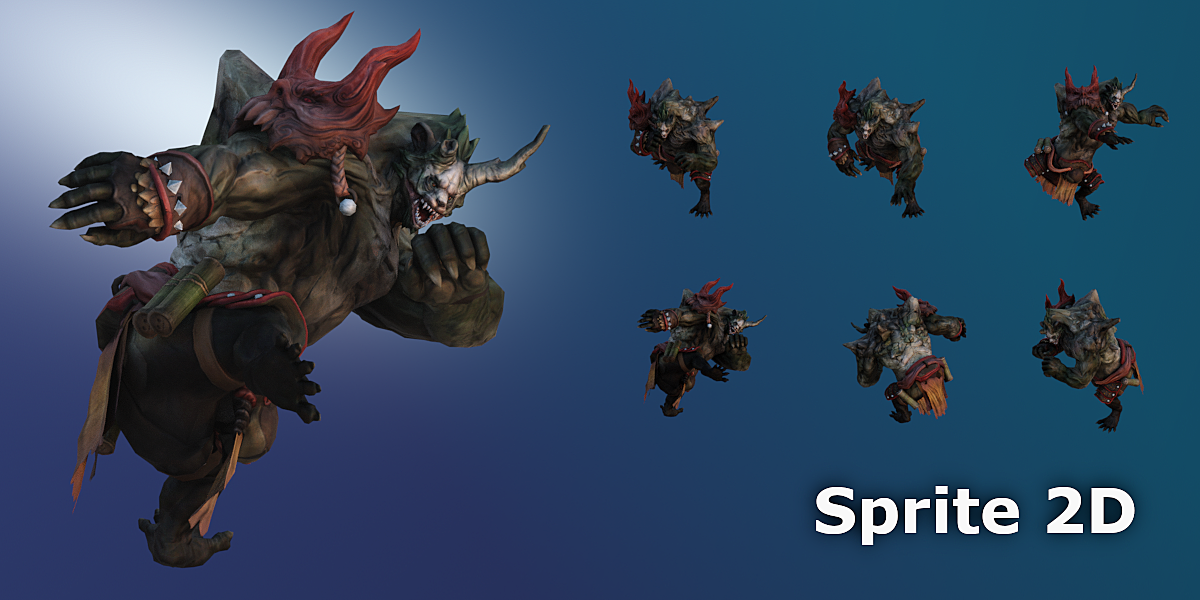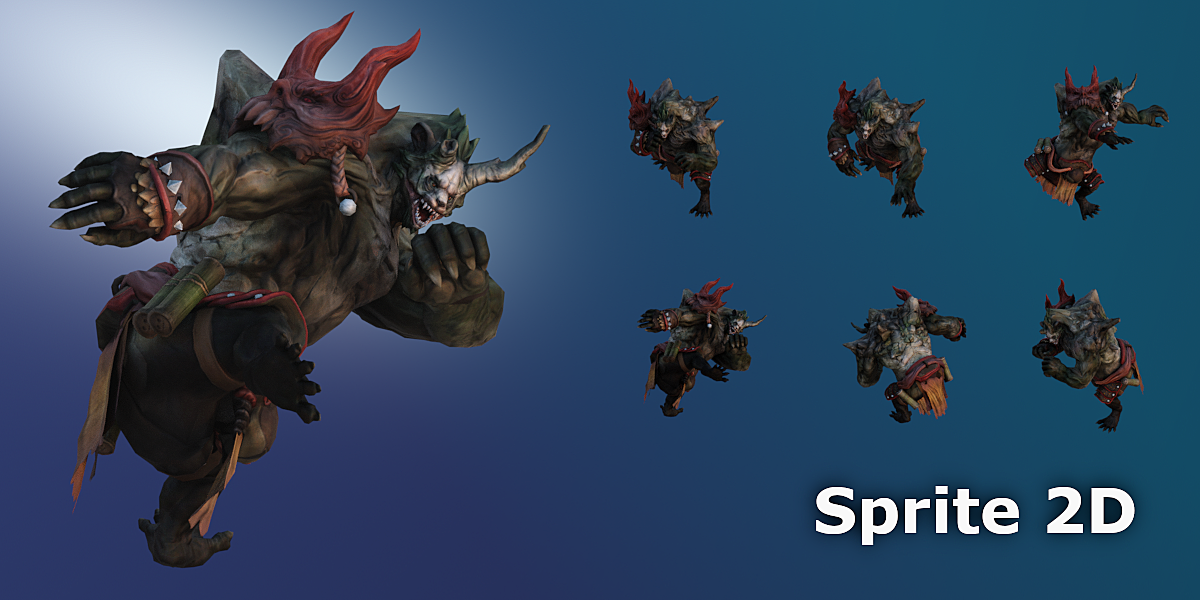
Sprite 2D is a Blender add-on by Kamel Mohamad that renders 3D animated models into 2D sprite animation. The listing describes two editions: Sprite 2D Full generates image sequences and sprite sheets automatically, with configurable rows per sheet; Sprite 2D Basic generates image sequences. It is intended for game developers making animated sprites for side-scrolling, top-down, or isometric games. You choose how many angles to render, so one animation can produce views for actions such as walking, running, or jumping.
Set up the model in Blender
In Blender, open Edit > Preferences > Add-ons, choose Install, select the add-on ZIP, install it, and enable its checkbox. Load the animated model, remove scene objects you do not need, and select the model's armature. The Sprite 2D panel is in the right-side N-panel under Misc. If the animation does not run in place, click Make in place before export.
Choose a camera angle and frame range
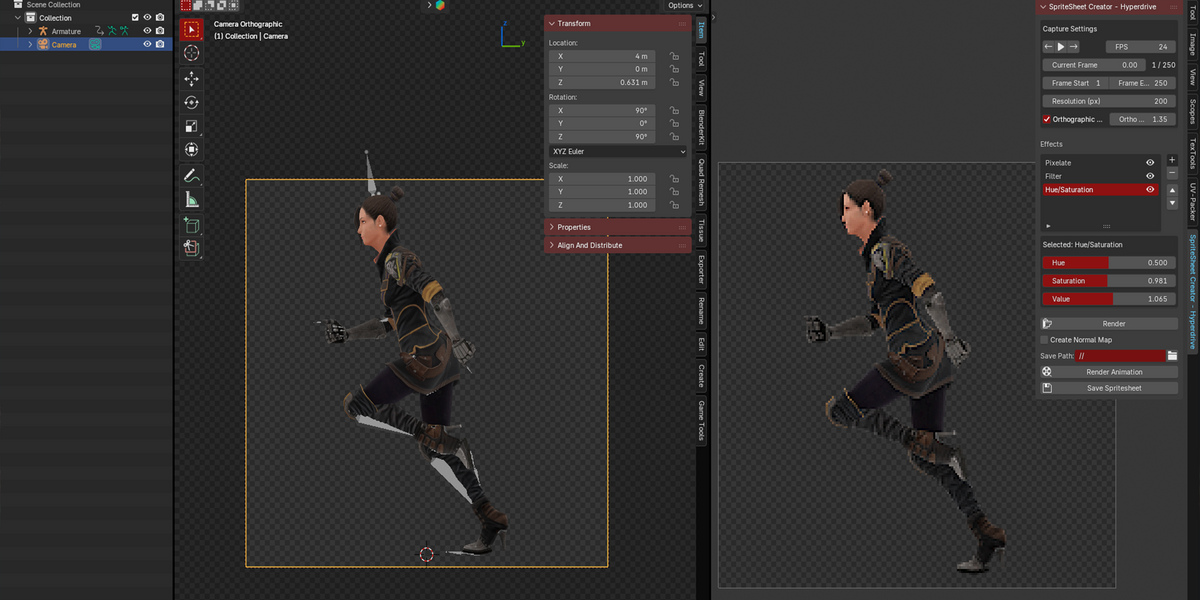
Set the camera angle relative to the horizon. The documented starting points are 0 degrees for a side-scroller, 90 degrees for a top-down view, and 45 degrees as a common isometric angle. You can choose another value between 0 and 90. A separate render-angles setting controls how many views the add-on creates. Setup Camera adds a configured camera, detects the animation's start and end frames, and sets a scale intended to keep the model in frame throughout the animation.
Choose a square resolution for each rendered frame, then review the start frame, end frame, and frame step. Some animations do not need every frame, so you can adjust the frame step for those exports. Configure the scene environment and lighting in Blender if needed.
Export and review the files
Choose an output directory and run Export. Sprite 2D creates a folder for each render angle, with that angle's rendered animation inside. This lets you inspect the separate views before bringing the images into your game workflow.
Listed compatibility and license
The Superhive listing names Blender 2.8, 2.81, 2.82, 2.83, 2.9, 2.91, 2.92, 2.93, and 3.0 through 3.4, and lists the license as GPL. It does not confirm support for later Blender releases. Review the product documentation before installing it in a newer setup.