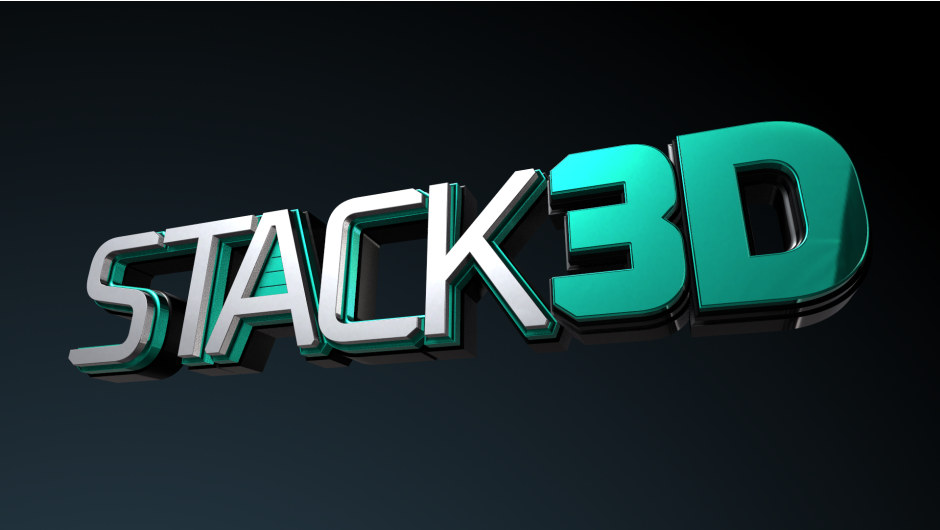
STACK3D by AutoMotion is a dockable After Effects panel for turning artwork into 3D shape layers. It combines shape conversion, extrusion, face coloring, path cleanup and null-controller setup in one workflow for logos, titles and other motion graphics. The same tools also support 3D object construction from simple Illustrator geometry, including shapes with different extrusion depths staggered in Z-space.
Convert artwork and organize layers
The Shape workflow converts vector files, including AI, EPS, SVG and PDF, into shape layers. It also extracts masked layers into shape groups. For PNG, JPG and PSD artwork, it opens After Effects' Auto-Trace dialog. STACK3D can also convert text layers to shapes; after conversion, the text is no longer editable as text.
Split by Color separates a complex shape layer into individual layers organized by fill color. The layers receive a tri-code prefix and color label. Break separates shape groups into individual layers, which can help when each element needs its own animation. Stack Sequence can run selected steps in order: Make Shapes, Split by Color, Make 3D, Add Null Controller and Add Environment Light.
Set extrusion, materials and face colors
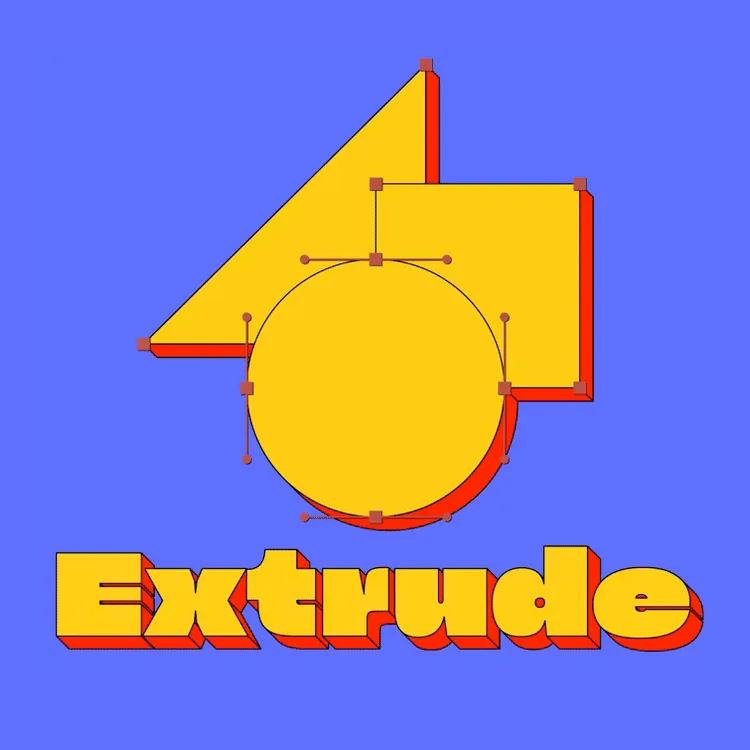
Make 3D extrudes selected shape layers using After Effects' Advanced 3D renderer, also called Calder. The panel exposes controls for extrusion depth, bevel style and size, hole bevel, ambient, diffuse, specular, shininess and metal. Geometry and material settings can be saved as presets.
Front, bevel, side and back faces can each have a separate color for every shape group. Detect Colors samples fill colors from selected layers, then lets you apply a detected color to a face. The Sel controls select layers across the composition that use a chosen color.
Center anchors and rig the composition
Center Anchor Point places each layer's anchor at its visual bounds and compensates for scale so the artwork stays in place. For extruded layers, it sets the Z anchor at the midpoint of the depth. The Null Controller command creates a controller at the geometric center of the selected artwork, calculated from the union of the selected layers' bounding boxes.
Clean traced paths
The Clean palette includes Simplify and Smooth passes for paths. Simplify reduces redundant vertices, while Smooth creates smoother Bezier handles on jagged Auto-Trace results. These controls can help prepare traced artwork for further shape-layer work.
Requirements and installation
STACK3D's 3D features require After Effects' Advanced 3D renderer, also called Calder. Make 3D switches the composition to it automatically; version 1.2 (Sep 2, 2026) fixed the switch for After Effects 2026 and removed its confirmation dialog. You can also set the renderer under Composition > Settings > Advanced. The stated requirement is After Effects 2025 (v25.0) or later; the listed compatible versions are 2025 and 2026. The panel also requires “Allow Scripts to Write Files and Access Network” under Preferences > Scripting & Expressions. The developer lists support for Mac and Windows.
To install, copy Stack3D.jsx to the ScriptUI Panels folder for your system: /Applications/Adobe After Effects [version]/Scripts/ScriptUI Panels/ on Mac or C:\Program Files\Adobe\Adobe After Effects [version]\Support Files\Scripts\ScriptUI Panels\ on Windows. Restart After Effects, then open it from Window > Stack3D.jsx. The aescripts product listing shows a $39 price and 25% off at checkout; check the listing for current pricing and requirements.