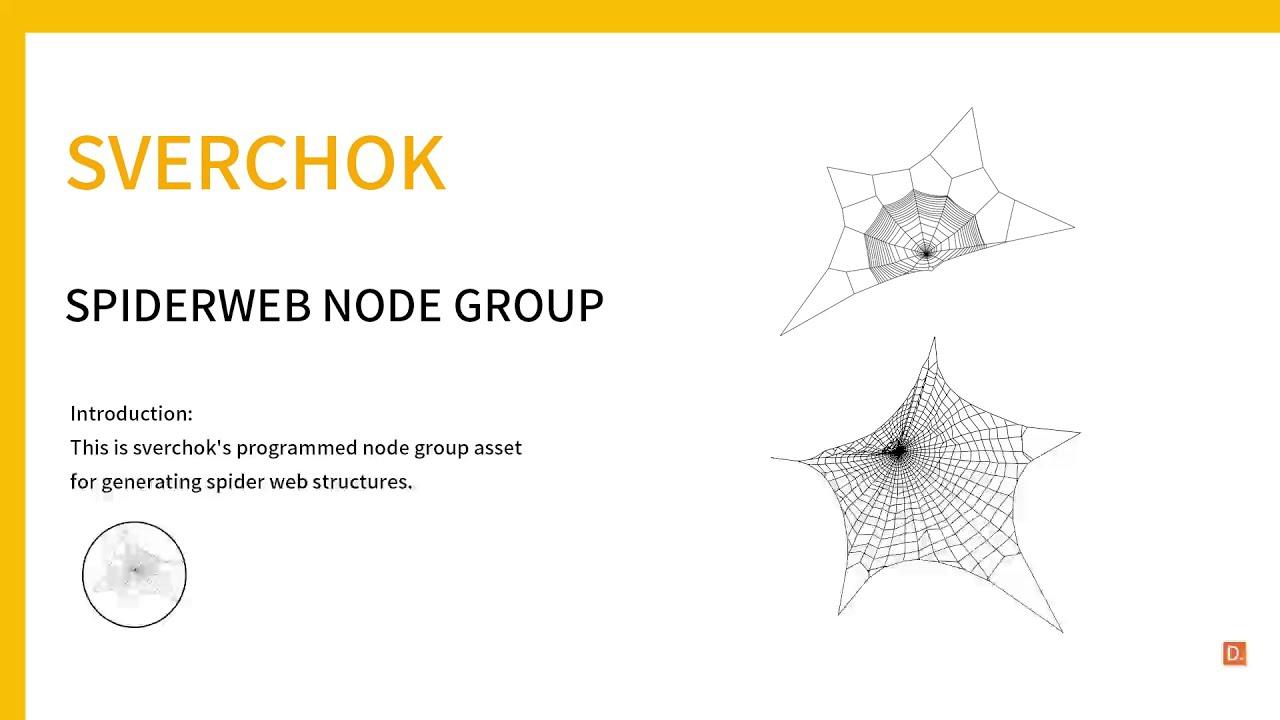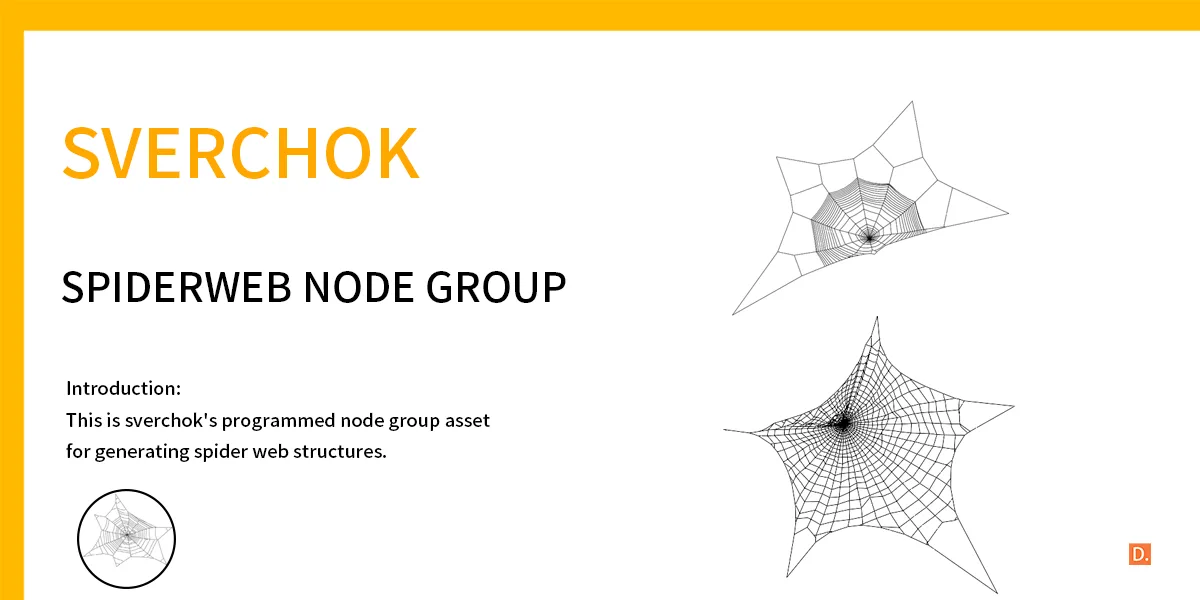
Sverchok Spider Web Generator is a Blender node-group asset for building procedural spider-web structures in Sverchok. It exposes separate controls for the outer contour, sticking-point range, spiral and radial rays, and outputs vertices, edges and weight for a geometry workflow.
How the controls shape the web
The node group divides its settings into four areas:
- Overall contour: Set the polygon count, position and center random offsets, position seed, contour bump and accuracy. An additional offset can be set for each polygon point. If you use that input, set the number of lists to match the polygon count.
- Sticking point range: Adjust the radius, precision and radius offset strength.
- Screw (spiral): Set the spiral radius, number of turns, accuracy, noise seed and intensity. Further controls set randomly missing seeds, the quantity of missing spiral sections and spiral density. The density mapping uses X for spiral position and Y for shrinkage strength.
- Radial rays: Set the number of central rays, offset seed, maximum offset and ray accuracy.
A version 0.1 update note dated October 30, 2022 describes binding another plane object's matrix information with Geometry Nodes to mesh the web lines.
Suggested workflow
- Adjust the plane's movement, rotation and scale.
- Tune the Sverchok node parameters until the web has the shape you want.
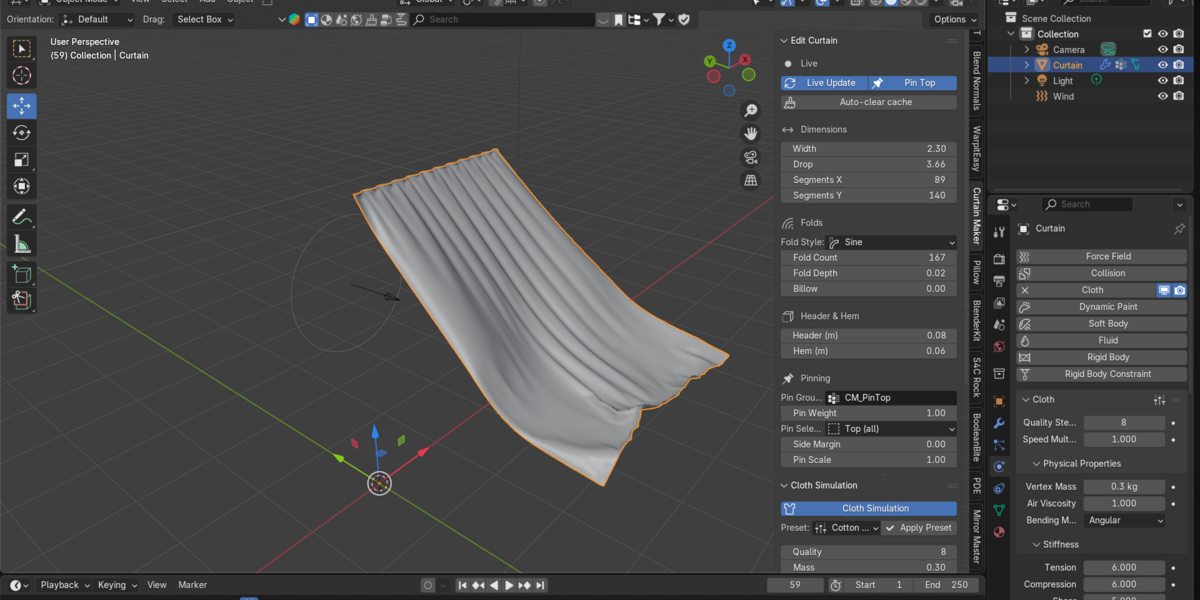
- Copy the initial object and begin setting up the cloth simulation.
Setup and Blender compatibility
Install Sverchok in Blender before loading the generator, because the asset is a Sverchok node group.
The product listing names Blender 2.92, 2.93, 3.0, 3.1, 3.2 and 3.3. The listing does not confirm compatibility with newer Blender releases.