Stagger text while keeping its easing
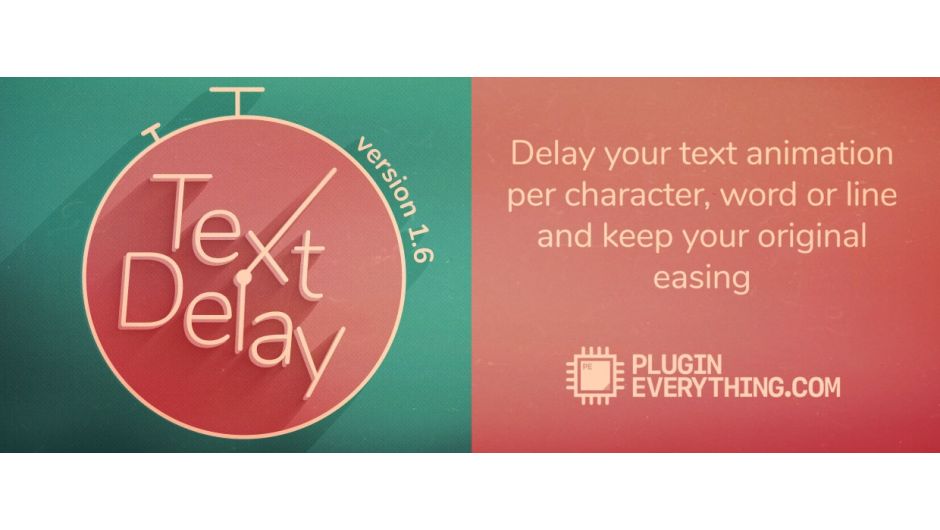
TextDelay is a native After Effects plugin from Plugin Everything for staggering text transformations. Set the delay by character, word, or line. Its distinguishing behavior is that it inherits the animation’s easing: keyframe curves and easing expressions already shaping the movement remain in play as the text units arrive in sequence. This suits title or paragraph animation when you want units to enter in a chosen order while keeping the original motion curve.
Control sequence and range
Five order modifiers change the sequence: reverse, random, increment, inside out, and outside in. A range selector determines which characters, words, or lines receive the delay. Together, these controls let one text animation use a different reading order or restrict the stagger to part of a sentence. Character units provide fine-grained timing, while word and line units group larger chunks.
Properties and text styling
TextDelay can delay X and Y position, anchor, scale, opacity, hue, and blur. Its documented transform support covers X and Y position, anchor, and scale; Z position and rotation are excluded. It also works with motion blur, paragraph text, and parented transforms in After Effects CC 2018 and newer. For example, opacity can stage visibility, while blur or hue can change with the stagger.
Typography support includes text with a stroke outline, bold, and italic. Faux bold, faux italics, and multicoloured text are listed as unsupported in current versions, so check these constraints if the design relies on them. The product page lists compatibility with Ease & Wizz, animationPatterns, Flow, and iExpressions as recommended pairings.
Versions and installation
TextDelay v1.5 and later require After Effects CC 2018 or newer. The developer points users of older versions, back to CS6, to v1.3. The current compatibility list covers After Effects 2027 through CC 2018. Version 1.8.0 is dated December 5, 2025; see the FAQ for its release notes.
TextDelay is aimed at After Effects artists who already know how a text layer should move and want to stagger that motion across text units. Check the supported properties and styling against your composition before relying on a particular effect. Plugin Everything’s aescripts product page includes a free trial, video tutorials, version downloads, and current purchase details.