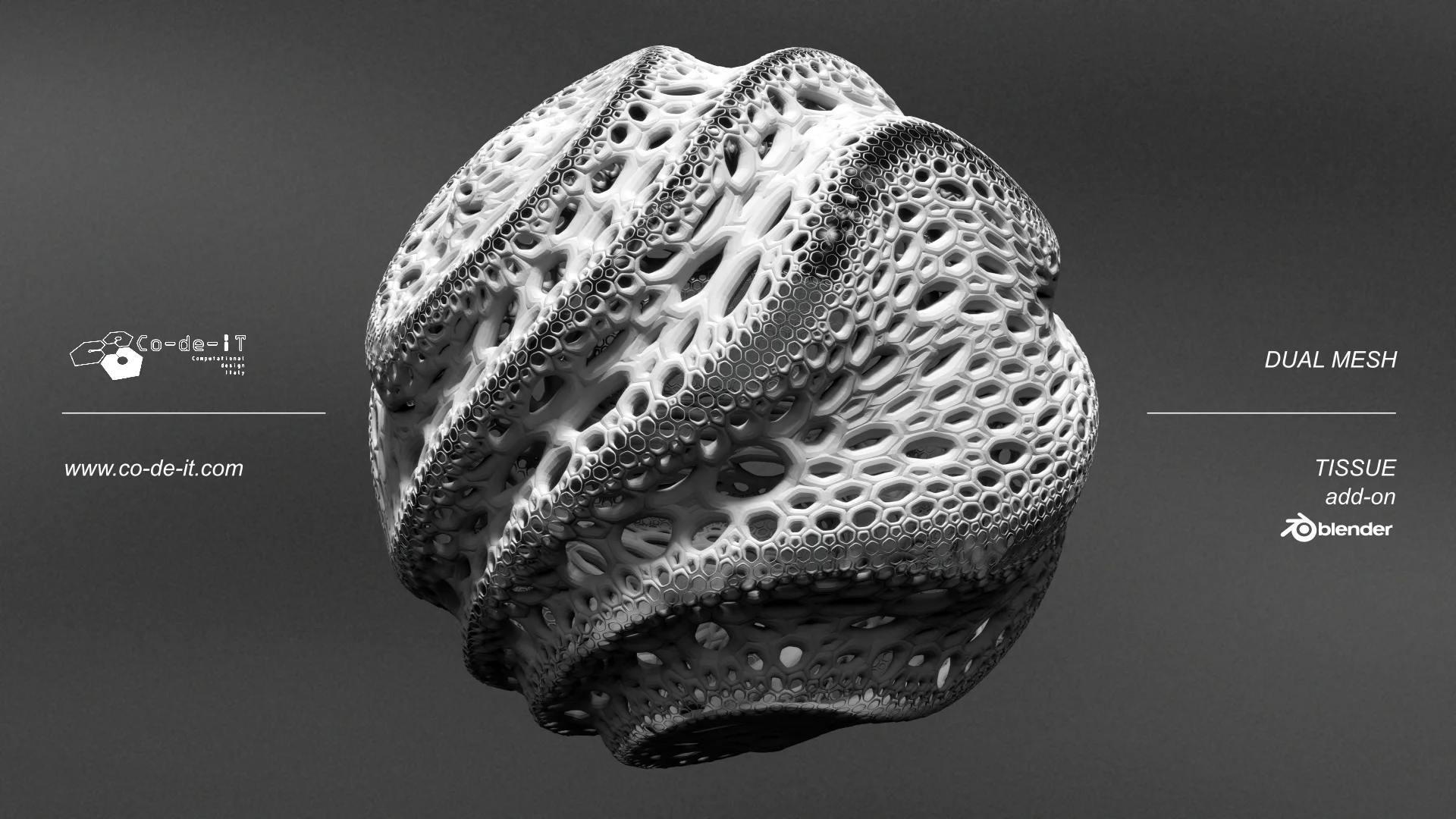
Tissue is a Blender add-on for computational design with meshes. Its tools create procedural geometry and use mesh data, such as vertex groups and materials, to shape results. It can repeat components over a surface, generate dual meshes and use vertex data to shape geometry.
Repeat geometry over a surface
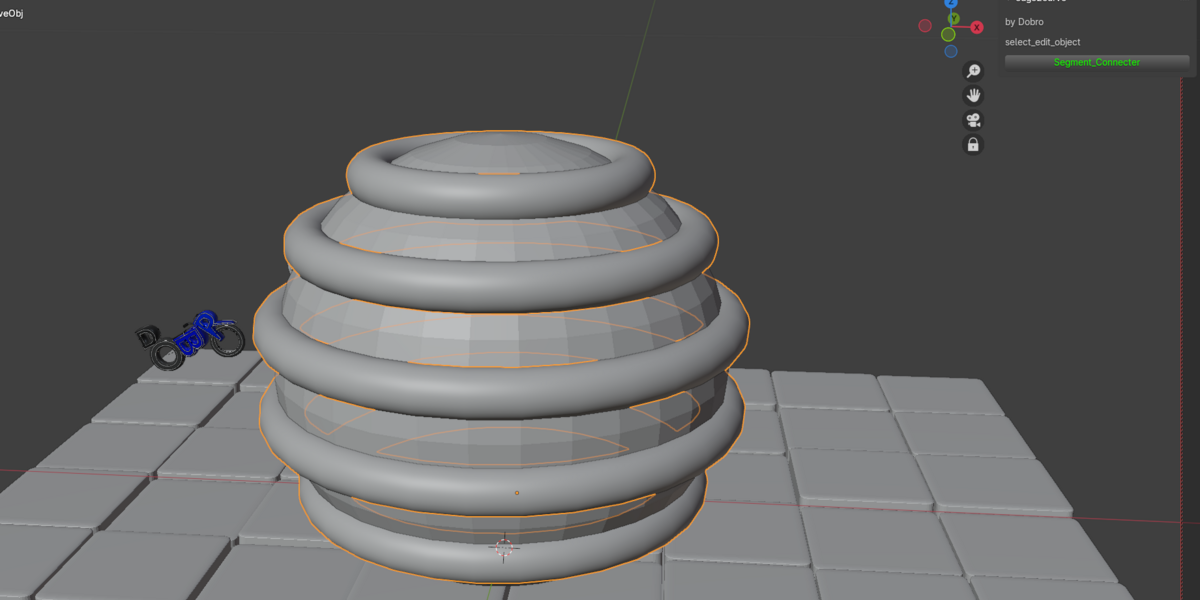
Tissue's Tessellate tool maps a component object onto the faces of an active base object, fitting the component to each face. For a basic tessellation, select both objects and make the base object active. Meshes, curves, surfaces, text and meta objects can be used as inputs.
The generated object stays linked to its inputs, so you can adjust the base, component or settings and refresh the result. You can repeat one component, choose objects from a collection, or assign components by face material. Vertex groups and shape keys can also control how components change across the surface. These options suit patterns such as panels, lattices, scales or weaves.
Use mesh data to shape a design
Tissue's weight tools can generate vertex weights from properties such as face area, curvature, distance or a formula. Those weights can guide contour curves, displacement, mesh masks and reaction-diffusion patterns. The add-on also includes tools to convert between weights, vertex colors, materials and UVs.
The tools appear in the Tissue tab of Blender's 3D View sidebar. The available controls change with the active mode, including Object, Edit, Weight Paint and Vertex Paint. This makes Tissue useful when a modeling task depends on rules or values attached to the mesh, rather than placing every repeated element by hand.
Version and installation
The Blender Extensions version history identifies release 0.3.76 as compatible with Blender 4.5.0 or later and licensed under GPL v3 or later. To install it from Blender, open Edit > Preferences > Get Extensions, search for Tissue and select Install.