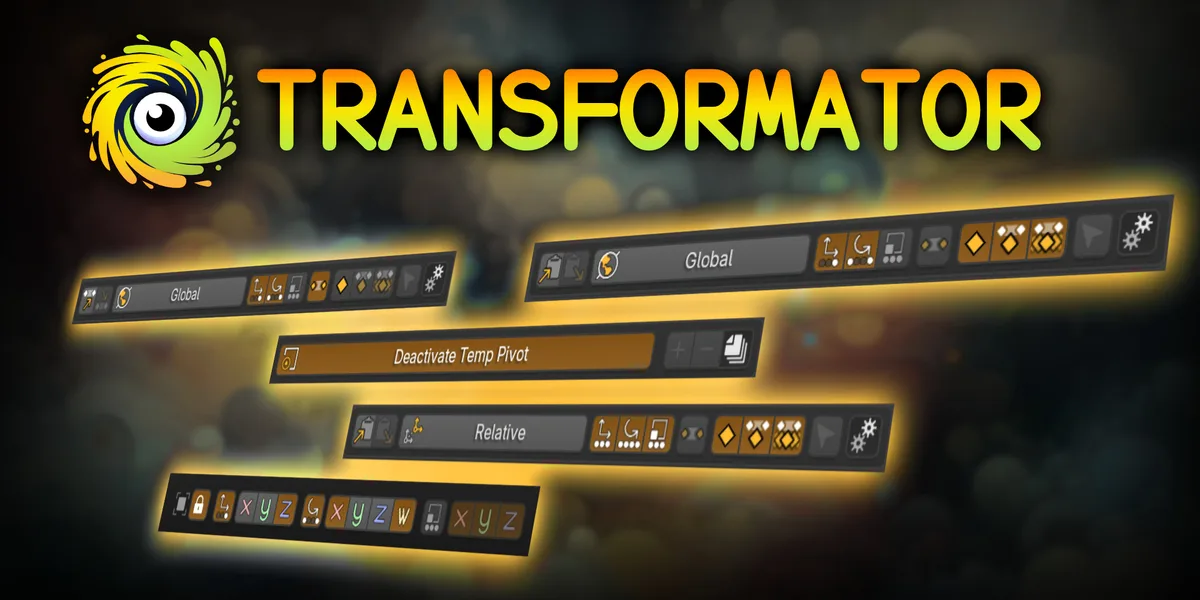
Transformator - Core is a Blender add-on for copying and pasting transforms between objects and bones. It supports global and relative transforms, lets you choose which Location, Rotation, or Scale axes to paste, and can add keyframes as part of the paste operation. The listing also names a real-time Look At feature.
Copy global or relative transforms
Global transform copying can send values from one element to multiple elements. For relative transforms, the add-on copies from all selected elements to the active one, then lets you paste to that same or another active object. It works across bones and objects, so you can use the same transform-copy workflow with either kind of element.
Choose axes and keyframe on paste
When pasting, you can enable or disable individual axes for Location, Rotation, and Scale. Keyframing options include adding a keyframe at the current frame, pasting and keyframing at selected keyframes, or pasting and keyframing at selected keyframes while adding keyframes on every frame. The every-frame option is intended for cases where relative transforms pick up translations and need frame-by-frame keying for an accurate result.
Set a temporary rotation pivot
The temporary pivot toggle gives an object or bone a temporary relative rotation pivot. This is useful when a rotation needs to be centered on a point other than the element's usual pivot.
Compatibility, license, and bundle
The Superhive listing identifies Transformator - Core as a GPL-licensed Blender add-on, compatible with Blender 4.1 through 5.0 and marked Blender Extension Compatible. It says the add-on is included in AniMate Forge, whose bundle price is listed as 89 EUR/USD; the page does not give a separate price for Transformator. The linked documentation is marked as work in progress. Check the listing for current compatibility and purchase details.