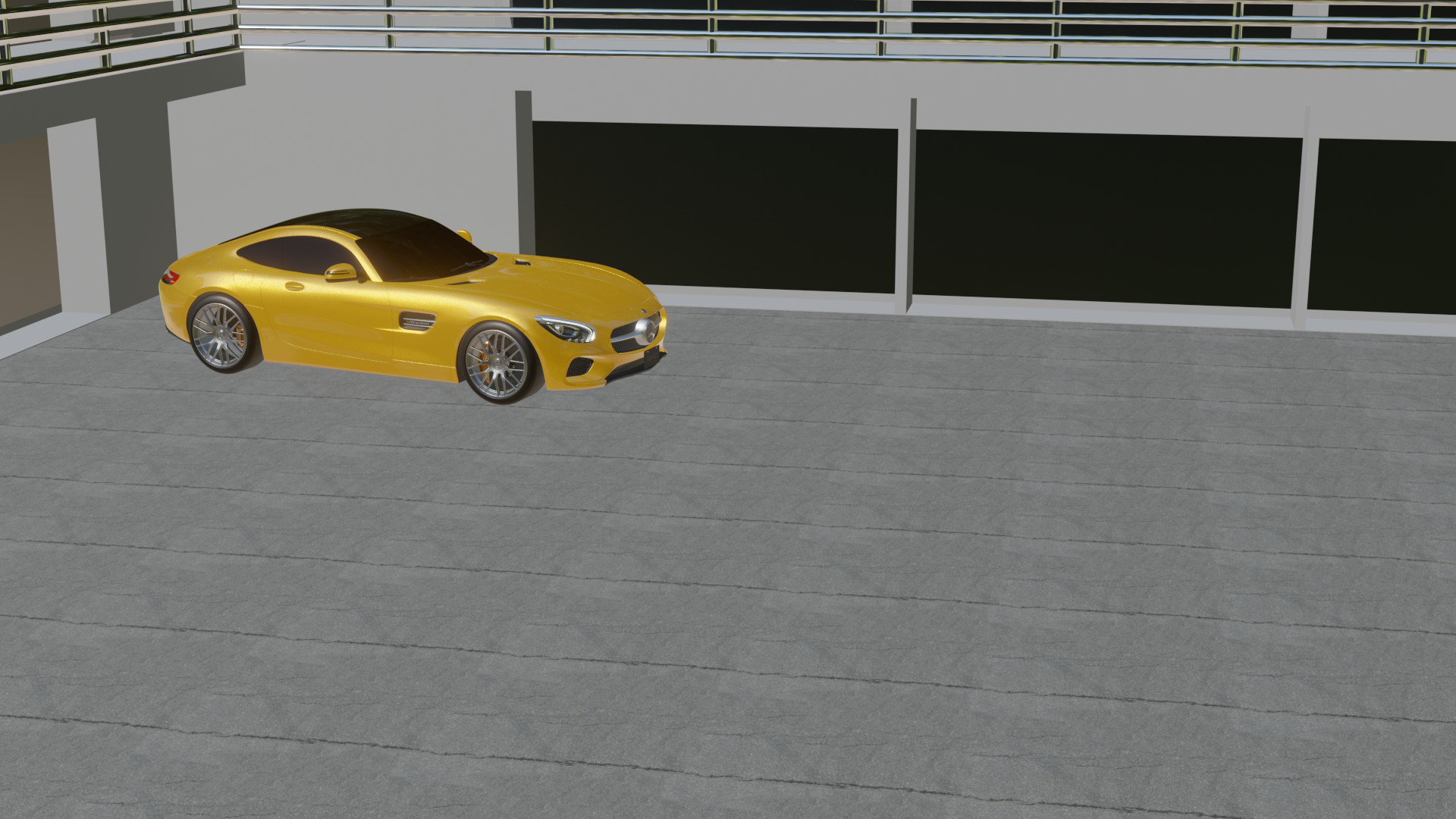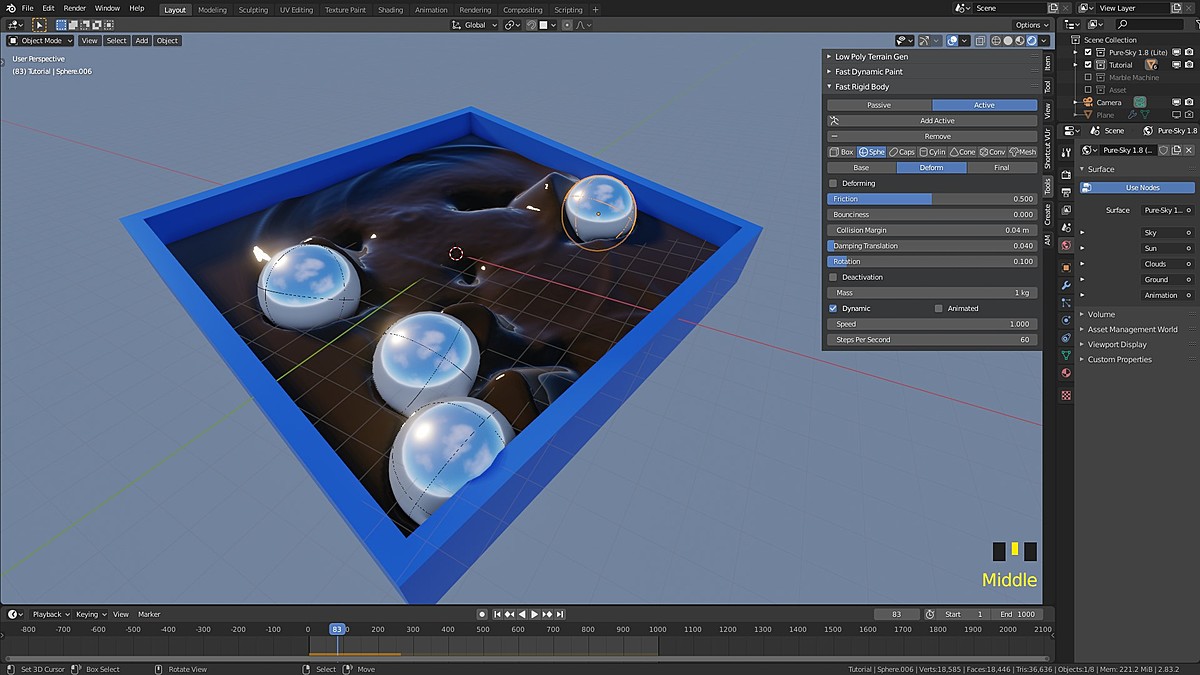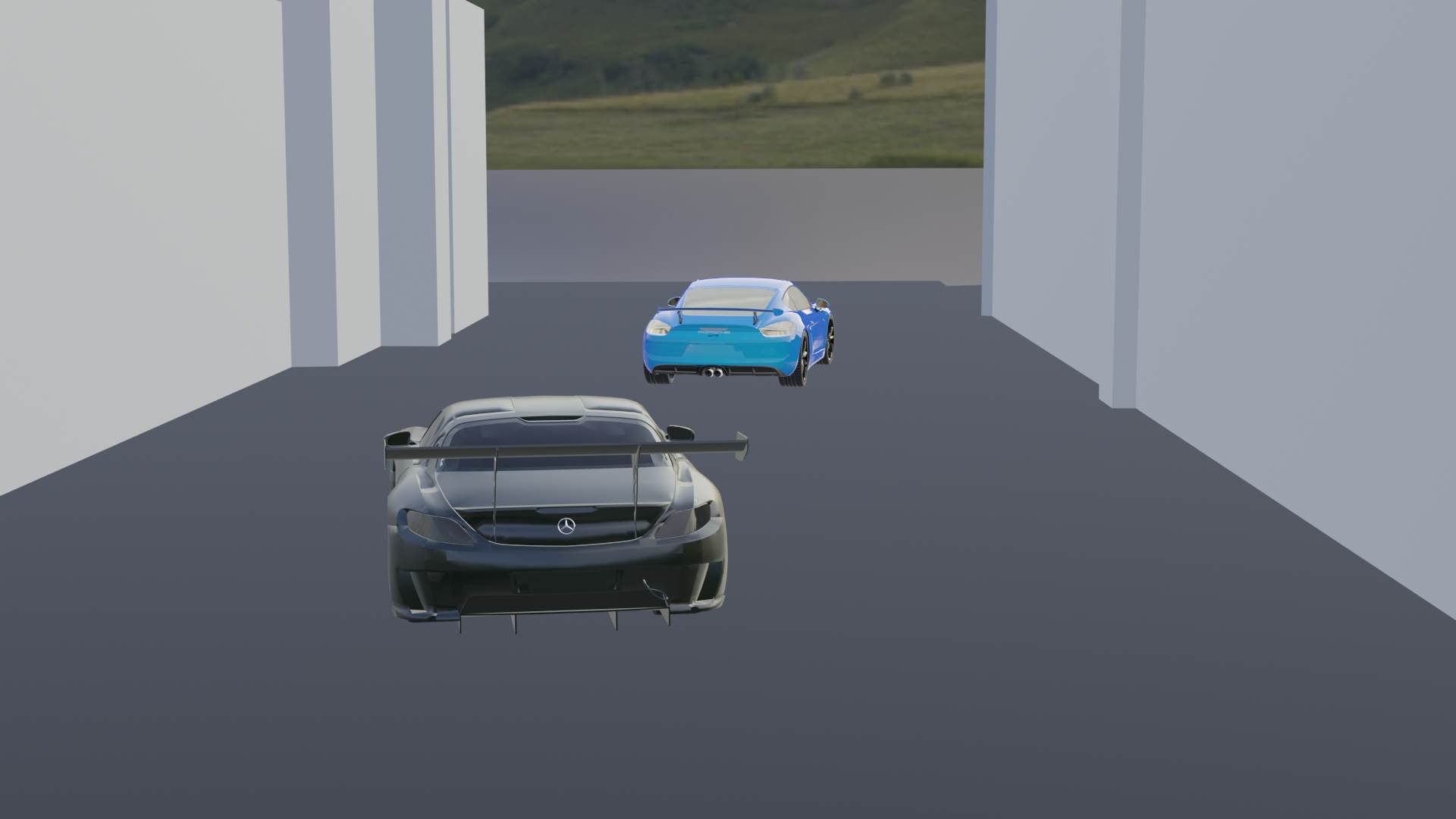
Turbo Charged Custom Vehicle Generator is a Blender add-on for animating a drivable vehicle rig with Blender's rigid body physics. It lets you adjust wheel and body dimensions, suspension, horsepower, torque, braking, steering sensitivity, and front-wheel, rear-wheel or all-wheel drive. Motors power the wheels, while tire friction against the ground or another surface drives the vehicle.
Adjust the rig and its handling
Body and wheel hitboxes are built into the rig for collisions, so the add-on can suit scenes where a vehicle needs to interact with its surroundings through rigid body physics. The product listing names burnouts and monster truck scenes as examples. It does not provide measured simulation accuracy or performance figures.
Drive and review animation
In Drive mode, keyboard controls operate the active vehicle while an animation is playing. Hold Ctrl and Shift with the up arrow to apply gas, use Ctrl and Shift with the left or right arrow to steer, and with the down arrow to brake. Holding the brake control puts the vehicle into reverse. The separate Watch Replay mode is for viewing a recorded animation.
Use multiple vehicles
The add-on can generate multiple vehicles in a project. Select one from the list to make it active; keyboard driving applies to that vehicle. The listing gives no fixed vehicle limit and says the number depends on what your computer can handle.
Check Blender version support
The product listing names Blender 4.2, 4.0, 3.2, 3.1, 3.0, 2.93, 2.92 and 2.91. For details on installation or compatibility with another release, check the Superhive product listing and its documentation.