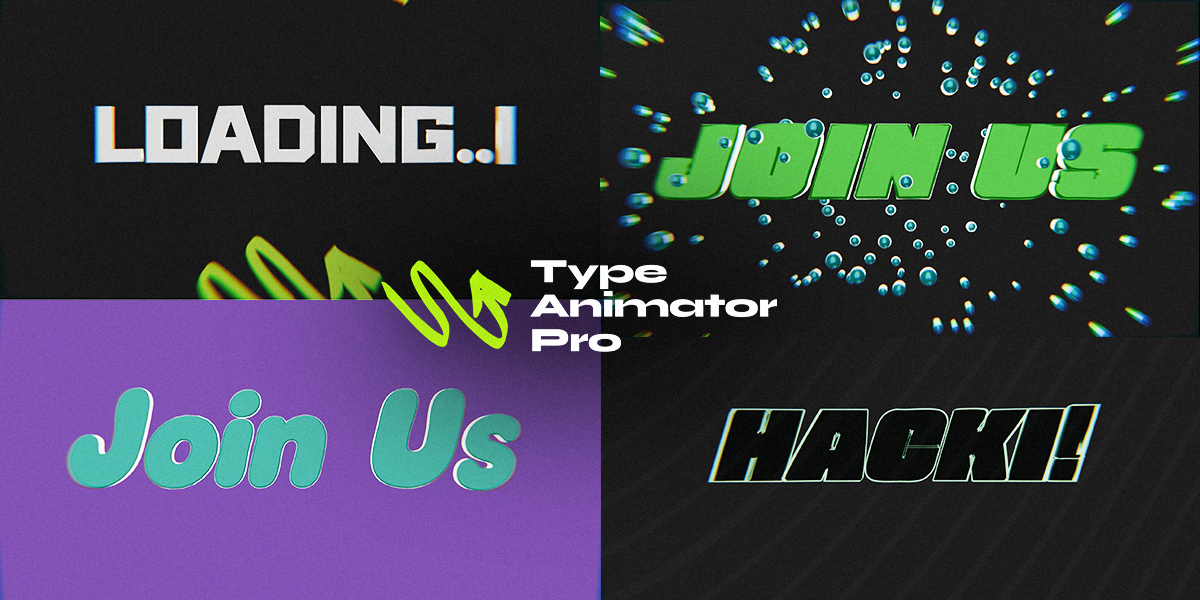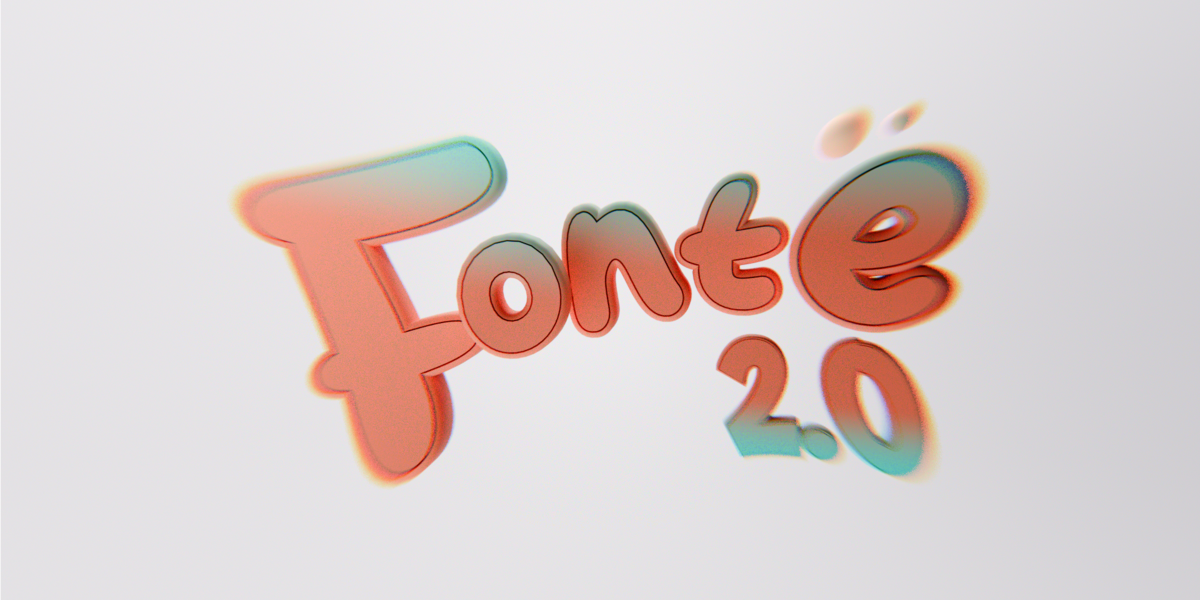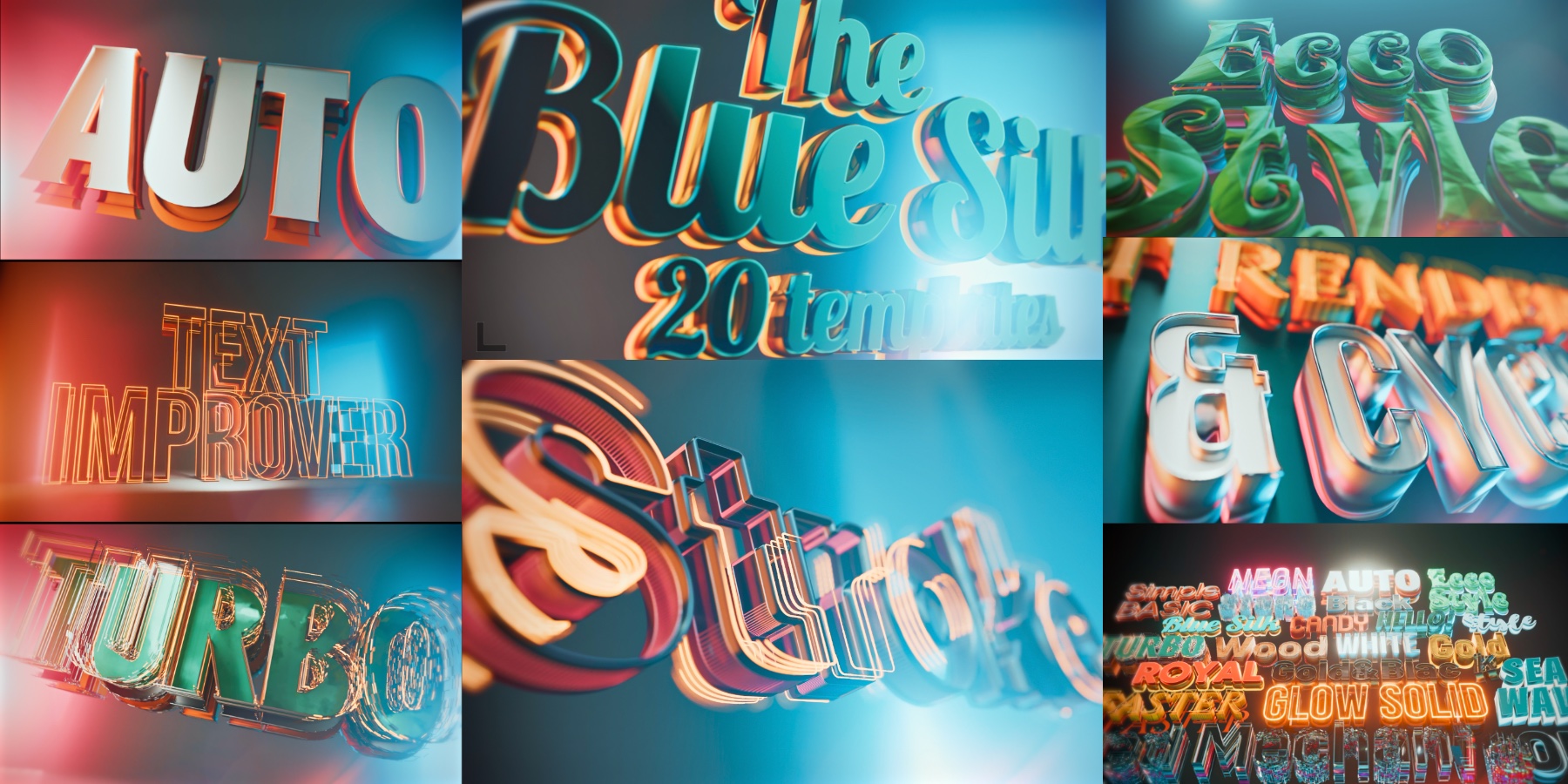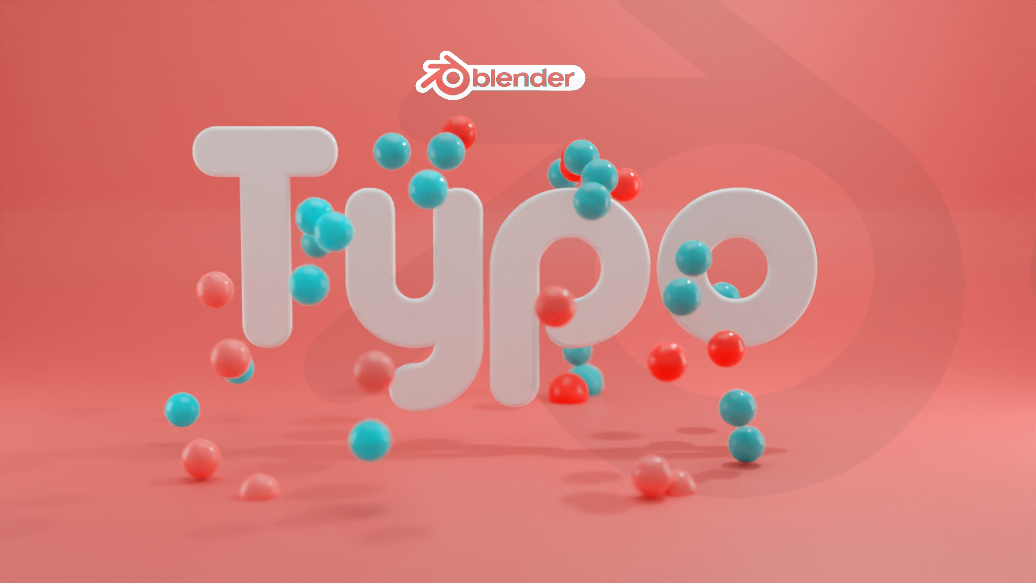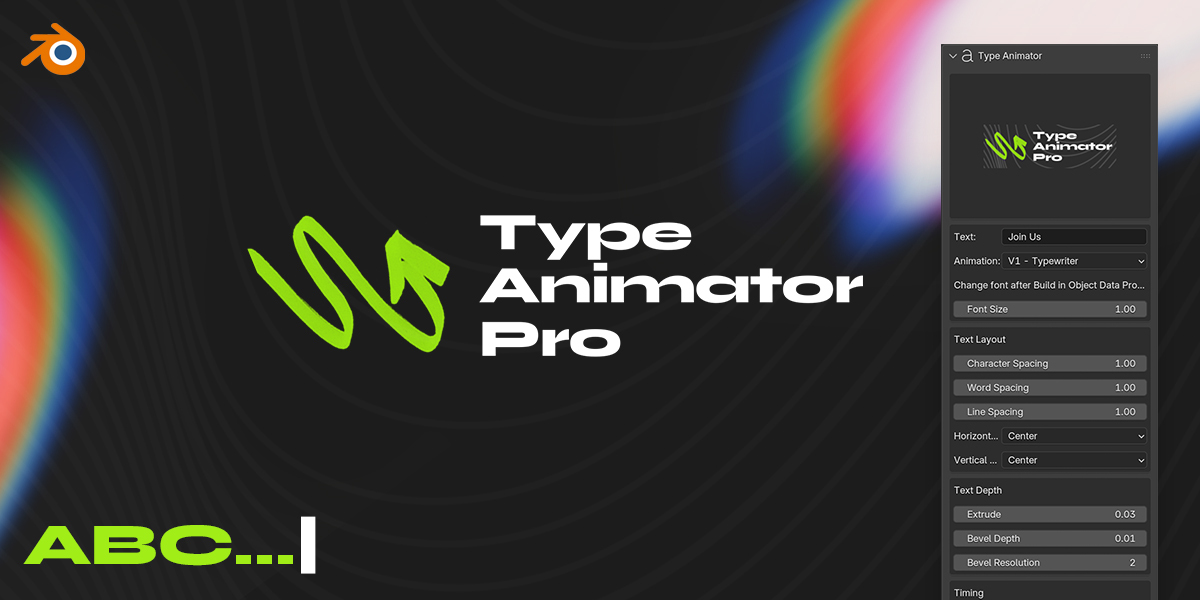
Type Animator Pro is a Blender add-on by Layerform for building animated 3D text in a scene. Enter text, choose an effect, adjust its settings, and click Build. It creates the animation setup without requiring you to assemble complex keyframes, camera moves, particle setups, or letter animations from scratch. The Superhive product listing describes 11 ready-made effects for title reveals and more elaborate motion.
Choose from 11 text effects
- Typewriter reveals text like a typewriter, with an optional cursor control.
- Pop In brings a title in with a scale animation.
- Spin In rotates text into place, while Flip In uses a flipping reveal.
- Scramble Decode resolves randomized characters into the final text.
- Particle Aura moves particles around the text, and Wave Distortion animates a wave across individual letters.
- Parallax Push adds a subtle depth and camera push to one editable text object.
- Stamp Impact adds punch and rebound to a title entrance.
- Letter Orbit moves letters into position along an orbit.
- Spiral Zoom combines a camera orbit and zoom around one editable text object.
The range covers quick title entrances as well as effects with moving cameras, particles, or individual letters. That makes it useful for motion graphics, product promos, title sequences, video intros, social posts, logo reveals, and client presentation visuals.
Adjust text styling and camera settings
Common controls include font size, character and word spacing, line spacing, alignment, extrusion, bevel depth, and bevel resolution. Effects add settings for details such as particle count, drift strength, impact punch, wave height, orbit radius, camera distance, and lens options.
Several effects generate a regular Blender text object. You can select it and edit its font, material, extrusion, bevel, and other text properties through Blender’s Object Data Properties. Some advanced effects that generate multiple animated letters may require choosing Build Font before building so the layout uses the intended font. The Superhive documentation explains this distinction.
Install and build an animation
Install the type_animator.py file through Blender’s Edit > Preferences > Add-ons panel. Open the panel menu, choose Install from Disk, select the file, and enable the add-on. Then open the 3D Viewport sidebar with N and select the Type Animator tab.
- Enter your text and choose an effect.
- Set the available text and effect controls. For effects that need it, choose Build Font before continuing.
- Enable Create Camera on Build to add a camera, or choose True ISO Camera for an isometric view.
- Click Build to create the setup. Use Cleanup / Reset to remove generated Type Animator objects before trying another effect.
Compatibility and render engines
The Superhive listing gives a Blender version range of 4.2 to 5.1 and names both Cycles and Eevee as supported render engines. It also lists the add-on under the GPL license. The AnyPlugins catalog entry lists it as free; check the marketplace listing for current availability and terms.