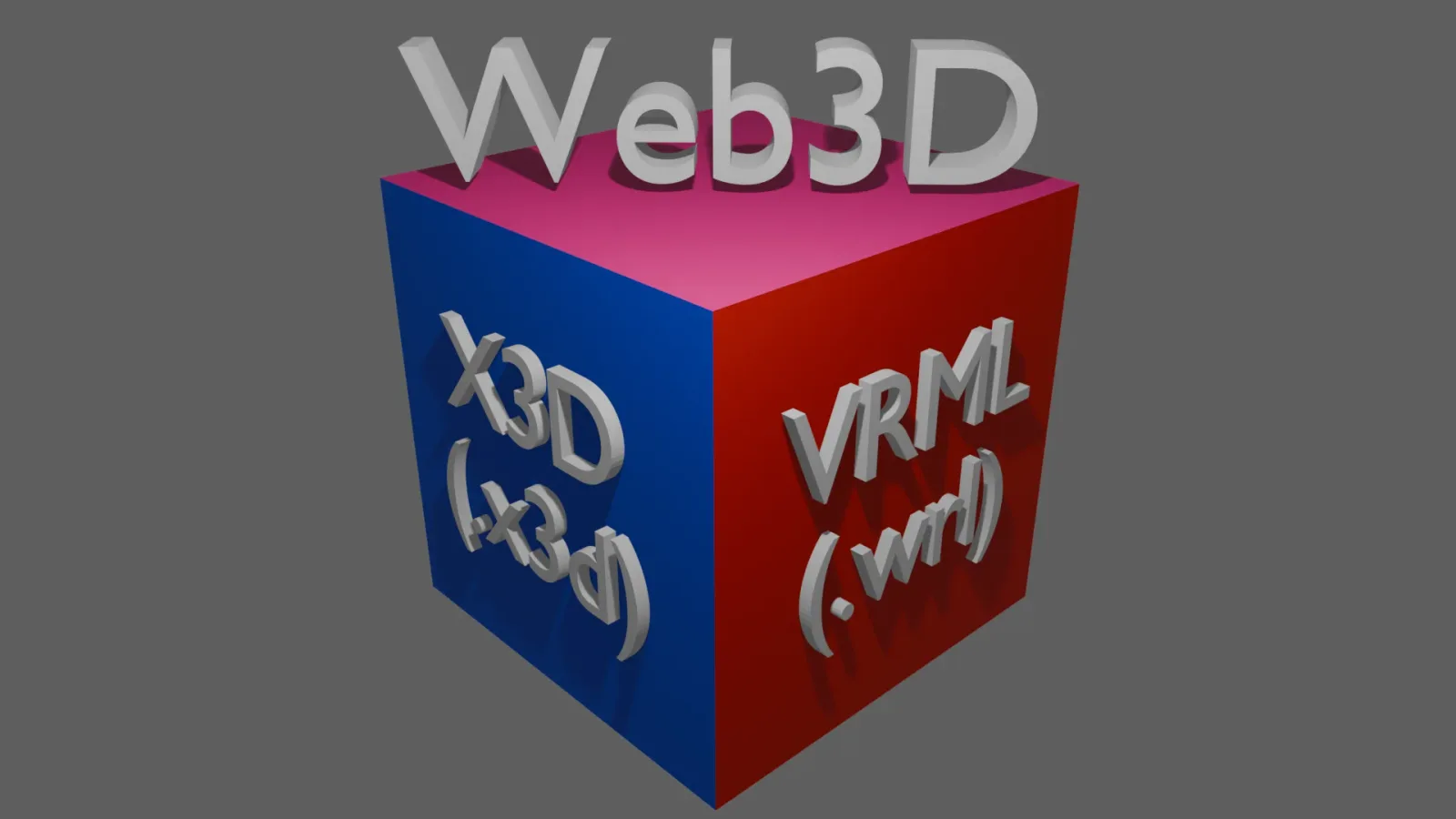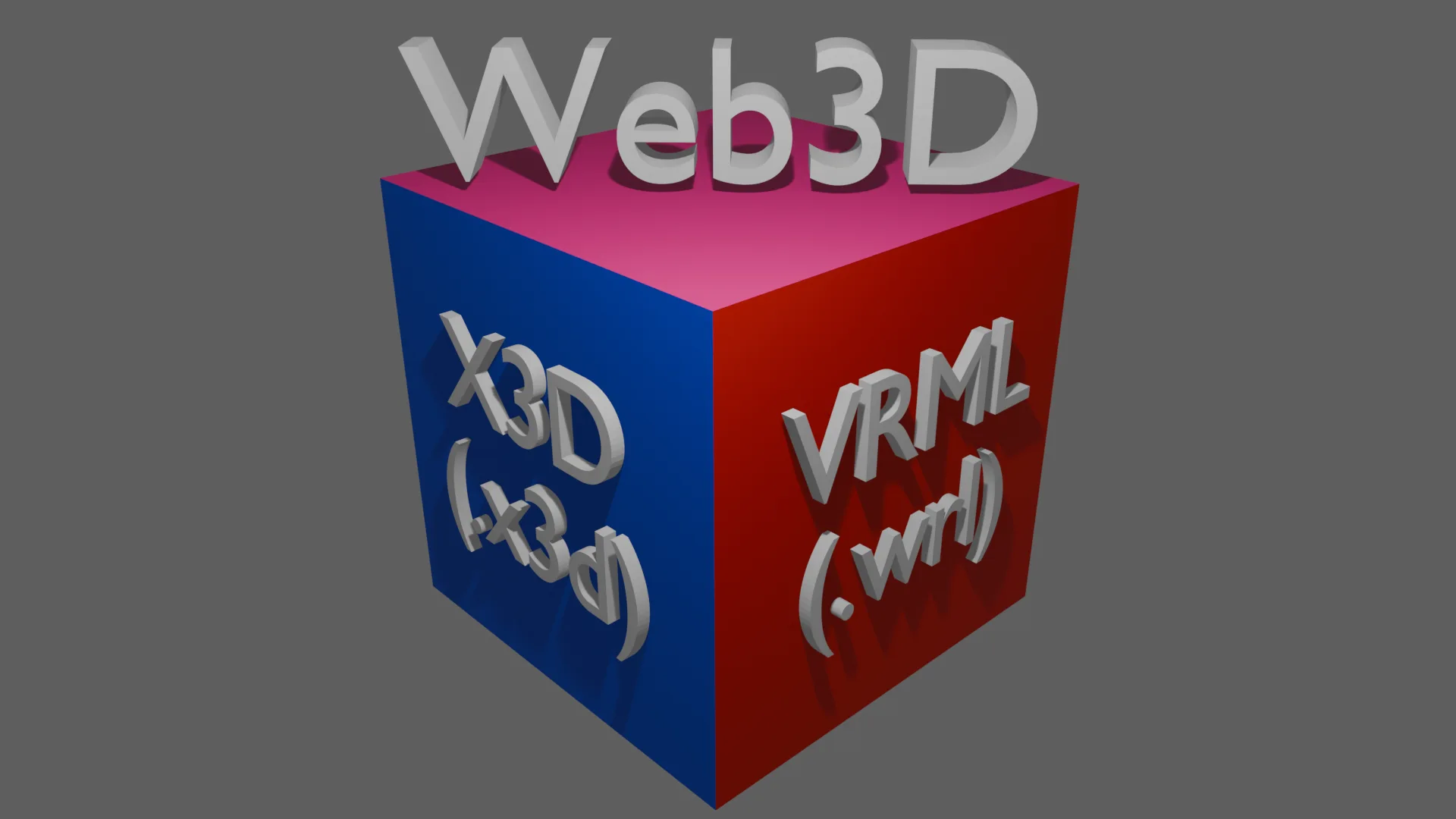
Web3D X3D/VRML2 format imports X3D (.x3d) and VRML2 (.wrl) files into Blender, then exports scenes as X3D. It is for Blender users who need to work with these formats; it does not export VRML2 files.
Supported formats
The extension lists support for X3D 3.3, from 2015, and VRML 2.0, from 1997. X3D is used to represent and share interactive 3D graphics and scenes, including web, scientific visualization, VR/AR, education, and engineering projects. VRML2 files can describe 3D models and scenes for interactive web content and other uses such as visualization, architecture, and education. The listing also mentions colored-model 3D-printing workflows as a VRML use case and notes that STL does not support color.
- Import: X3D (.x3d) and VRML2 (.wrl)
- Export: X3D (.x3d)
- Blender menu: File → Import-Export
Where it fits in a Blender workflow
Use the add-on when a project needs to bring an X3D or VRML2 scene into Blender, or when a Blender scene needs to be written out as X3D. Check the direction of the handoff before choosing it: an existing .wrl file can be imported, but the listed export format is .x3d. The extension listing describes the formats and supported versions; it does not promise that every feature in a source scene will transfer unchanged to another application.
After installing the extension, find its import and export commands under File → Import-Export. The listing provides Blender 4.2.0 as the minimum version. It was previously part of the add-ons bundled with Blender 4.1 and is now distributed as a separate extension.
Version and support
The Blender Extensions listing identifies version 2.5.2. Its release note mentions an export speed improvement. The extension is offered as-is, with limited support from maintainer Bujus_Krachus and the community. The listing invites bug reports, feature suggestions, and code contributions, so users should account for that support level when relying on it in a production pipeline.
The extension requests file access for import and export. It also requests network access to download web resources during import. Review those permissions if your workflow restricts file or network access.
See the official Blender Extensions listing for the current release details, and the project issue tracker for bug reports.