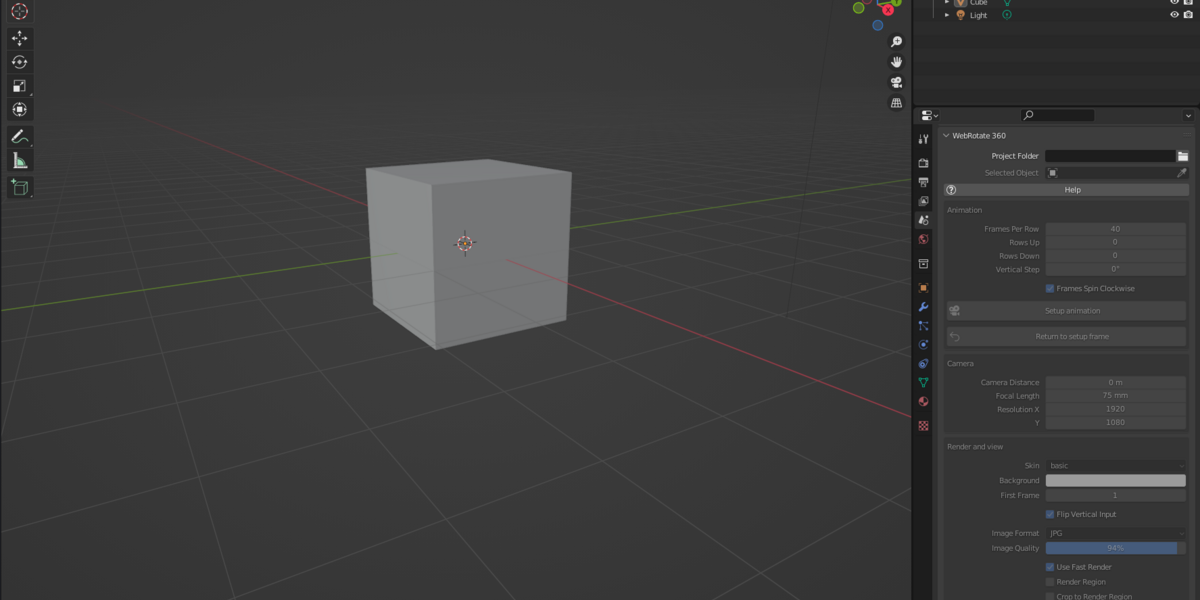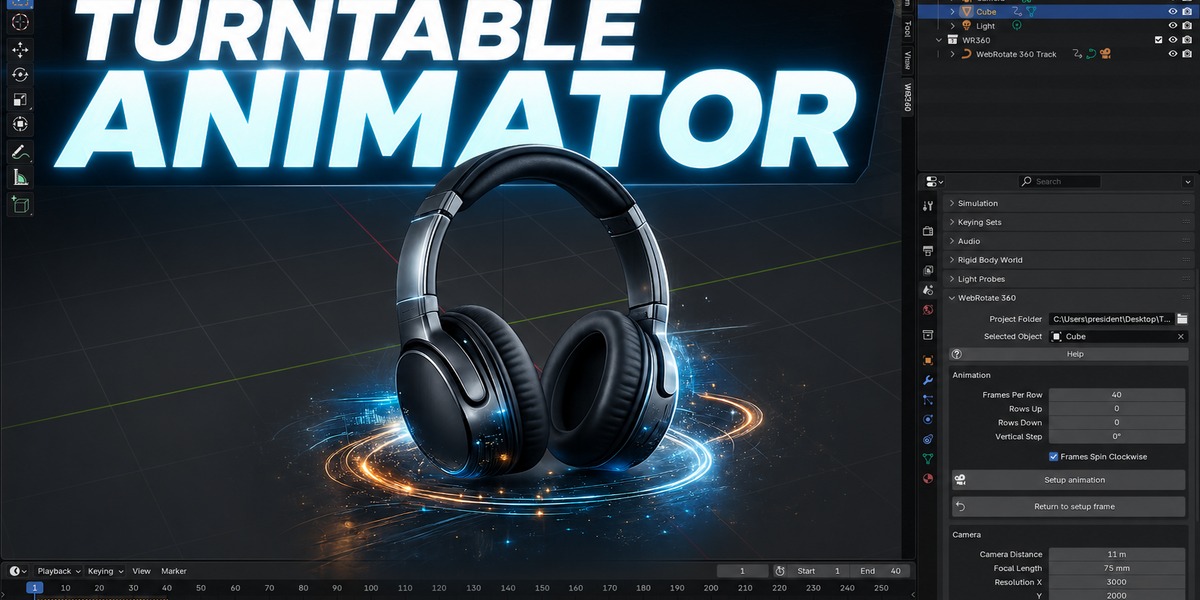
WebRotate 360 Turntable Animator is a Blender add-on for creating single-row 360-degree spins and multi-row 3D views from an existing model. It animates the selected object while the camera, lighting rig, and backdrop stay in place, which suits scenes already set up for product shots.
Set up a turntable view in Blender
The add-on appears in Blender's Scene Properties, and the 3D Viewport works as a viewfinder for framing the shot. You can make a horizontal spin or a multi-row view with shots from different vertical angles. Camera and crop-region controls adjust framing. Fast Render provides a viewport-style draft to check the animation setup, framing, hotspots, and viewer settings before a full render with your Blender render engine.
For product details, indicator hotspots can be created from Blender Empties placed at points of interest. Polygonal hotspots can use vertex groups or meshes, including 2D and 3D surfaces.
Choose an output for your project
The add-on can build an image sequence, a SpotEditor project, or a web-ready interactive 360 asset. Marketplaces, presentations, or custom viewers that need rendered frames can use a JPG or PNG image sequence without publishing an interactive viewer.
Interactive viewing, advanced hotspot editing, and web publishing require additional WebRotate 360 viewer software; the product listing says a free version is available. QuickView is a Windows app for offline previews. Published assets can also be uploaded to PixRiot for hosting, sharing, and analytics. See the WebRotate 360 user guide for setup and integration details.
Compatibility and license
The product listing reports Blender support from versions 2.8 through 5.2 and lists Blender-Internal, Cycles, and Eevee as supported render engines. It identifies the license as MIT. Check the current listing and guide for compatibility details before installing, particularly when using a newer Blender release.