Workflower is a layer and group management script for After Effects by Constantin Maier. It combines group controls with tools for renaming layers, precomposing, changing comp item attributes, and pre-rendering. The current release is Workflower 2.5.3, released September 5, 2026. It fixes a critical bug that could, under certain circumstances, delete an unintended folder on the file system when replacing an existing pre-render.
Manage related layers as groups
Create groups and sub-groups, then collapse or expand them as needed. Workflower lets you select and move groups, parent group layers, and disable, solo, or lock group members together. You can relabel and duplicate groups, adjust their opacity, and create group mattes or group adjustment layers.
Workflower can convert groups to precomps and convert precomps back to groups. It also supports ungrouping, dissolving, and deleting groups. These controls put common layer organization and group operations in one After Effects panel.
Tools beyond grouping
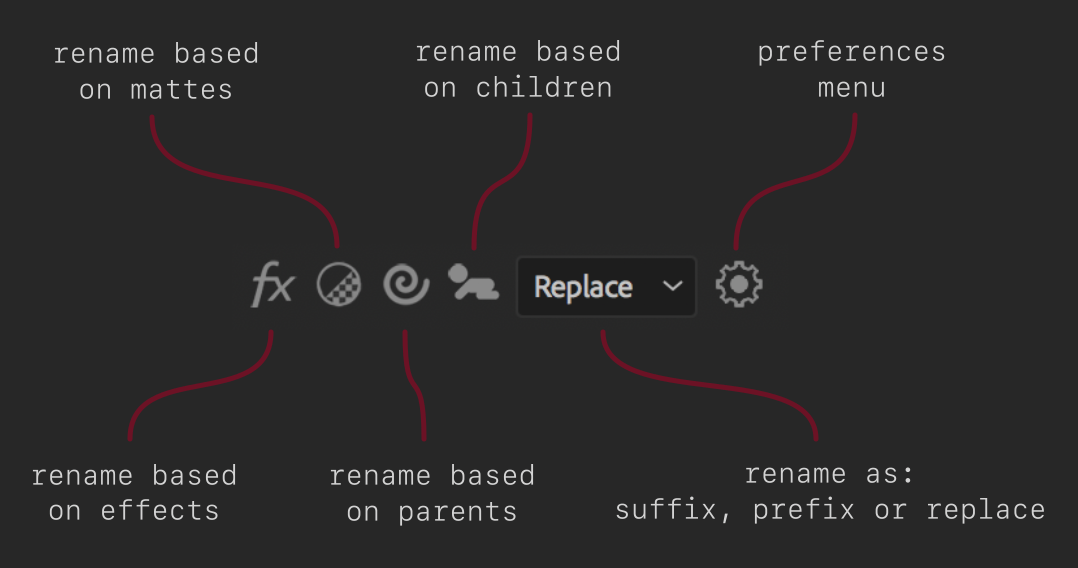
The script can rename layers, precompose them, and batch-change attributes on selected comp items in the Project panel. It can also pre-render comp items. A scrollable shortcuts panel lets you assign custom shortcuts to commands, including Push Frame to Photoshop and Create Control.
Workflower supports KBar buttons for almost all functions, with support dating to version 1.0.4. The Allow External Layer Comments setting is disabled by default; enabling it lets Workflower work with add-ons such as Flatten Layers and AutoSway that use layer comments. Using non-Workflower comments can slow Workflower functions.
Compatibility and version
Workflower 2.5.3 is listed for After Effects 2026, 2025, 2024, 2023, 2022, 2021, 2020, CC 2019, and CC 2018; version 1.x is compatible only through After Effects 2022. New features are extensively tested only in the latest two After Effects versions, so full compatibility is not assured on older versions. Workflower runs on Windows and Mac, and projects made with it can be exchanged between the two platforms. Projects created with Workflower 2.5 or later must be downgraded before opening in Workflower 2.0.4 or After Effects 2024. Projects created with Workflower 2 in After Effects 2023 or later also need downgrading to open in After Effects 2022 or earlier. On Mac and in Individual Scripts mode on Windows, Workflower allows up to 20 shortcuts; using all 20 leaves no shortcut slots for other scripts. The Mac renaming panel has slightly less functionality. For most Japanese users on Windows, Single Script mode does not work when the OS language is Japanese. Individual Scripts mode is an alternative, but setting custom shortcuts in Workflower's panel also requires temporarily changing the OS language to US or similar. Check the Toolfarm Workflower listing for current compatibility notes before installing.
Who Workflower suits
Workflower is suited to After Effects artists who regularly organize layers into groups and want related controls for precomposing, batch changes, shortcuts, and pre-rendering in the same tool.