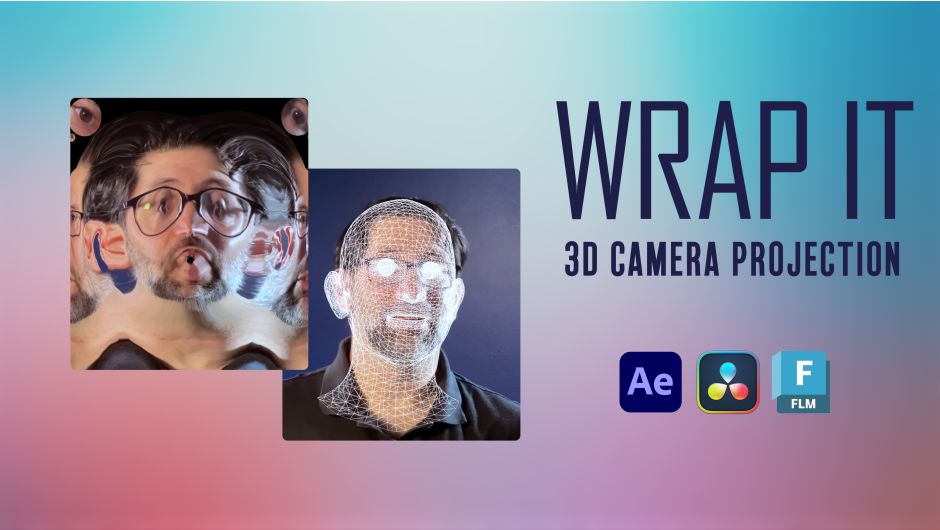
Wrap It is an After Effects plugin for moving between camera-projected footage and 3D geometry. It loads Alembic files, unwraps geometry into UV space, then lets you edit texture work in 2D before reprojecting it onto the model. This keeps texture fixes and graphics tied to a tracked surface in a compositing workflow.
Unwrap geometry into UV space
In Unwrap mode, Wrap It converts geometry into flat UV space. The resulting view exposes the texture data that appears on the 3D surface, giving artists a place to extract textures from camera footage or prepare a clean plate from a tracked shot.
Rewrap 2D edits onto 3D geometry
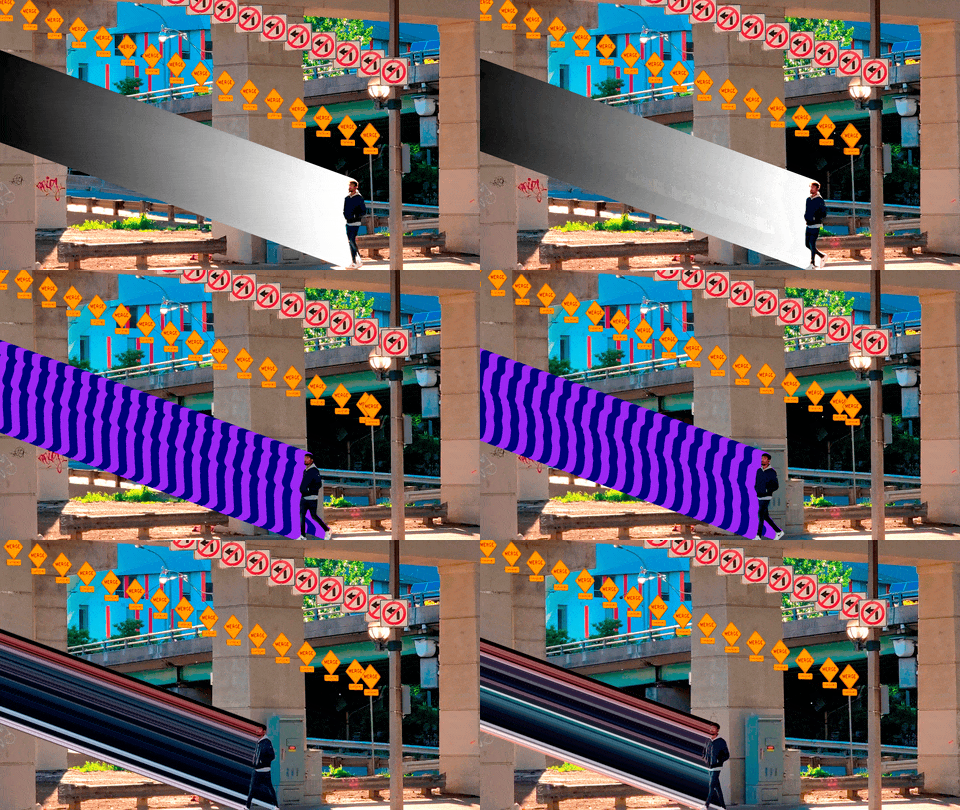
After painting, manipulating, or compositing in 2D, Rewrap mode sends the texture back onto the model through the camera. This can help place graphics on tracked surfaces, correct blemishes in texture space, or apply an effect that needs to sit on the 3D surface. Wrap It also supports animated geometry.
A two-way workflow in After Effects
In the product walkthrough, an artist loads footage and an Alembic file, unwraps the geometry, adds text to the unwrapped result, precomposes it, then applies the footage and wraps again. Wrap It also works with native After Effects 3D layers; a tutorial shows After Effects' native 3D camera tracker and solids in use. In Advanced Settings, you can choose GPU or CPU rendering. A GPU is recommended for optimal performance.
Compatibility and release notes
Wrap It supports After Effects CC 2020 or later, including releases through 2026. Version 1.0.1, dated February 27, 2026, fixed anti-aliasing in AE Solids mode. The page also links to a 1.0.2 beta. Check the Wrap It listing for current download and release details. A separate OFX edition is available for hosts such as DaVinci Resolve and Autodesk Flame.