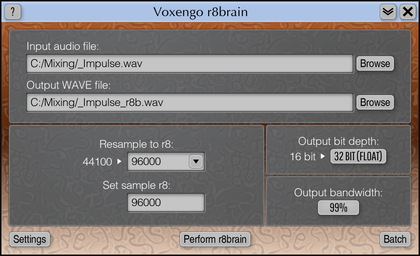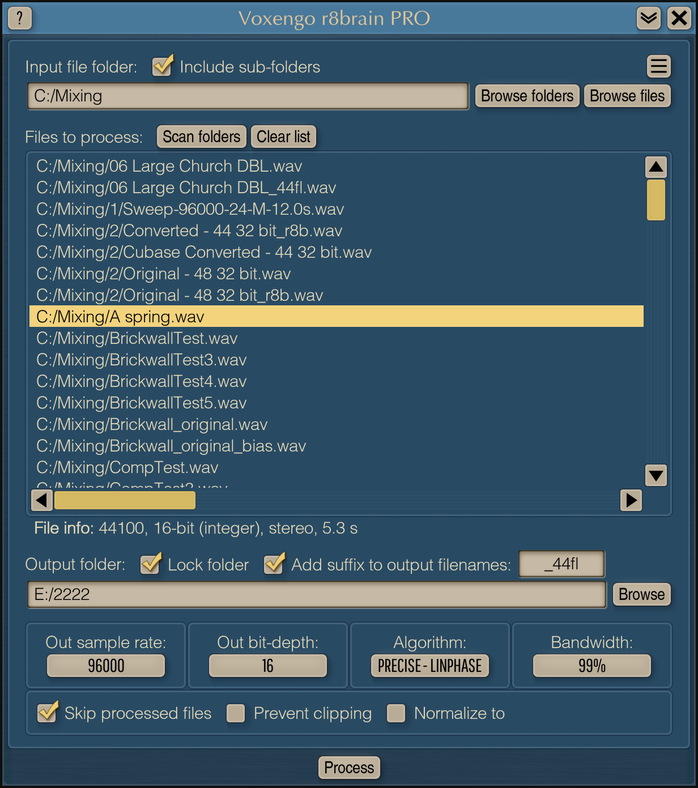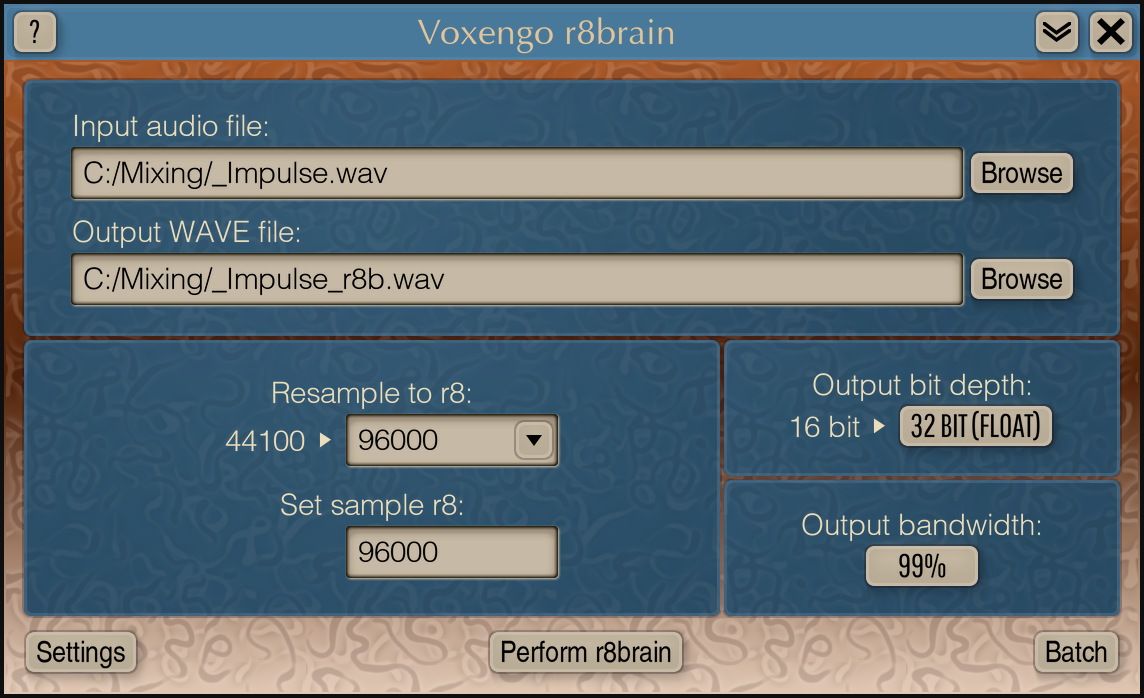
Voxengo r8brain converts uncompressed PCM audio files between sample rates. The free Windows application supports batch jobs and a wide range of source and destination rates, so it can process groups of project files. Voxengo’s downloads listing also describes conversion between bit depths.
When sample-rate conversion helps
A project may need sample-rate conversion when its files use a different rate from the one required by a delivery workflow. Voxengo gives the example of converting audio recorded or saved at 48 kHz or 96 kHz to 44.1 kHz for an MP3 or CD workflow. The converter supports virtually any input and output sample rates, according to the Voxengo r8brain product page.
Batch processing and channel support
The feature list describes multi-threaded batch conversion, with support for mono, stereo, and multichannel audio. This can help when transferring a project’s files from one sample rate to another. r8brain also uses 64-bit floating-point processing and supports markers and loops.
File formats and their limits
The product overview names uncompressed PCM WAV, AIFF, and Wave64. The detailed features and compatibility list specifies full WAV support, including RF64 and Broadcast Wave extensions. It lists AIFF and Wave64 as input formats only, so output support for those formats is not established there.
System compatibility
Voxengo lists compatibility with 64-bit Windows 7, 8, and 10, plus later versions unless announced as unsupported. The stated hardware requirement is a 2.5 GHz dual-core or faster processor and at least 4 GB of system RAM. The product page provides a Windows application download.
Documentation and conversion references
The product page links to an English user guide and installation instructions. It also identifies r8brain-free-src as the open-source sample-rate-conversion library used by the application; this describes the library, not the licensing of the r8brain application. For a quality comparison, Voxengo points to Infinitewave’s sample-rate-converter comparison for r8brain Free 2.0. Check the tested version and settings when applying comparison results to a particular workflow.