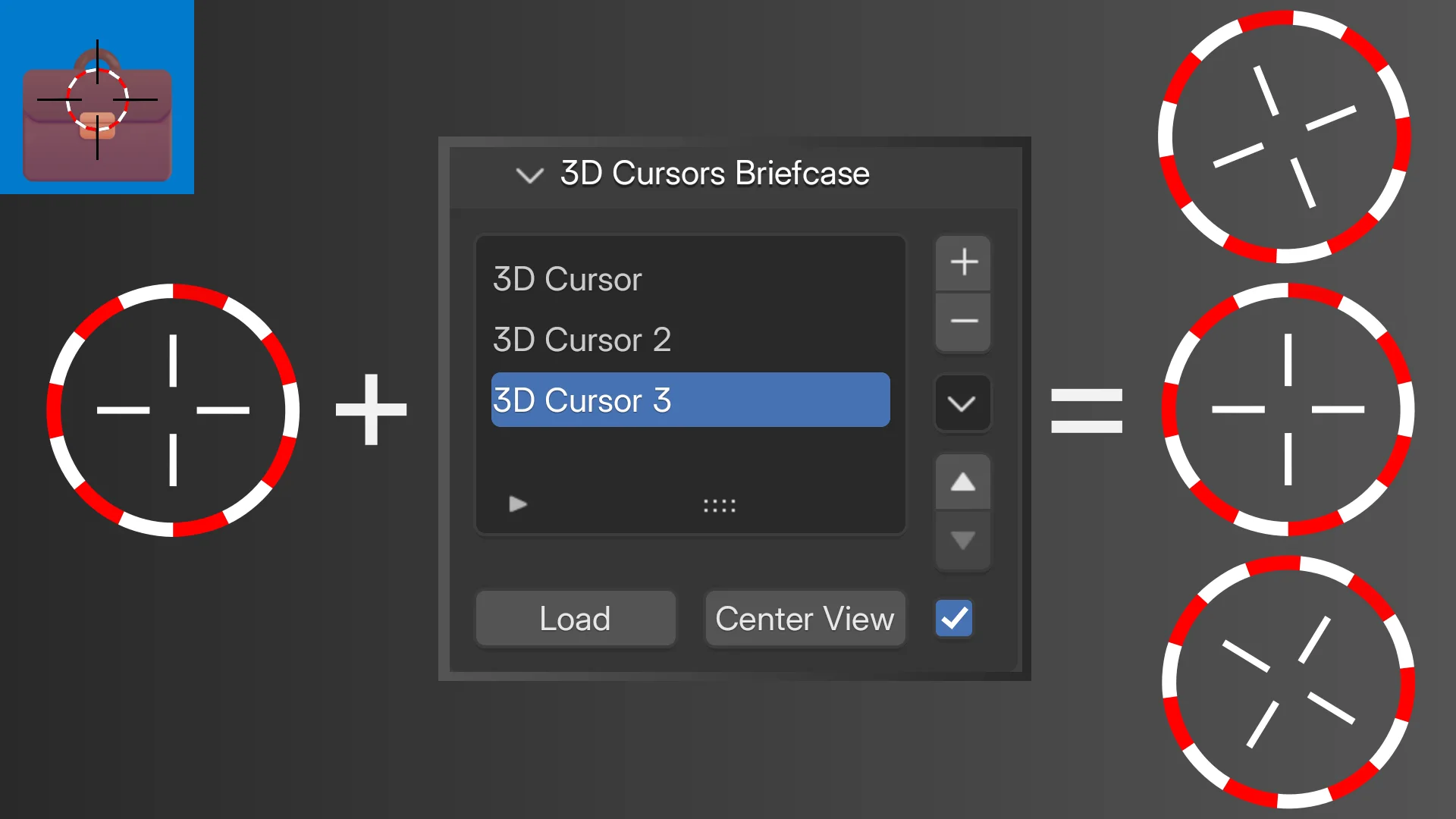
3D Cursors Briefcase is a Blender add-on for keeping several 3D cursor placements available in a list. Each saved entry records the cursor's location and rotation, so you can return to a known placement without setting both values again. Its controls live in Blender's 3D View sidebar and let you save, load, undo, and manage cursor entries.
Save and restore cursor placements
In Blender's 3D View, open the sidebar's View tab and expand the 3D Cursor panel to find the add-on. Place the cursor at the desired location and rotation, then use the plus button to save it. Select an entry and choose Load to restore that saved state. After saving, Blender's redo panel lets you rename the entry.
Centre View focuses the viewport on the selected cursor. An option can center the view automatically when you load an entry. Reordering the list helps keep saved placements in a useful sequence.
Manage cursor entries
The specials menu includes controls for moving through and maintaining the saved list. You can load the previous or next cursor, enable auto-load when selecting an entry, and update a saved cursor after changing its placement; the update control appears only when needed.
- Move a selected entry up or down in the list.
- Enable selection checkboxes to select several entries for deletion or conversion.
- Delete all saved cursors, or convert selected or all entries to Empty objects.
- Switch the controls between text labels and icons.
- Open the panel as a floating popup.
Preferences can place the add-on in its own sidebar tab instead of under the 3D Cursor panel. You can also edit its keyboard shortcuts in Blender's Keymap Editor.
Compatibility and installation
The Blender Extensions listing identifies version 0.1.8, Blender 4.2.0 as the minimum version, dupoxy as maintainer, and GPL-3.0-or-later as the license. The listing says no special permissions are required. For Blender 4.2 LTS or newer, the developer's user guide describes installing by dragging the extension ZIP into Blender.
The version history notes that 0.1.8 fixes the loaded index when a previous cursor is removed. Check the official listing for the current package and compatibility details before installing.