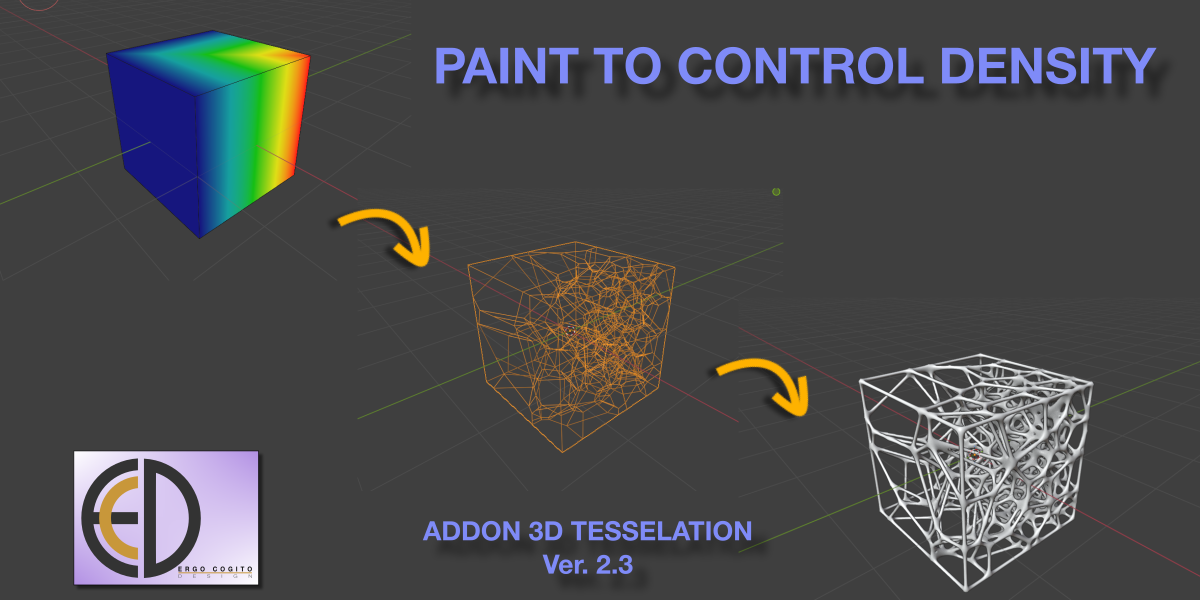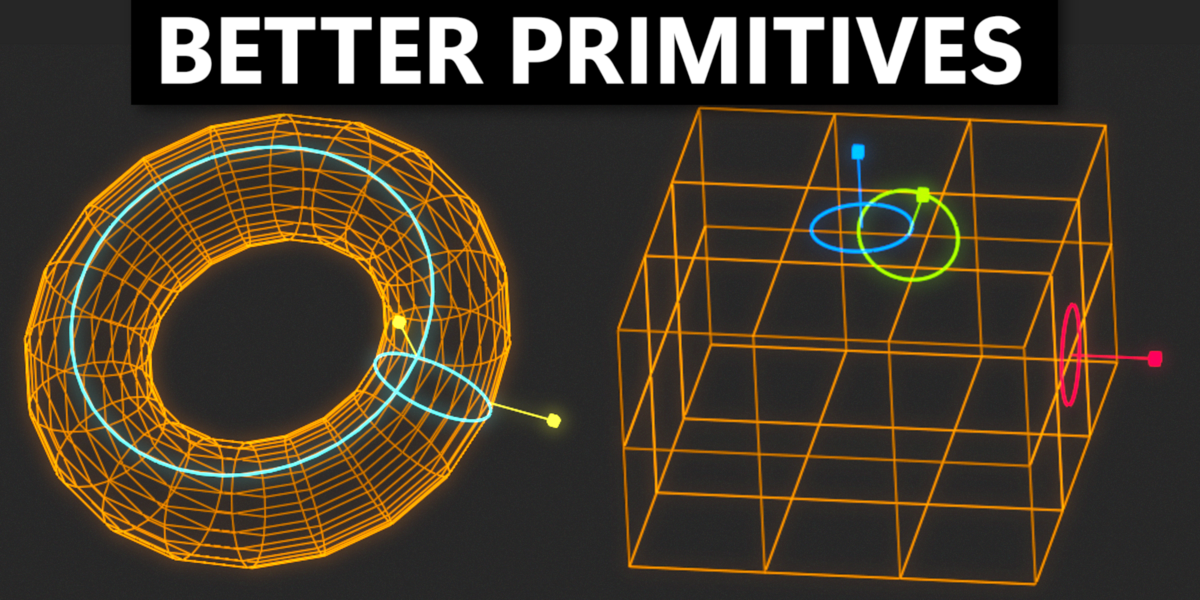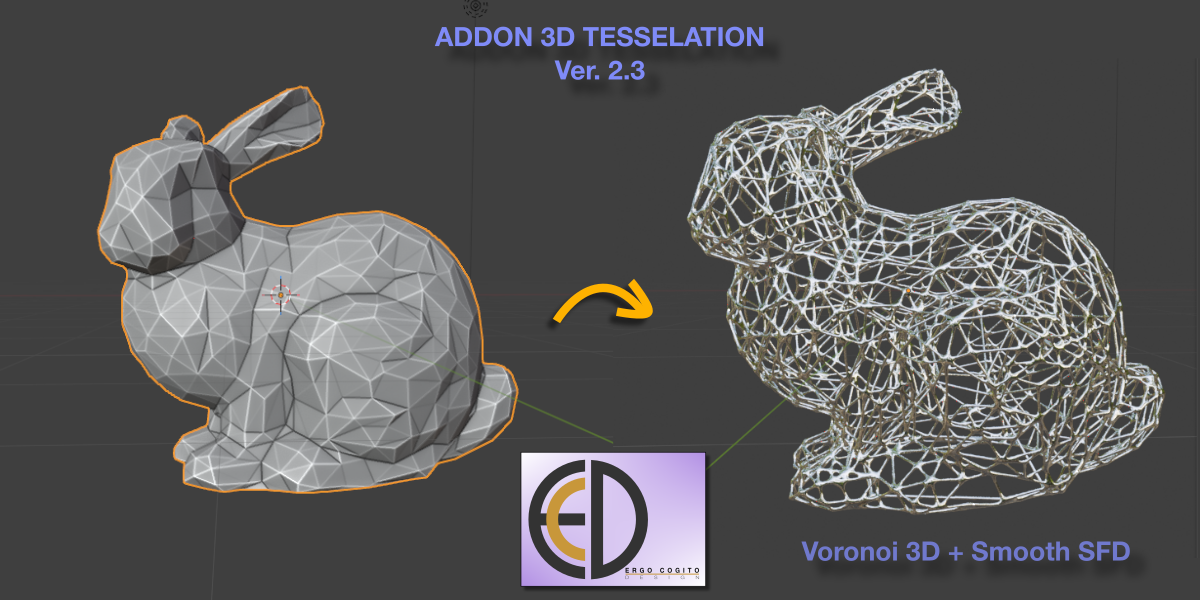
3D Tessellation is a Blender add-on by Ergo Cogito Design for generating volumetric Delaunay or Voronoi structures inside a closed mesh. It combines a Python tessellation script with the included Smooth SFD Geometry Nodes modifier, which rounds sharp cell edges into a continuous surface.
Choose Delaunay or Voronoi
Delaunay fills the mesh volume with tetrahedra generated from interior sample points. The add-on extracts faces shared by two tetrahedra to form a lightweight, wireframe-like structure. The developer positions this mode for uniform lattice work, FEM analysis, and physics simulations.
Voronoi Boolean builds cells from seed points, intersects them with the source mesh using a Boolean operation, then joins them into one output object. The cell surfaces follow the source boundary. Processing time depends on the number of cells and the complexity of the mesh. The documentation lists Exact for best surface accuracy, Float as faster, and Manifold as fastest, requiring strictly manifold input.
Set cell density and smooth the result
Both modes can use a Weight Paint vertex group to vary density across the mesh. High weights create smaller, denser cells; low weights create larger, sparser cells. Voronoi also supports weight-aware Lloyd relaxation: high-weight seed points move less, helping preserve the painted density pattern. More relaxation iterations increase computation time.
The included Smooth SFD Geometry Nodes modifier rounds tessellation edges into a continuous surface. It remains adjustable in the modifier stack and can be combined with other modifiers. Optional cleanup merges coincident vertices and dissolves planar face boundaries; its thresholds can be adjusted, or cleanup can be disabled.
Input and setup
Use a watertight, manifold mesh. The developer documentation lists v2.3.2 as enabled for Blender 5.0.1 or later and v2.3.1 as available only for Blender 5.1 or later, and says SciPy is bundled. The Superhive compatibility details list Blender 5.0–5.2, so confirm the package build against the Blender version you plan to use. The documentation identifies the license as GPL-3.0-or-later.
Install the downloaded ZIP through Blender’s Edit → Preferences → Add-ons panel, then enable the add-on. Select the source mesh, open the Tessellation tab in the N-panel, and use Check & Fix Normals before choosing a mode and generating the result. The add-on creates a new object and leaves the source mesh untouched. If Voronoi produces no cells, the documentation recommends checking manifoldness, merging nearby vertices, and filling holes before retrying.
The developer lists architectural visualization, FEM or CFD workflows, abstract art, rendering, and game assets as use cases. See the three-minute product demo for a visual walkthrough.