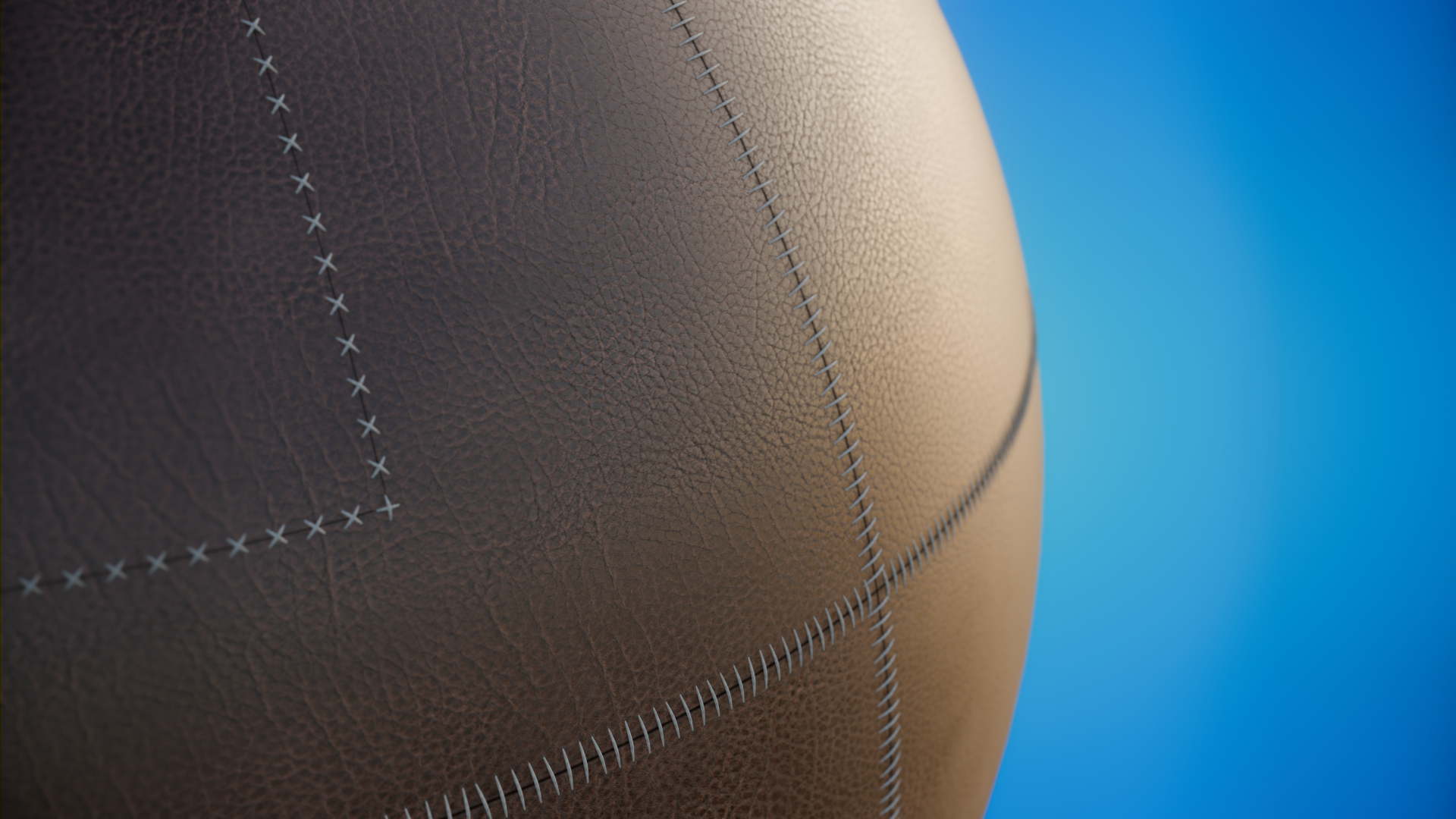
Abd0W0 Stitchy Gen is a Blender add-on for adding stitch detail to 3D assets. Superhive's title says Blender 4.1+, while its product details list Blender Version 4.1. It works with animations, simulations, rigs and shape keys. Its layer system organizes stitch work, and generated stitches use a UV map named ASG_UV.
Where the layer workflow fits
Superhive tags the product for stitches, cloth, characters and furniture. Its use case is adding stitch geometry to modeled assets that may also be animated, simulated, rigged or driven by shape keys. The creator describes a friendly interface and a layering system for organizing the work. A demo video is linked from the Superhive product page for a closer look at the add-on.
Use the ASG_UV map
Use the exact map name ASG_UV in a Blender Attribute node when you need to reference the generated stitches' UVs.
Geometry and object cleanup
Stitchy Gen's stitches are not instances, and the listing warns that large numbers can make a scene heavy. It gives no count or performance benchmark for when that becomes a problem. For dense designs, test the tool on a representative object and check scene responsiveness before building the same stitch density throughout the project.
Deleting a source object leaves its stitches object behind. Before deleting a stitched object, remove all its layers, or delete the stitches objects directly from the Outliner. If the source object is already gone, check the Outliner for the remaining stitches object.
Version and license
The Superhive page lists Blender Version 4.1 and a Royalty Free license. AnyPlugins lists the add-on as free to download, while the supplied Superhive text does not show a price. Confirm current availability, version details and license terms on the product page before downloading.