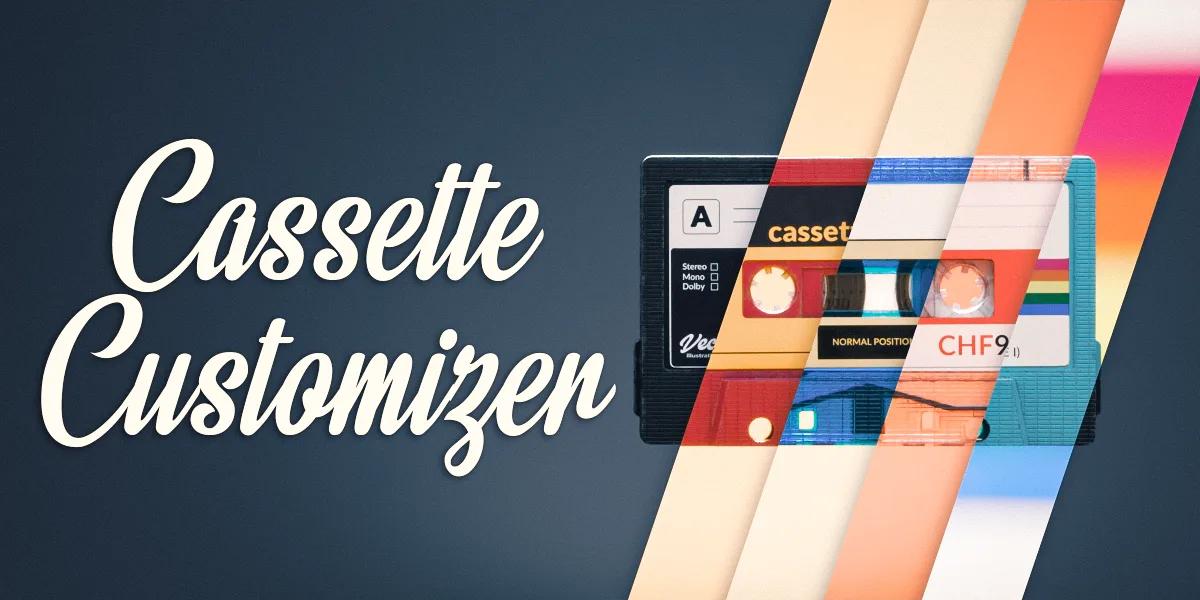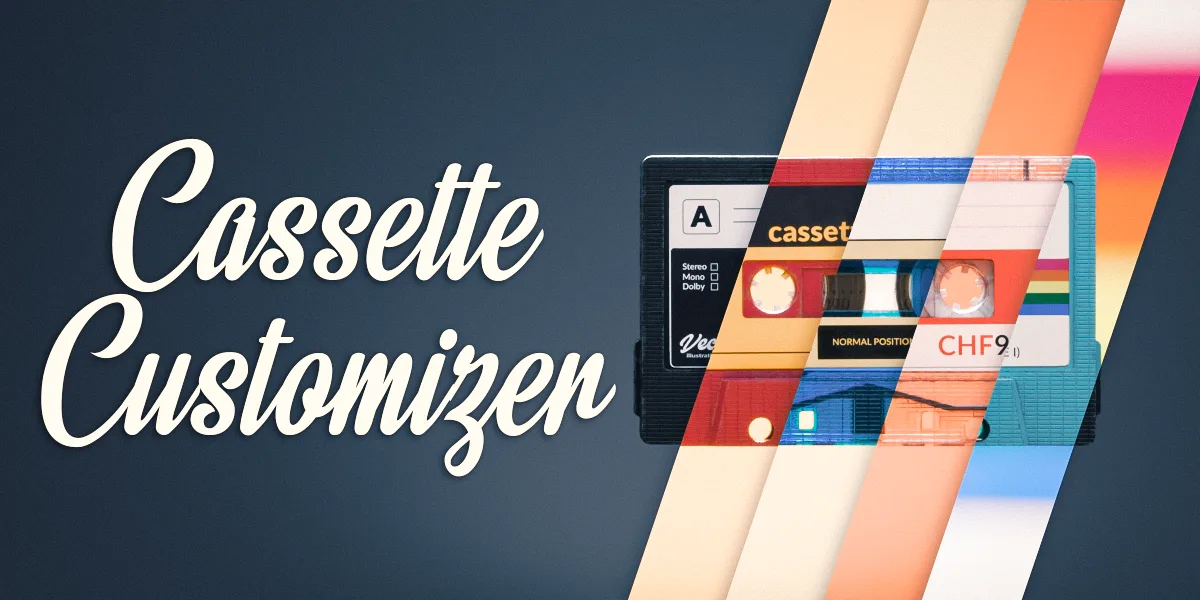
Cassette Customizer is a Blender asset for adding and customizing a cassette prop. Its Add Cassette operator appends the assembled collection to a scene and selects the Body Top object. A node group in that object's material drives the visual controls. The listing specifies Blender versions 4.2 through 4.4.
Material and animation controls
Open the Cassette section in the 3D View N Panel to change the prop's appearance and motion. The controls include:
- Base Color in RGB, plus Roughness and Transmission values from 0 to 1.
- A Middle Round shape-key toggle between 0 and 1. At 1, it distorts the label texture.
- Sliders for procedural edge wear.
- Sliders and checkboxes for animating the spools and film.
- A Randomize control that shuffles the color, finish, roundness and label together.
Preset and custom labels
The asset includes five label designs, shown as large thumbnails for quick selection. A PSD source file for the label graphics is included. To use a custom decal, edit the PSD, export the design as a PNG, then replace the Image node in the Cassette Label material.
Preview and setup notes
Changes update live in Eevee and Cycles. For better viewport performance, the creator suggests disabling the Subdivision Surface and Bevel modifiers in the viewport.
The sidebar controls target the Body Top material. If you select another material, such as Body Bottom or Label, the controls may disappear. Select Body Top again in the Shader Editor to restore them. Keep the node group's shape-key and driver setups intact; heavy rerouting may require manual adjustments.
Compatibility and license
The product listing identifies the asset as UV-unwrapped, rigged and animated, and lists its license as GPL. Check Jan Bromigo's Cassette Customizer listing for current download and license details.